geometry dash cube challenge
Geometry Dash Cube Challenge: Build and Conquer
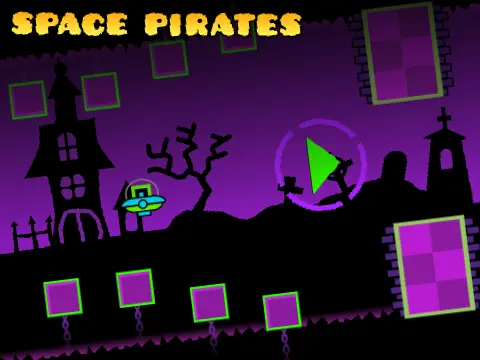
Step into the creator's seat with Geometry Dash Cube Challenge, a dual-purpose Scratch project that offers both a punishing 7-star difficulty level and a remarkably deep integrated level editor. This is the perfect playground for seasoned players who find standard levels too easy and aspire to design their own devilish obstacles.
A Notorious 7-Star Trial
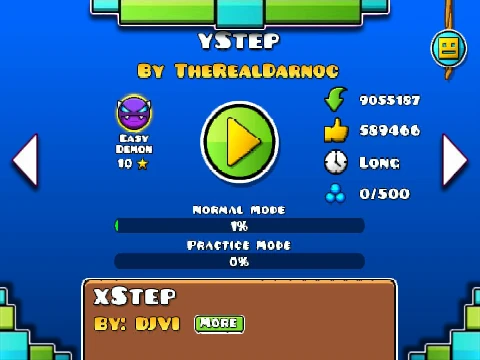
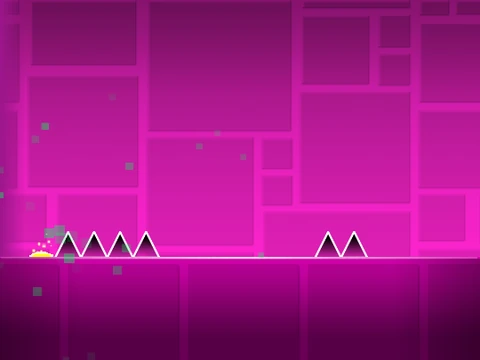
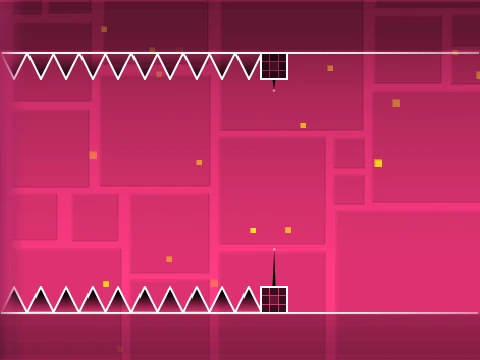
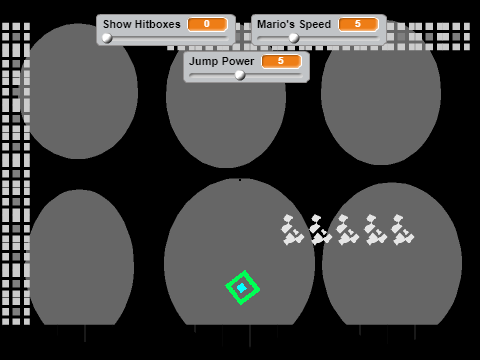
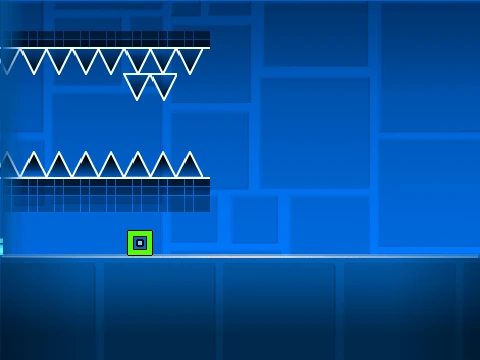
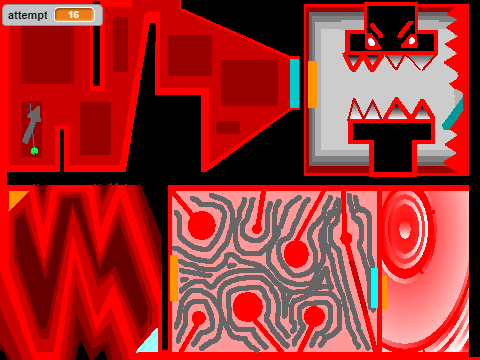
First and foremost, this is a challenge. The included level has been rated 7 stars and verified by its own creator, promising a rigorous test of your timing and memorization skills. A critical performance warning precedes the fun: due to the complexity of the editor, significant lag can occur. For the smoothest gameplay experience, the creator strongly advises using TurboWarp, a faster Scratch player. Alternatively, enabling Scratch's Turbo Mode can help, though it is less effective.
Your Personal Level Factory
The true power of this project lies in its comprehensive editing suite. You start by remixing the project, which creates your personal copy to build upon. Saving your masterpiece is as simple as saving the Scratch project. Want a custom soundtrack? Navigate to the backdrop library, remove the default music, and import any audio file you desire.
Mastering the Controls
Three control sets govern the experience:
- General: Press
Z and M to seamlessly switch between Editor Mode and Play Mode.
- Player: Use mouse clicks for all in-game actions (jump, fly, use orbs). Press
I and O to access a no-clip (fly-through-walls) option. On the completion screen, press keys 0 through 9 to cast a vote on the level.
- Editor: This is where the magic happens.
1/3: Cycle between block category menus.4/5: Scroll through blocks within the selected menu.2: Select the eraser tool.I/O: Open the settings panel.O/P: Access the debug menu.- Click: Place the selected block.
R: Rotate the selected object.R+E: Open the rotation and nudge fine-tuning menu.R+O: Reset rotation and nudge to default values.F: Open the trigger menu for interactive objects.
Evolution of a Toolkit
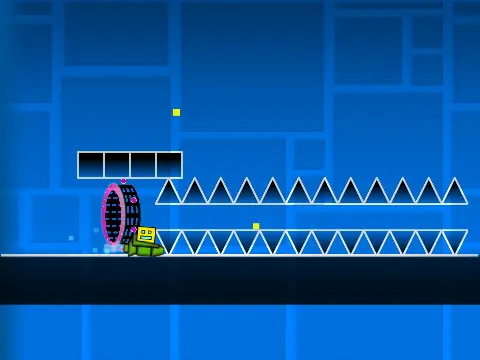
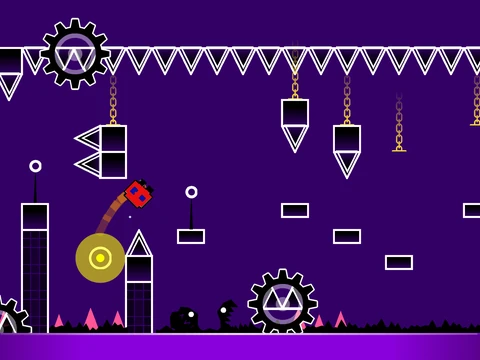
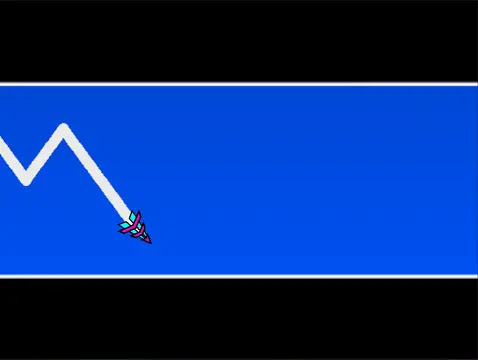
The editor has been expanded through consistent updates (versions 1.0 to 1.4). It now boasts an extensive feature set: all core game modes (Cube, Ship, Ball, UFO, Wave, Robot, Spider), a variety of portals (Gravity, Mini, Mirror, Dual), jump/dash orbs, color triggers, moving platforms, slopes, hazards like saws and gears, speed modifiers, decorative objects, and quality-of-life additions like a progress bar, mobile editing controls, and bug fixes for portals. It's a near-complete Geometry Dash creation studio within Scratch.
Ready to build your masterpiece or conquer a creator's challenge? Dive into the Geometry Dash Cube Challenge and unleash your creativity and skill.