geometry dash editor 2.0 copy remix
Geometry Dash Editor 2.0 Copy Remix: A Comprehensive Level Design Suite
Dive into the complex and rewarding world of level design with Geometry Dash Editor 2.0 Copy Remix, a comprehensive but demanding editing suite for creating custom Geometry Dash challenges. A key warning: this editor can be resource-intensive. For the optimal, lag-minimized experience, we highly recommend running it on the Turbowarp website or enabling Turbo Mode within Scratch (though it's less effective). Given its depth, carefully reading all provided instructions is essential before you begin creating.
Dual-Mode Functionality: Edit & Test
The workspace operates in two distinct modes, seamlessly switched by pressing the "Z" and "M" keys.
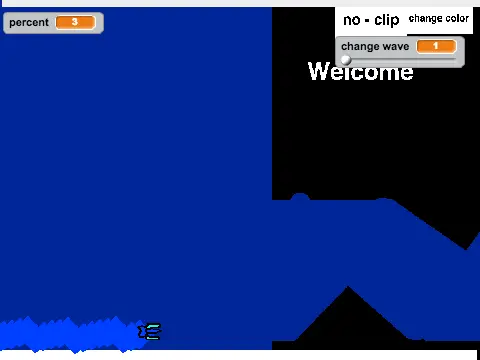
- Play Mode: Test your levels here. Control your icon with a mouse click to jump, fly, switch gravity, or activate orbs. Press "I" and "O" to toggle a useful 'no-clip' mode for easier testing. On the completion screen, use the 0-9 number keys to rate the level.
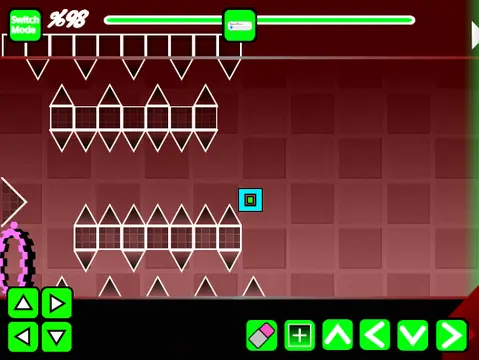
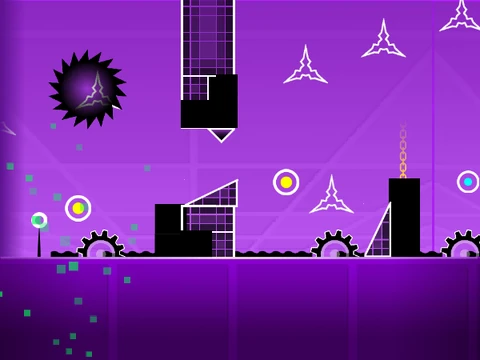
- Editor Mode: The full-featured creation studio. Place objects by clicking on the grid.
Advanced Editor Controls & Features
Master the editor with this detailed control scheme:
- Navigation: Cycle block menus with "1" or "3". Scroll through blocks in a menu with "4" and "5".
- Tools: Select the eraser with "2". Rotate objects with "R".
- Advanced Menus: Press "R" + "E" for rotation/nudge fine-tuning. Reset these values with "R" + "O". Open the trigger menu with "F".
- System: View settings with "I" and "O". Access the debug menu with "O" and "P".
Customization & Project Management
- Custom Music: Fully personalize your level's audio. Go to the backdrop settings, delete the existing music, and upload your own MP3 file.
- Saving Your Work: This editor uses a project-based save system. First, create a Remix of the original project to start your own file. Then, regularly use the Scratch platform's "Save" button to preserve all your progress and additions.
Extensive Feature Set & History
This editor boasts a vast array of tools, as detailed in its development history. From the foundational Version 1.0, it included:
- All player game modes: Cube, Ship, Ball, UFO, Wave, Robot, and Spider.
- Gameplay objects: Jump pads, orbs (including dash orbs), color triggers, spikes, slopes, saws, gears.
- Building blocks: Various standard and decorative blocks, cross blocks, black blocks, layout blocks.
- Portals: Mini, Mirror, and Dual portals, plus speed-changing triggers.
Subsequent updates added a progress bar, numeric indicators on it (
v1.1 & 1.2), and finally, mobile editing controls (
v1.3). This makes it a powerful, if complex, toolkit for dedicated Geometry Dash creators aiming to build professional-grade levels.