geometry dash level editor v.1.5.3 1.6 wip
Geometry Dash Level Editor v1.5.3: A Foundation for Creators
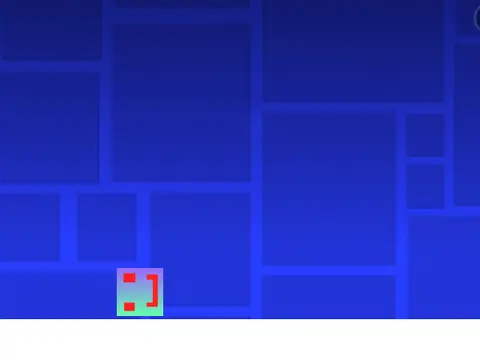
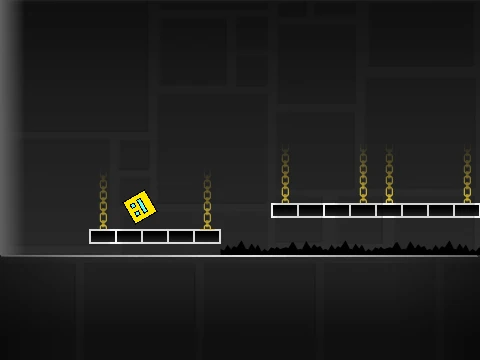
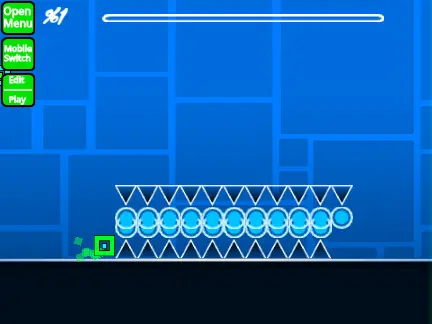
This is not just a level editor; it's a fully remixable Geometry Dash game engine built for the Scratch platform. It provides the core framework—with physics about 80% accurate to the original—for you to build your own custom levels. Remember to remix this project to start your own creation, as it's designed as a starting template.
Comprehensive Editing & Control Scheme
The power of this engine lies in its detailed control set, allowing for intricate level design:
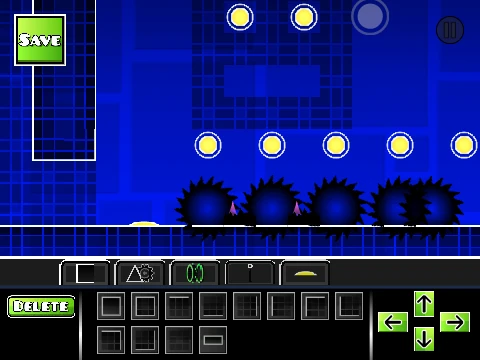
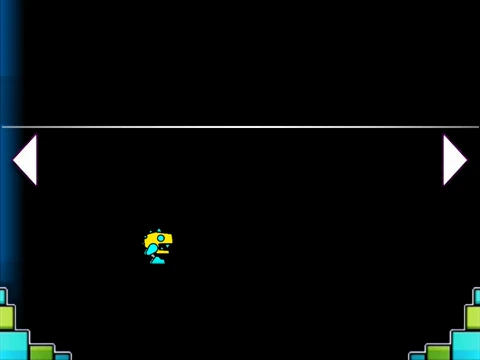
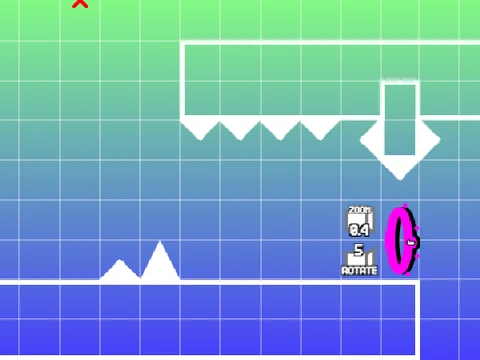
- Editor Navigation & Selection: Toggle the editor with Enter. Move the camera with WASD. Hold the mouse button to place tiles, use the scroll wheel to browse them, and press number keys 1-9 to jump between tile categories.
- Object Manipulation: Rotate objects with Q/E, copy with C, and switch between the two available editor layers with L. Use the left/right arrow keys for precise 45-degree rotations.
- Testing & Practice: Press P to playtest your level and R to reset. Activate Practice Mode (M) to place checkpoints with Z and remove them with X, perfect for mastering difficult sequences.
- Special Tools: In guideline recording mode, press spacebar to create new path points.
A useful tip for presentation: you can change the level's displayed difficulty rating by clicking on the difficulty face icon.
Development Roadmap & Notes
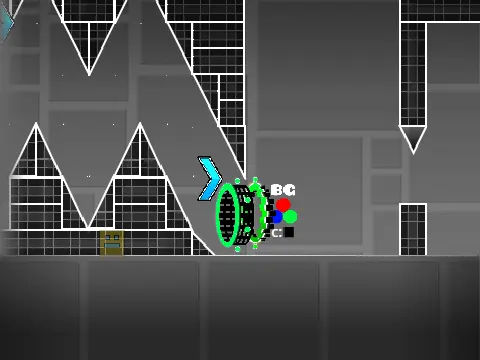
The engine is under active development. A known issue is occasional performance lag, which is being worked on. It has been iteratively improved through multiple versions, adding core features like gamemodes, color triggers, and framerate fixes. The anticipated v1.6 update focuses on professional polish, promising more accurate hitboxes, a speedhack option (activated by Enter), and enhanced layering systems for more complex and visually distinct level designs.
This project is ideal for Scratch users who want a powerful, community-built foundation to create and share their own Geometry Dash-inspired challenges.