geometry dash level editor v3.5
Geometry Dash Level Editor V3.5: Build Your Own Epic Levels
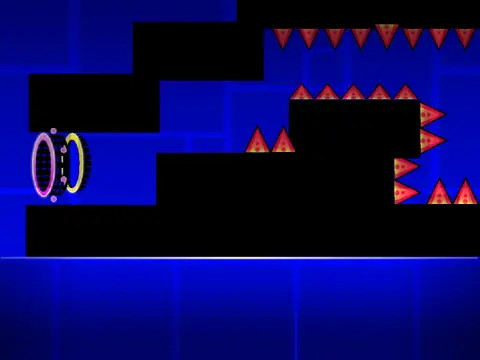
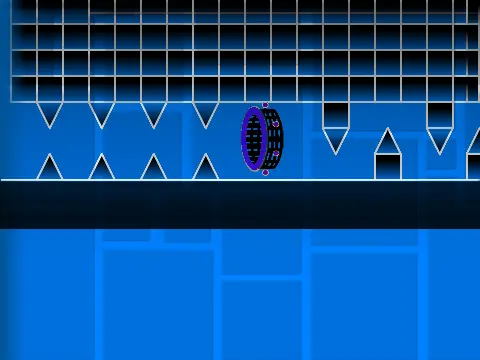
Geometry Dash Level Editor V3.5 is a robust and feature-packed Scratch-based tool that empowers you to design and build custom Geometry Dash levels from the ground up. Developed by @iPhone_ATT_TWC_tests, with contributions from @VinnieK2008 and bug fixes by @Lengend8286, this editor has seen consistent updates and community support, amassing significant attention since its launch.
Comprehensive Building Toolkit
The editor’s intuitive, number-key-driven system organizes a vast library of assets. Press keys 1 through 9 and 0 to access everything you need:
- Categories 1 & 2: Standard blocks, Geometry Dash emojis, and passable blocks.
- Category 3: Spikes, saws, and various hazards.
- Categories 4 & 5: Newer block types and special objects.
- Categories 6 & 7: Speed portals, ground spikes, and slopes for dynamic gameplay.
- Categories 8 & 9: Additional blocks, spiked slopes, monsters, and the latest spike additions.
- Category 0: A unique block for specialized design.
Authentic Gameplay Mechanics
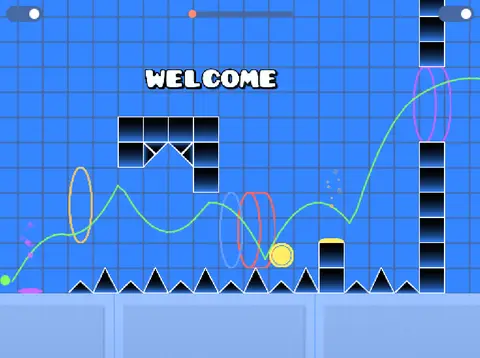
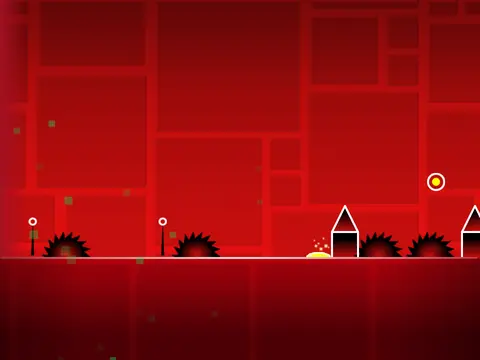
Replicate the full Geometry Dash experience. Place yellow and blue orbs for jumps and gravity flips. Utilize mini, big, rocket, and teleport portals. The editor includes advanced elements like upside-down ground spikes and a remade rocket ship object. To clear the canvas and start a new project, enter the editor, find the “Level” section, and click the “delete all of level” block.
Player Controls & Testing
Test your creations with classic controls:
- Jump using the up arrow, W key, spacebar, or mouse click.
- Avoid all spikes and obstacles.
- In ship mode: hold to fly up, release to fly down.
- Hit yellow pads for high jumps and blue pads to reverse gravity.
- Collect coins for bonus points.
Instantly switch between building (Edit Mode) and testing (Play Mode) by pressing the Z and M keys.
Continuous Development & Updates
This project is actively maintained. The detailed update log shows fixes for portals, orbs, and the addition of user-requested features like a volume button. It’s a living tool that evolves based on community feedback, making it an excellent platform for both beginner and experienced creators to experiment with level design and share their visions.