geometry dash levels 1-6 v0.5
Geometry Dash Levels 1-6 V0.5: Enhanced Browser Experience
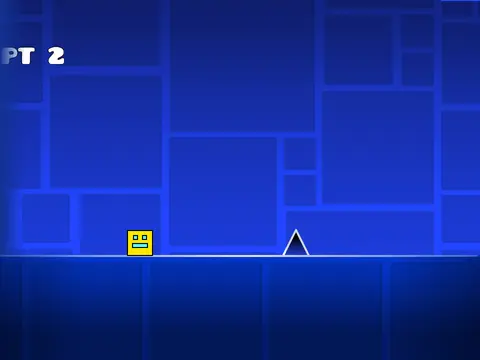
This comprehensive Geometry Dash experience brings the classic gameplay of the first six official levels to your browser, enriched with powerful features for both casual and dedicated players. Master levels 1 through 6 with the enhanced flexibility of a dedicated Practice Mode, allowing you to perfect your runs without pressure.
Advanced Controls & Customization
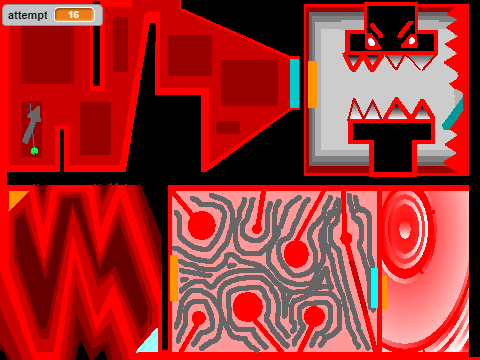
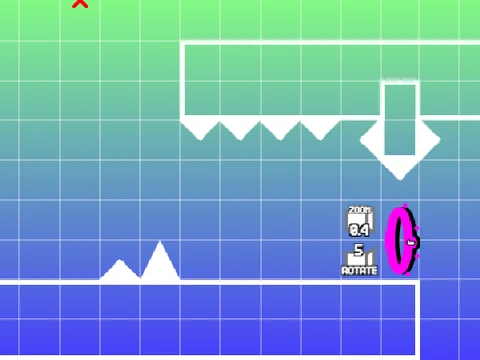
A versatile Options Menu, accessible by pressing [P], provides central control for pausing, toggling Practice Mode, entering the robust Editor Mode to customize your experience, and enabling Auto-Replay for studying patterns. Exit the editor by pressing [P] again to restart.
Optimized Gameplay & Visuals
Built upon the solid foundations of griffpatch's v1.5 and hoppingicon's levels 4-6, this version is significantly refined. The codebase is optimized for speed and future expansion, while visual fidelity is improved with corrected spike placements and more authentic item positioning. A Replay Menu after each level lets you analyze your performance.
Core Mechanics & Performance Tips
- Controls: Jump using
[up], [w], [space], [ctrl], [shift], or mouse click. In ship mode, hold to fly up and release to descend.
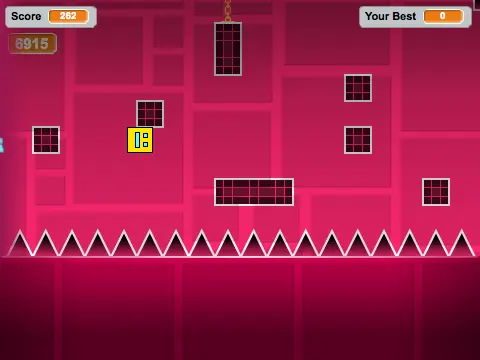
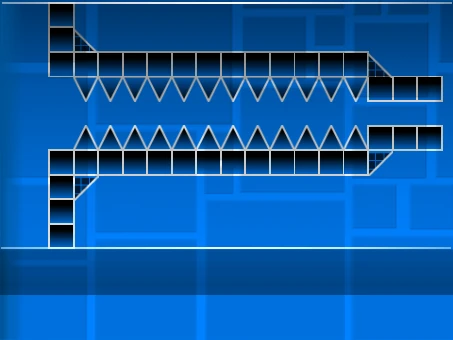
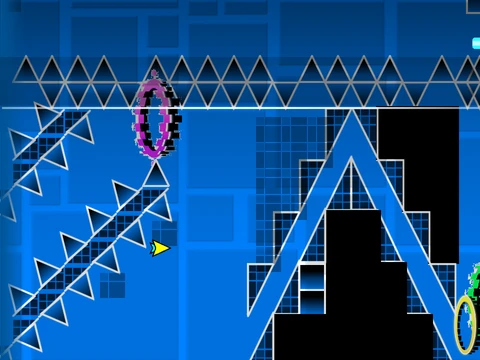
- Gameplay: Avoid spikes, hit yellow/blue jump pads for extra height, and collect coins for bonus points.
- Lag Reduction: Press
L to toggle visual effects or B to toggle the background for smoother performance on any device.
This project is a feature-packed, browser-friendly way to enjoy, practice, and experiment with the early challenges of Geometry Dash online for free.