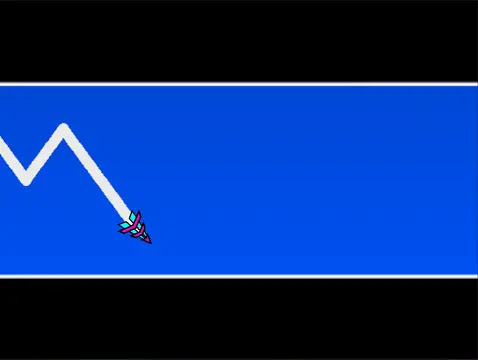
geometry dash ship challenge 2
Master Geometry Dash Creation in Ship Challenge 2
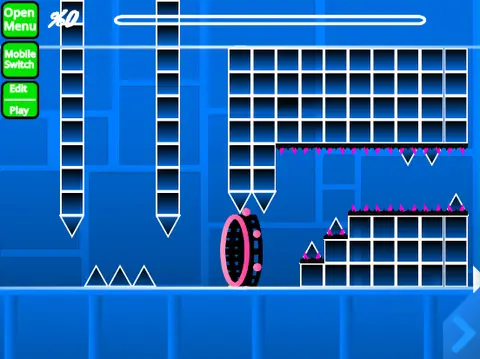
Welcome to Geometry Dash Ship Challenge 2, a sophisticated Scratch-based level editor that pushes creative boundaries. This project comes with a crucial lag warning. For the optimal, smooth editing experience, we strongly recommend playing it via Turbowarp (direct link here), as the standard Turbo Mode is less effective.
Getting Started & Key Features
The editor’s complexity demands attention; we advise thoroughly reading all instructions and checking the dedicated tips page before starting. Dive into a dual-mode experience: seamlessly switch between Editor Mode and Play Mode using the Z and M keys.
Customization is at your core—easily replace the soundtrack by navigating to the backdrop and swapping out the music files. Remember to remix the project to begin your creation and save your progress regularly by saving the project itself. Note that advertising is permitted only for content directly related to this editor.
Complete Controls & Gameplay
Mastering the controls is key to building and playing levels:
- Play Mode: Click to perform all actions (jump, fly, etc.). Access a
no-clip option with I and O, vote on levels with 0-9 on the end screen, and set checkpoints with Z in Practice Mode.
- Editor Mode: This is a powerhouse. Cycle through block menus (
1, 3) and individual blocks (4, 5), use the eraser (2), and access settings (I, O) and a debug menu (O, P). Place blocks with a click, rotate them (R for standard, T for 45 degrees), and fine-tune placement with the rotation/nudge menu (E), resetting defaults with R and O.
- Advanced Tools: The editor includes trigger (
F) and detection (B) menus, a block picker (Z), and save/load functions (9, 0).
Evolution & Content Toolkit
This editor has evolved significantly through updates:
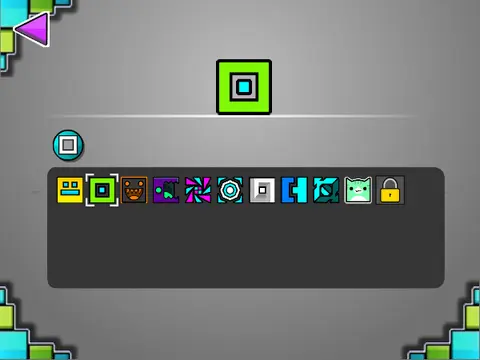
- Version 2.1 & 2.0: Reduced lag, added breakable blocks, and massively expanded toolkits with save codes, move/alpha/instant count triggers, keys, coins, colored & glowing blocks, teleport portals, 3D objects, the swing copter, thorns, more monsters, and fade effects.
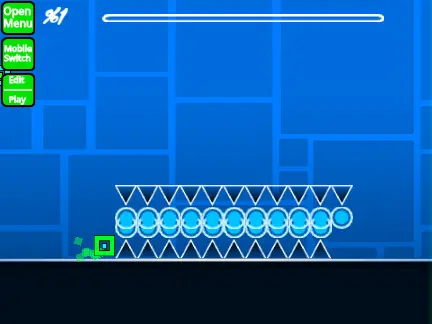
- Version 1.2: Added numbers to the percentage bar for better progress tracking.
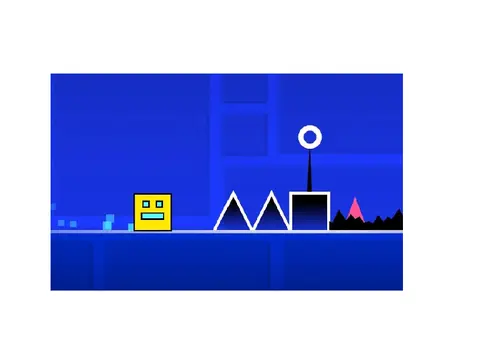
- Version 1.0 Foundation: Included all core Geometry Dash gameplay modes (cube, ship, ball, UFO, wave, robot, spider), a vast array of blocks, platforms, orbs, pads, gravity/mirror/dual/mini portals, speed changers, and decorative elements.
Geometry Dash Ship Challenge 2 is a comprehensive tool for aspiring creators looking to design, test, and share their own challenging Geometry Dash-style levels directly in their browser.