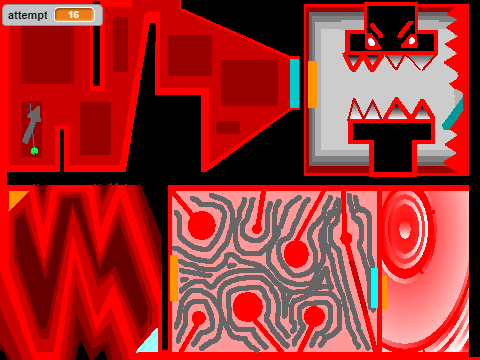
geometry dash slaughterhouse challenge
Geometry Dash Slaughterhouse Challenge: Comprehensive Editor Experience
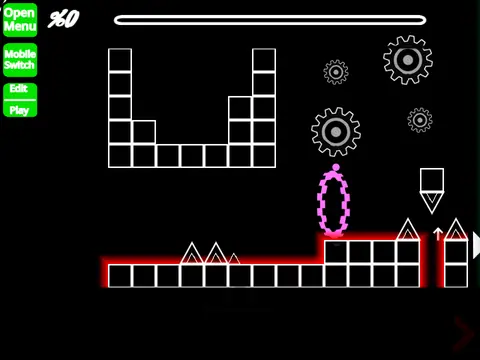
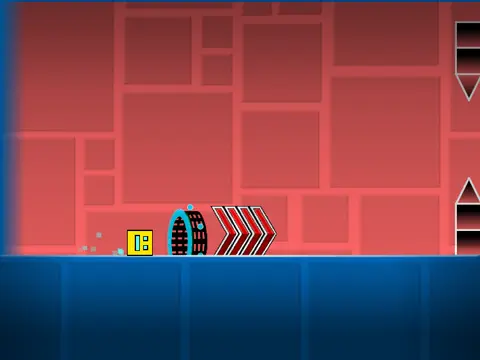
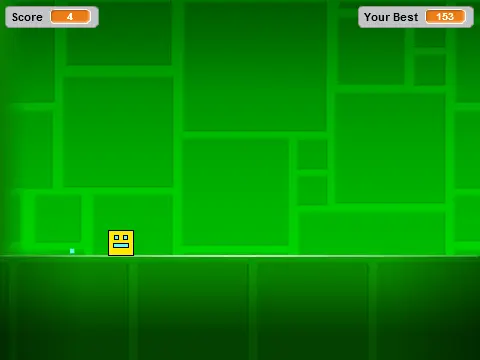
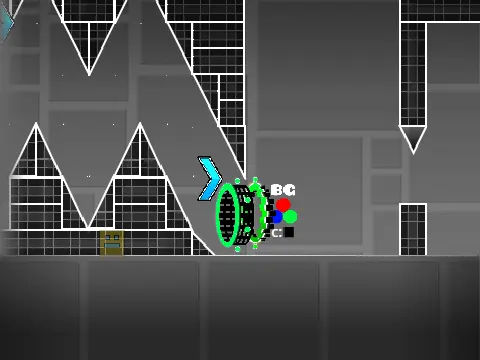
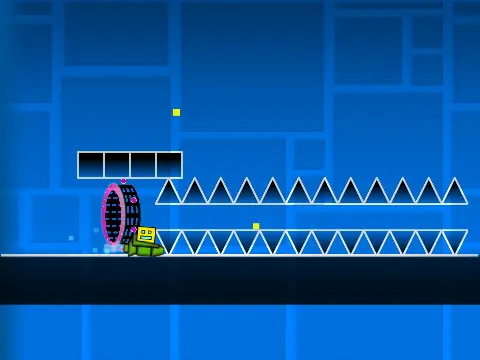
Engage with a sophisticated Geometry Dash editor and challenge system created in response to Slaughterhouse's recognition as the number one hardest demon level. This comprehensive project combines advanced editing tools with challenging gameplay in a single integrated experience.
Performance and Access Recommendations
For optimal performance, using Turbowarp is strongly recommended. Access the challenge directly at: https://turbowarp.org/533013373?clones=Infinity. Alternative access through Geometry Dash 2.1 is also available. Turbo Mode offers reduced effectiveness compared to Turbowarp optimization.
Comprehensive Control System
The interface provides extensive control options for both gameplay and editing. Switch between editor and play modes with Z and M keys. Player controls include clicking for jumping, flying, gravity switching, and orb interaction, with I and O activating noclip functionality. Practice mode features checkpoint creation with Z key, while end screens support voting with 0-9 keys.
Advanced Editor Capabilities
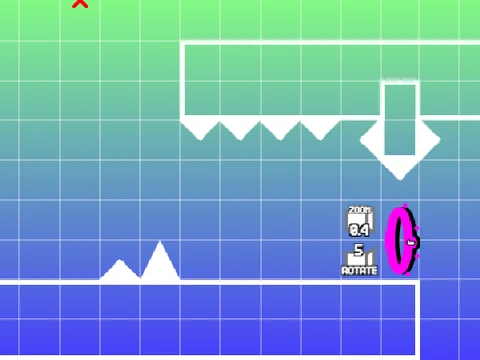
The editor offers sophisticated creation tools: cycle through block menus with 1 and 3, navigate blocks with 4 and 5, activate eraser mode with 2, access settings with I and O, and open debug menus with O and P. Rotation controls include R for standard rotation and T for 45-degree increments, with E revealing rotation menus and R+O resetting to defaults. Additional tools include F for trigger menus, B for detection menus, Z for block selection, 9 for saving, and 0 for loading.
Feature Development History
Version progression includes significant updates: 2.0.4 fixed ball mechanics, 2.0.3 introduced size triggers, 2.0.2 added lasers, 2.0.1 implemented breakable blocks, and 2.0 expanded with save codes, move triggers, alpha triggers, instant count triggers, keys, coins, colored blocks, glow effects, teleport portals, 3D objects, and numerous gameplay elements. Earlier versions established percentage displays and foundational features.
Community Resources and Guidelines
Editing complexity warrants thorough instruction review before beginning. Additional tips are available through dedicated resource links. Community guidelines restrict advertising to content directly related to this specific editor, maintaining focused community discussion around this sophisticated Geometry Dash creation system.