geometry dash spam wave auto
Geometry Dash Spam Wave Auto: A Dual-Purpose Creator and Auto-Play Experience
Performance Recommendation: To ensure smooth gameplay and editing, it is strongly advised to run this game using Turbowarp.org. The native Scratch Turbo Mode is a less effective alternative for mitigating potential lag.
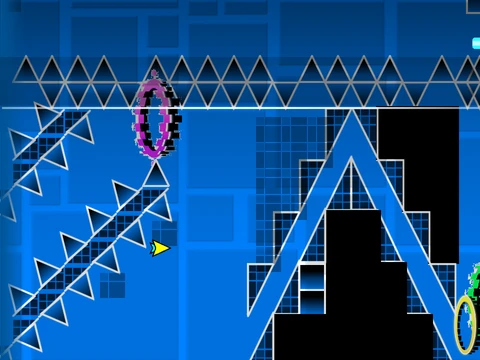
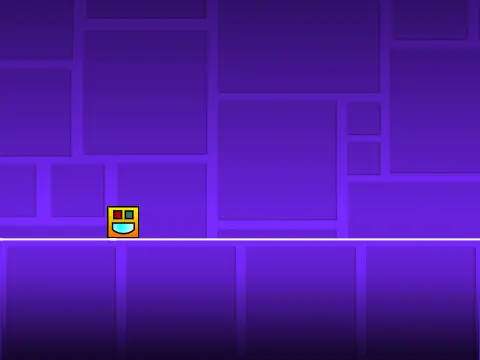
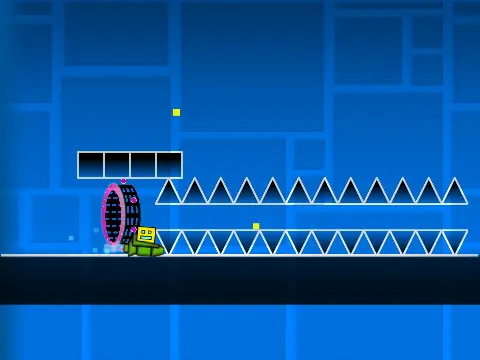
Geometry Dash Spam Wave Auto combines two core experiences: engaging with an automatic wave-based gameplay mode and utilizing a sophisticated level editor to construct your own Geometry Dash challenges. This makes it a versatile tool for both players and creators.
Comprehensive Level Design Studio
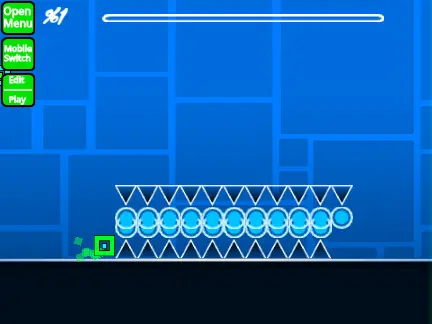
The heart of the game is its powerful editor. Seamlessly switch between Editor Mode and Play Mode by pressing Z and M. Within the editor, a detailed control scheme allows for precise creation:
- Cycle through different block categories using the 1 or 3 keys.
- Navigate the items within a selected category with the 4 and 5 keys.
- Select the eraser tool by pressing 2.
- Access game settings with I and O, and a deeper debug menu with O and P.
- Place objects with a click, rotate them with R, and open fine-tuning menus for rotation and nudging with R and E.
- Manage interactive elements through the trigger menu, opened by pressing F.
Rich Library of Gameplay Assets
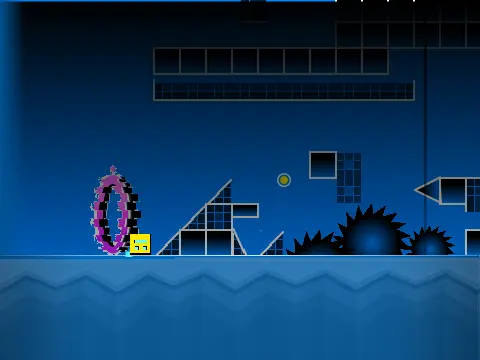
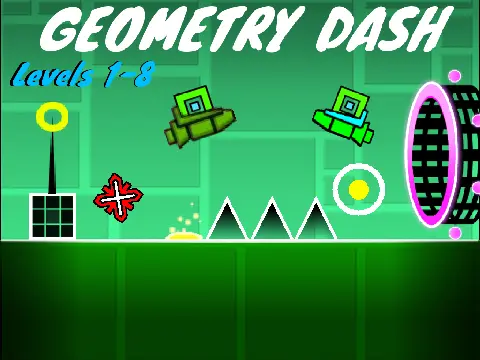
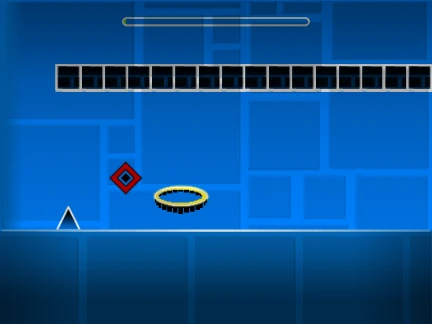
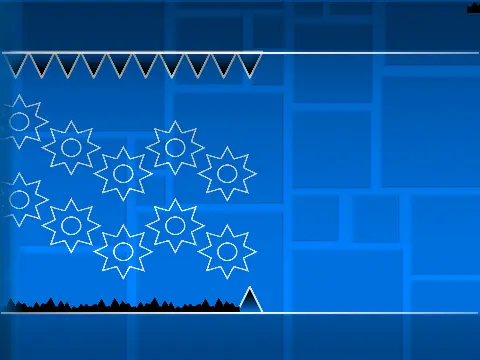
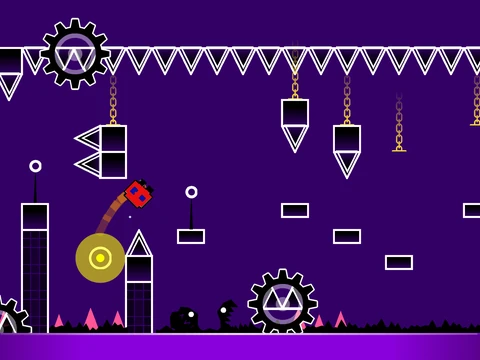
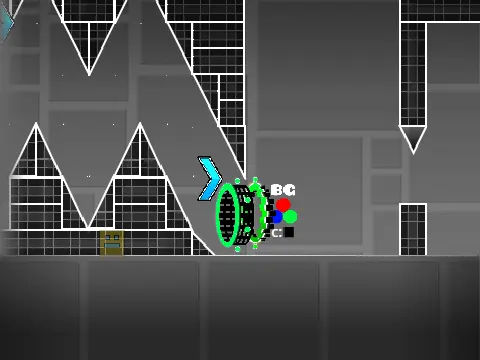
Design levels using a vast array of Geometry Dash elements. Implement the full suite of player forms: Cube, Ship, Ball, UFO, Wave, Robot, and Spider. Populate your stages with gravity portals, speed portals (mini, mirror, dual), jump pads, orbs (including dash orbs), slopes, saws, gears, and diverse decorative blocks like grid blocks and pulsating chains.
Full Audio Customization and Features
Personalize your level's soundtrack by importing your own music. The process is simple: enter the backdrop editor, remove the default audio files, and upload your chosen track. To safeguard your work, remember to remix the project as a starting point and use the save function regularly.
Enhanced Playtesting and Interaction
While testing your creations, you can activate a no-clip mode during gameplay by pressing I and O, allowing you to fly through obstacles to inspect your layout. The game also incorporates a community feedback system, letting players rate levels on the end screen using the number keys 0 through 9.
The project has seen consistent updates, including bug fixes for portals, the introduction of mobile-friendly editing controls, and quality-of-life improvements like an on-screen progress bar with numerical percentage indicators.
Whether you want to experience the unique flow of an automatic wave level or embark on building intricate, interactive dash courses, Geometry Dash Spam Wave Auto provides a capable and free online platform to do it all.