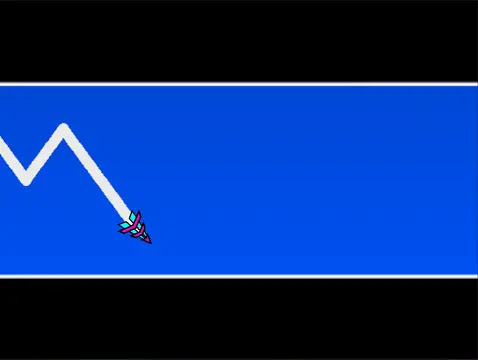
geometry dash spam wave
Geometry Dash Spam Wave: Build & Master Wave Challenges
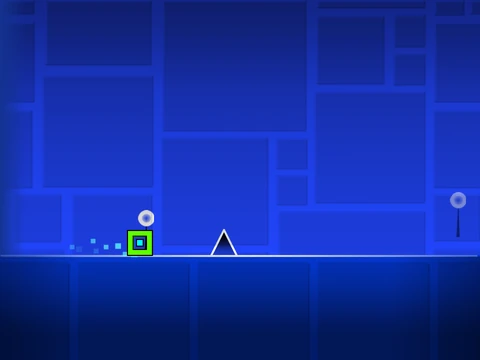
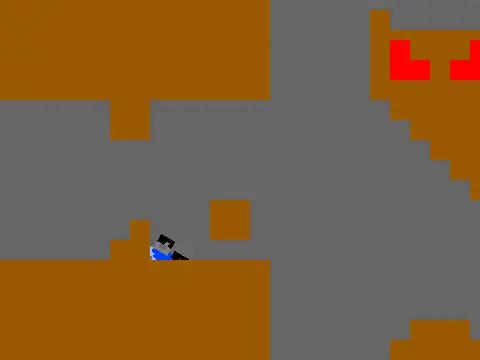
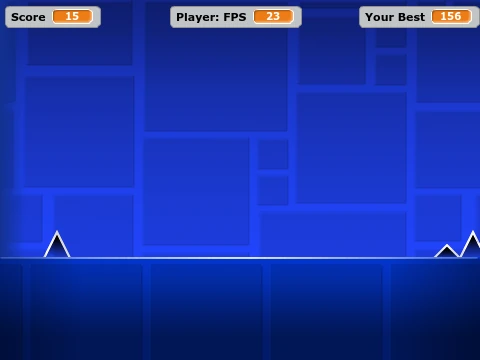
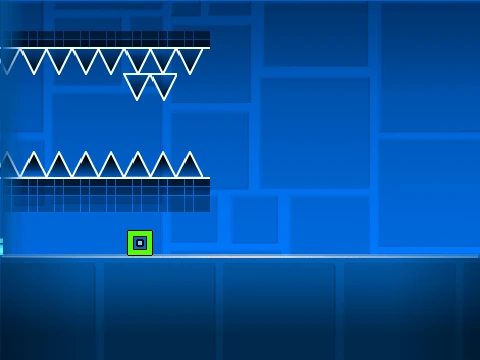
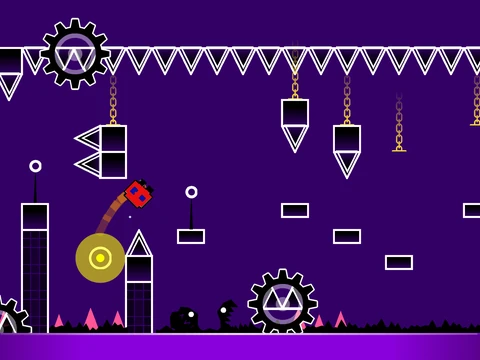
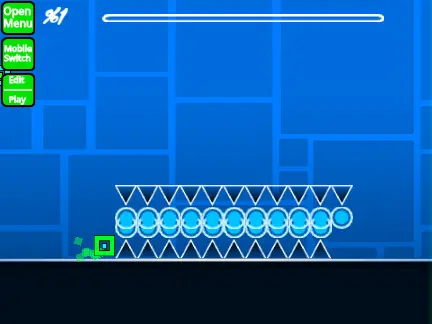
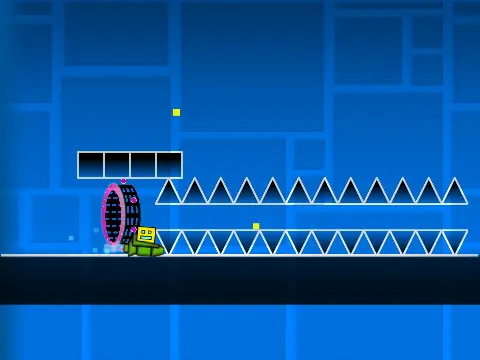
With the note "Tip, not top one," Geometry Dash Spam Wave invites you into a deep and customizable level-building experience focused on the iconic wave game mode. This is a fully-featured browser-based Geometry Dash editor and simulator that puts creation and playtesting in your hands.
Optimize Performance First
Critical Lag Warning: To ensure smooth editing and gameplay, it is highly recommended to use Turbowarp. You can access the project directly at: https://turbowarp.org/541665280. The built-in Turbo Mode is a less effective alternative.
Your Creative Workshop
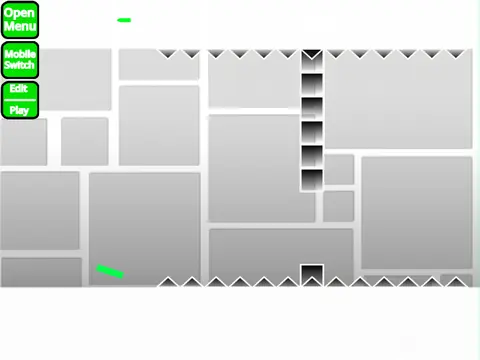
Fully customize your levels: import your own music via the backdrop and save your projects by remixing initially and saving regularly. Toggle between Play Mode and Editor Mode using the Z and M keys.
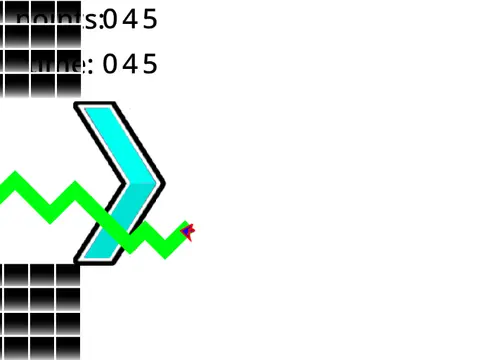
- Play Mode: Control your character with mouse clicks. Press I and O for a 'no-clip' flying cheat. Rate levels (0-9) upon completion.
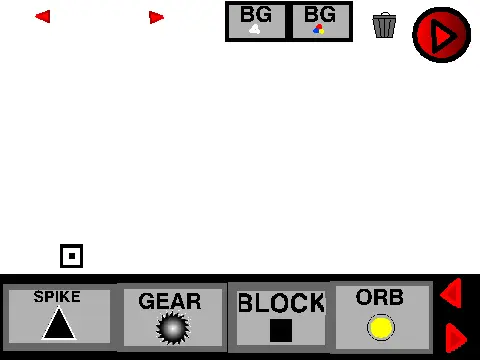
- Editor Mode: A complete construction toolkit.
- Menu Navigation: 1/3 for categories, 4/5 for blocks.
- Tools: Eraser (2), Settings (I+O), Debug (O+P).
- Editing: Click to place, R to rotate.
- Precision: R+E for rotation/nudge menu (reset with R+O).
- Advanced: Press F for the Trigger Menu.
Comprehensive Features & Evolution
The editor launched with a vast array of Geometry Dash elements: all standard and decorative blocks, every player mode (cube, ship, ball, UFO, wave, robot, spider), pads, orbs, color triggers, dangers, slopes, dash orbs, and portals (mini, mirror, dual). Through updates (v1.1 to v1.4), it gained a progress bar, numerical readouts, mobile editing support, and bug fixes. Tagged #all #games, it's the perfect sandbox for designing punishing wave sequences or entire levels.