geometry dash wave challenge xyz
Geometry Dash Wave Challenge XYZ: Your Ultimate Scratch Level Editor
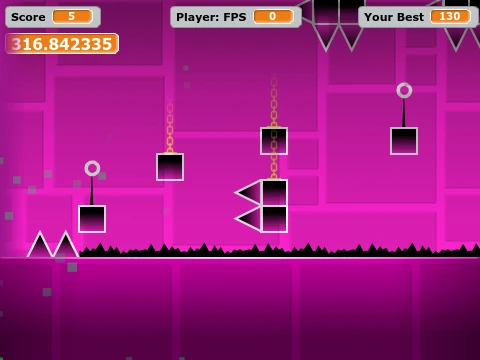
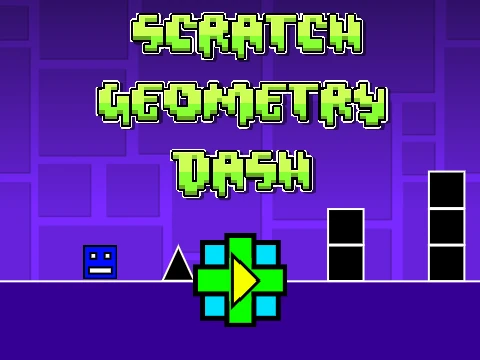
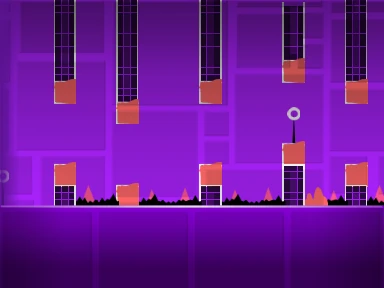
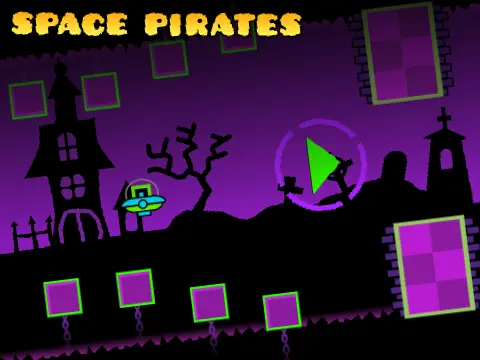
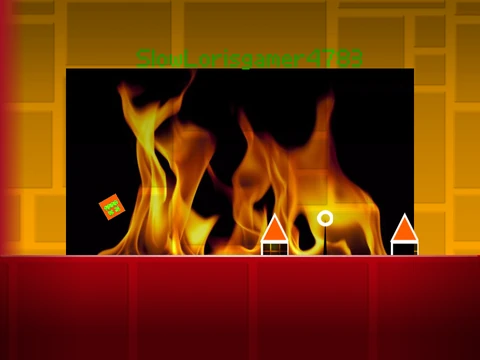
Step into the expansive world of level creation with Geometry Dash Wave Challenge XYZ, a powerful and fully-featured editor built right in Scratch. This project is an extended version of the original “Wave Challenge X” by HANK10272018, offering even more tools for aspiring Geometry Dash designers. For optimal performance with less lag, play using the provided Turbowarp link.
Dual-Mode Gameplay: Create and Play
This editor grants you two primary modes: Play Mode to test your creation, and a comprehensive Editor Mode for building. Switch between them instantly with the ‘Z’ and ‘M’ keys.
Advanced Play Mode Controls
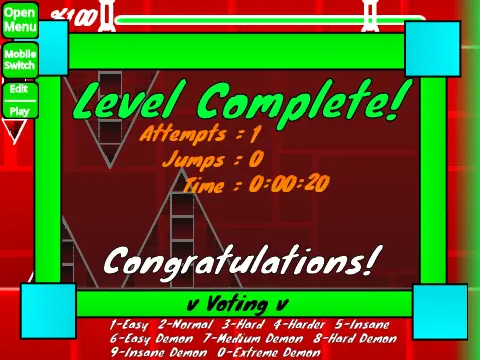
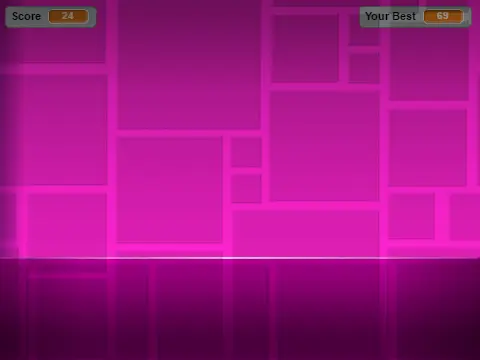
In Play Mode, click to control your icon’s jumps and abilities. Advanced options include pressing ‘I’ and ‘O’ to toggle a ‘no-clip’ cheat for easier testing, voting on levels with 0-9 keys, and placing checkpoints with ‘Z’ in Practice Mode.
Comprehensive Editor Toolkit
The Editor Mode is where your creativity unfolds. Navigate block menus with ‘1’ and ‘3’, cycle through blocks with ‘4’ and ‘5’, and select the eraser with ‘2’. Access settings (‘I’/’O’) and a debug menu (‘O’/’P’). Place blocks by clicking, rotate them with ‘R’, and bring up detailed rotation and nudge options with ‘E’ (reset with ‘R’+’O’). Open the trigger menu with ‘F’, the detection menu with ‘B’, pick a block with ‘Z’, save your work with ‘9’, and load with ‘0’.
Customization and Version History
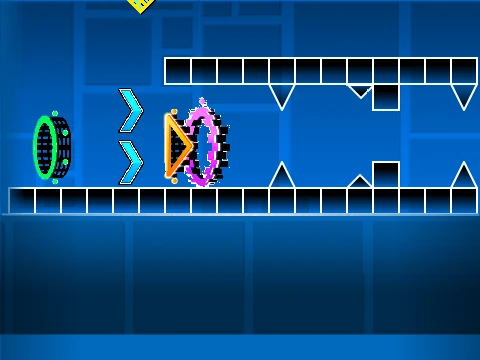
You can fully customize your level’s soundtrack by replacing the music in the backdrop. The editor’s evolution is notable. Version 2.0 introduced major features like save codes, move and alpha triggers, instant count, keys, coins, colored and glowing blocks, teleport portals, 3D objects, the swing copter, and visual effects. Version 1.2 added numbers to the percentage bar, while the foundational 1.0 release included all core Geometry Dash gameplay modes (Cube, Ship, Ball, UFO, Wave, Robot, Spider), platforms, orbs, pads, color triggers, slopes, and speed changers.
Remember to save your progress by remixing the project initially. This is an invaluable tool for anyone wanting to design, test, and share their own Geometry Dash levels.