geometry dash wave practice 1
Advanced Wave Practice with Full Editing Suite
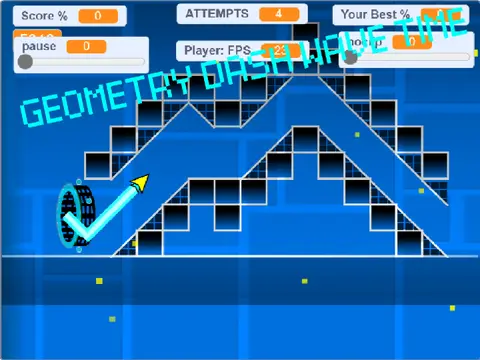
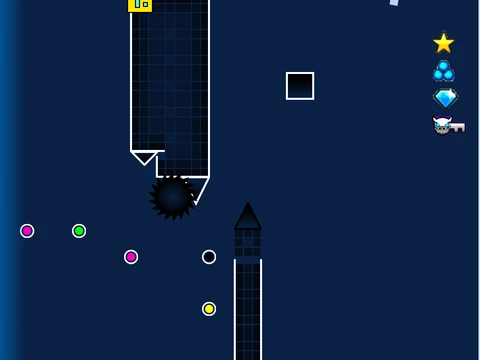
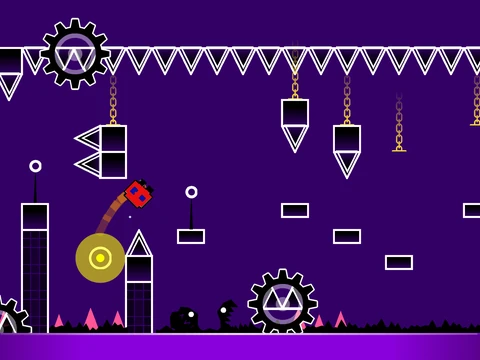
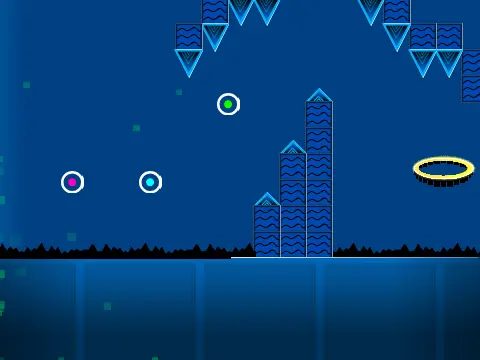
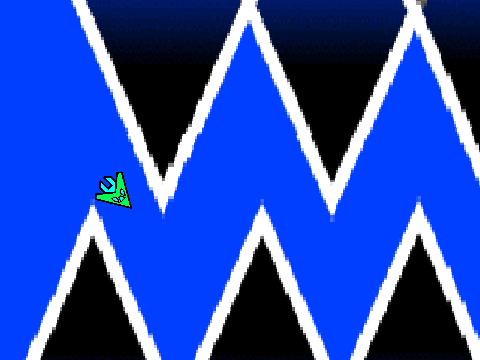
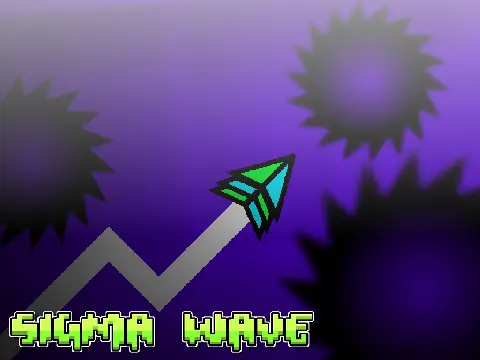
Geometry Dash Wave Practice 1 delivers a sophisticated wave training simulator with comprehensive editing capabilities, though performance optimization is essential for optimal experience. The developer specifically recommends using Turbowarp (available at https://turbowarp.org/562716997?clones=Infinity) for significantly reduced lag, with Turbo Mode serving as a secondary, less effective alternative. Given the system's complexity, complete review of all instructions is strongly advised before beginning, with additional technique guides accessible via https://scratch.mit.edu/projects/543078285/. Community guidelines maintain focus by restricting advertising exclusively to content directly related to this editor.
Multimedia and Project Management Systems
The audio customization system allows complete musical control through backdrop modifications—users can remove existing tracks and implement preferred music selections. Project preservation employs a practical remix-and-save methodology: initially remix the project when beginning level creation, then maintain progress through regular project saving functions.
Comprehensive Control Architecture
Control systems organize into three distinct operational categories:
General Controls
- Z and M keys toggle between editor and play modes
Player Controls
- Click-based actions for jumping, flying, gravity manipulation, and orb activation
- I and O keys activate no-clip accessibility options
- End-screen voting utilizes 0-9 numerical inputs
- Practice mode incorporates Z-key checkpoint creation
Editor Controls
- 1 and 3 keys cycle through block menus
- 4 and 5 navigate block selections within menus
- 2 selects eraser tool
- I and O access settings interface
- O and P enter debug menu
- Click placement for block positioning
- R rotates blocks, T applies 45-degree rotation
- E displays rotation and nudge adjustment menus
- R and O restore default rotation and nudge values
- F accesses trigger menu systems
- B opens detection menu
- Z activates block pickup function
- 9 saves progress, 0 loads saved data
Version Evolution and Feature Expansion
The development timeline documents substantial capability growth:
Version 2.0 Major Additions
- Save code implementation
- Movement trigger systems
- Alpha transparency triggers
- Instant count mechanisms
- Key and coin collection systems
- Counting functionality
- Colored block varieties
- Glow visual effects
- Teleport portal mechanics
- 3D object implementation
- Thorn hazards
- Swing copter mechanics
- Expanded monster types
- Fade transition effects
Earlier Version Features
- 1.2: Percentage bar numerical displays
- 1.0: Foundation including all character modes, blocks, platforms, decorations, portals, hazards, slopes, and speed modification systems
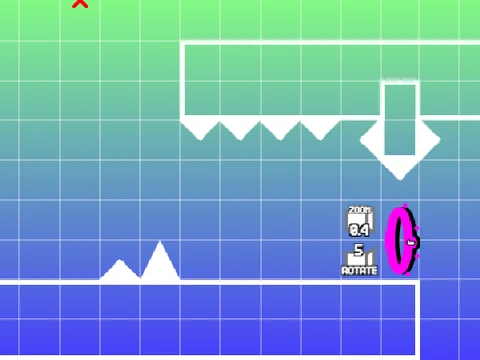
This practice environment represents one of the most fully-featured Geometry Dash training tools available, providing both wave skill development and extensive creative level design capabilities through its integrated editor systems.