outdated geometry dash level editor 3.6
Explore a Classic: The Outdated Geometry Dash Level Editor 3.6
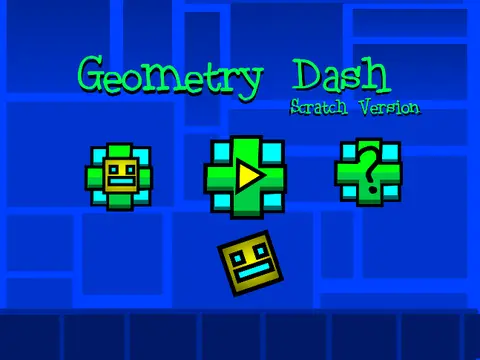
Step into a legacy version of a Geometry Dash level creator with the Outdated Geometry Dash Level Editor 3.6. This browser-based tool offers a classic sandbox experience for building and playing custom rhythm-platformer levels. While labeled as outdated with an update promised soon, it remains a functional and interesting piece for fans to explore the foundations of level creation.
Core Gameplay & Controls
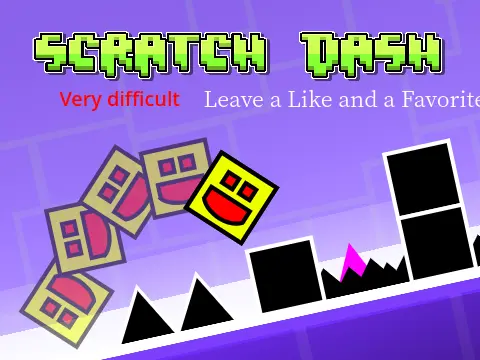
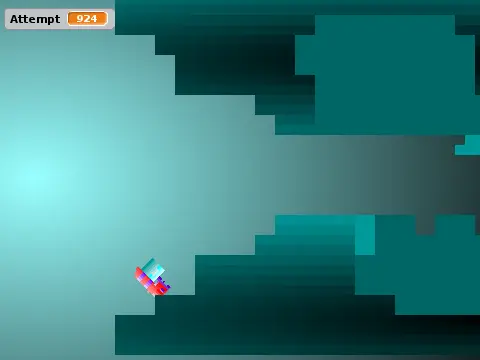
The gameplay follows core Geometry Dash mechanics. Use the Up arrow, W key, Spacebar, or a simple click to make your icon jump – this also works on special yellow rings. Your primary goal is to navigate through perilous courses while meticulously avoiding deadly spikes. When you transition into the ship game mode, the control changes: hold to ascend and release to descend smoothly. Interact with environmental objects like yellow jump pads for a super boost or blue gravity pads to flip your world upside down. For an extra challenge and score, seek out and collect all the shiny coins scattered throughout the levels.
Utility Features for a Better Experience
A suite of utility keys enhances your experience. Press L to toggle visual effects on or off, which can significantly improve performance on less powerful devices. The N key activates a no-clip mode, letting you phase through obstacles for exploration or testing. Customize the stage’s look with C to change the ground texture, or shift entire columns of the level left or right using the K key. Adjust the audio level with H and pause the action anytime with P.
Structured Level Building Toolkit
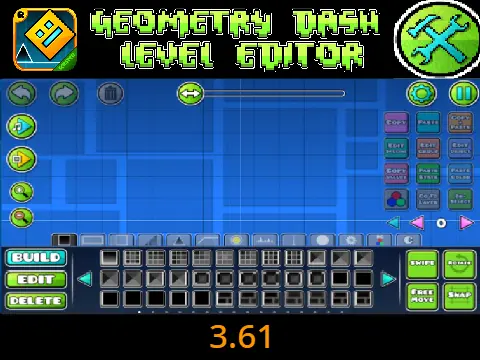
For creators, the editor mode is activated with Z and M. It organizes a wealth of building blocks into nine distinct categories accessible via number keys 1 through 9. Menu 1 contains basic blocks, menu 2 has inside geometry, and menu 3 is for spikes and hazards. Menus 4 and 5 offer long blocks and special items. You’ll find speed portals and modifiers in menu 6, slopes in menu 7, new pits and terrain in menu 8, and a variety of monsters and decorative elements in menu 9. This structured approach allows for detailed level construction despite the editor’s vintage label, waiting for its promised future update.