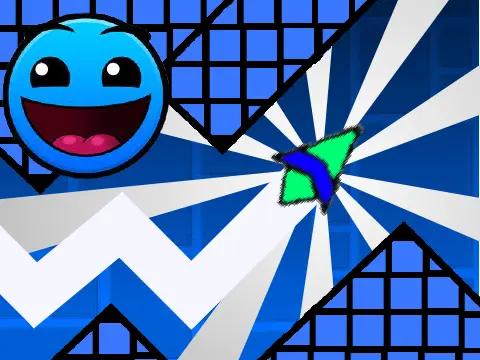
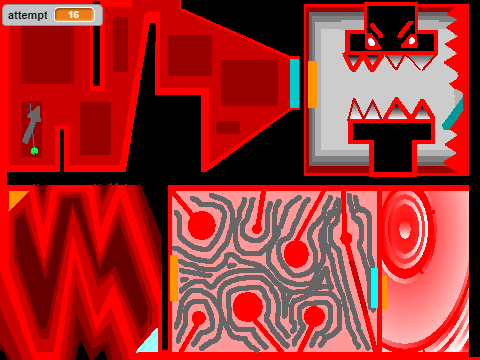
spam - geometry dash
Spam - Geometry Dash V2: The Ultimate Scratch Level Editor
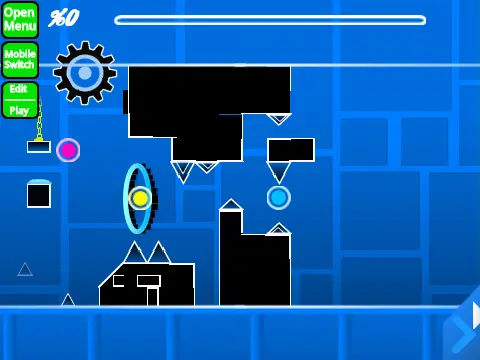
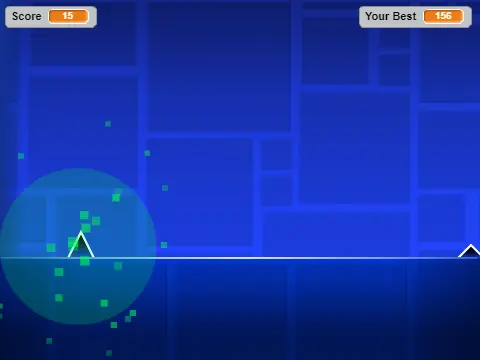
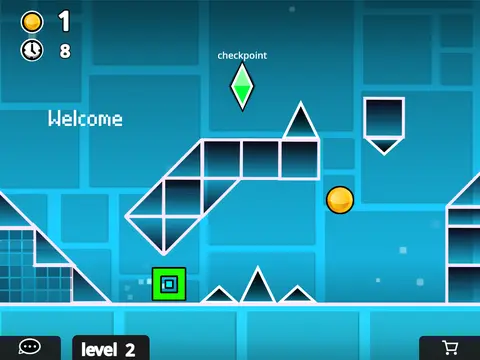
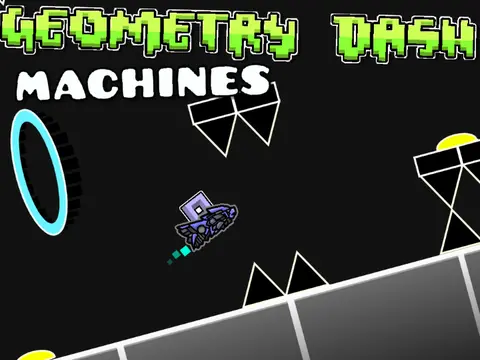
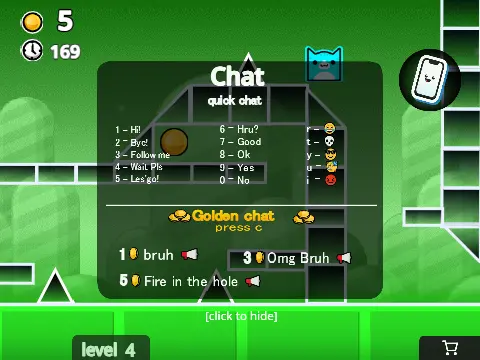
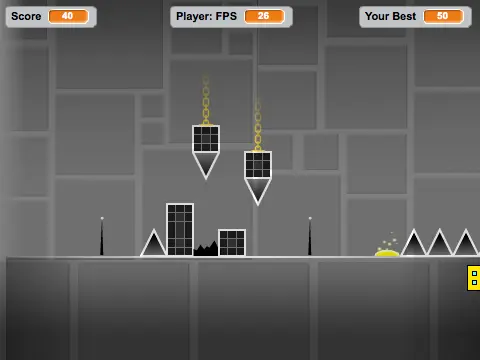
Unleash your creativity with Spam - Geometry Dash V2, a powerful and comprehensive level editor built on Scratch that allows you to design, test, and share your own custom Geometry Dash levels. This advanced tool captures the essence of the original game's mechanics while offering unparalleled creative freedom.
Performance Notes & Resources
Creating complex levels can be resource-intensive. For the optimal, lag-free editing and playing experience, we strongly recommend using Turbowarp. Alternatively, you can enable 'Turbo Mode' within Scratch, though it may be less effective. Before you start building, check out the extensive tips and instructions guide for pro-level advice. Community members may only advertise projects directly related to this editor.
Dual-Mode Gameplay & Controls
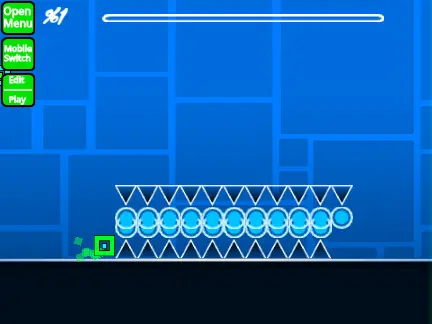
The editor operates in two distinct modes. Toggle between Play Mode and Editor Mode instantly by pressing the Z and M keys.
In Play Mode:
- Click to jump, fly, switch gravity, and activate orbs.
- Press I and O to bring up the 'no-clip' option for testing.
- At the end screen, rate the level by pressing a key from 0 to 9.
- In Practice Mode, press Z to place a checkpoint.
Comprehensive Editor Toolkit
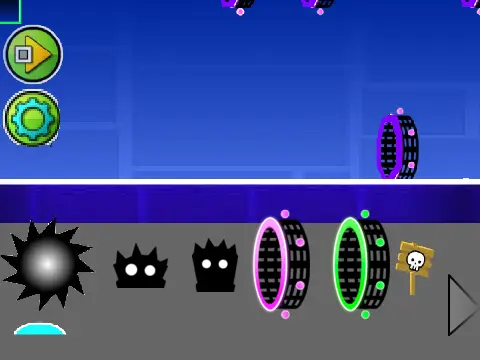
The Editor Mode is packed with professional tools:
- Block Management: Cycle block menus with 1/3. Navigate items within a menu using 4/5. Press 2 for the eraser.
- Object Manipulation: Click to place a block. Rotate with R (or T for 45°). Press E for the rotation/nudge menu. Reset with R+O.
- Specialized Menus: Open the trigger menu with F and the detect menu with B.
- Utility Keys: Pick a block color/style (Z), save your project (9), and load a previous one (0).
- Settings & Debug: View settings with I/O. Access the debug menu with O/P.
Audio, Saving & Project History
Customize your level's soundtrack by going into the backdrop, deleting the default music, and adding your own audio files. To save your work, remix the project when you begin creation. Subsequently, use Scratch's save function frequently. This editor has a rich development history. Version 2.1 optimized performance and added breakable blocks. The landmark Version 2.0 introduced save codes, move/alpha/instant count triggers, keys, coins, counter objects, colored & glowing blocks, teleport portals, 3D objects, thorns, the swing copter, more monsters, and fade effects. Earlier updates added percentage numbers (v1.2) and all foundational gameplay elements like every gamemode (cube, ship, ball, UFO, wave, robot, spider), pads, orbs, slopes, dash orbs, portals, and hazards (v1.0). Start building your dream level today!