sprunki - incredibox
Sprunki Incredibox Scratch Edition: Comprehensive Control System
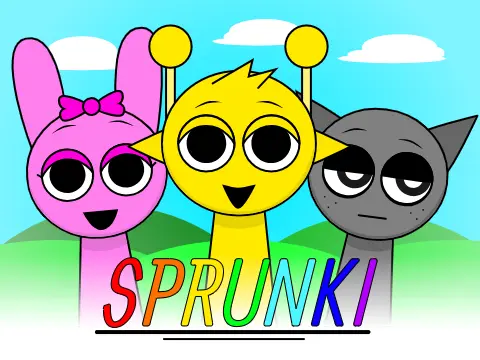
Developed by NyankoBfLol and programmed in Scratch by Silly_Wenda, this Sprunki Incredibox version delivers complete music creation functionality enhanced with an integrated gallery feature, all accomplished within an impressive two-day development timeframe. This edition stands out for its meticulously documented control systems and user interface design.
Icon Movement and Character Activation
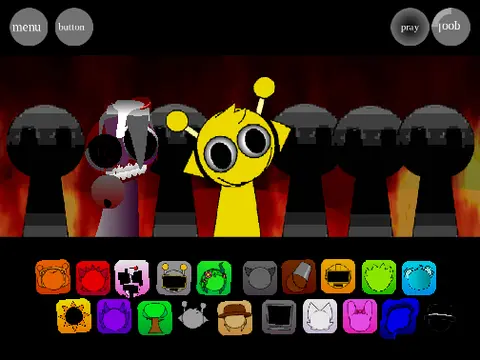
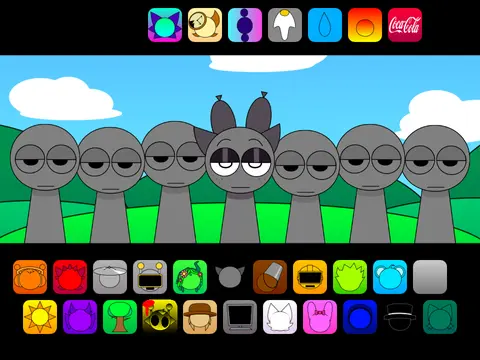
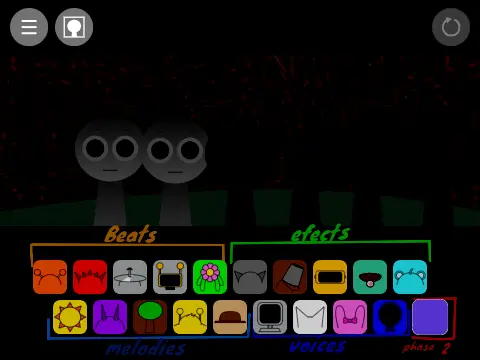
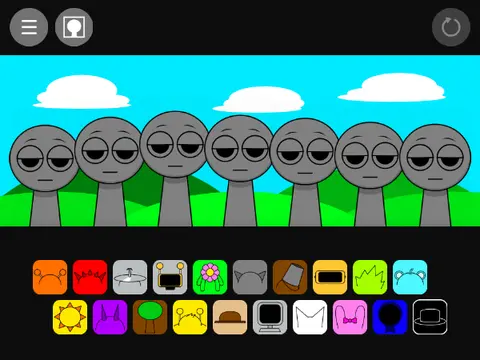
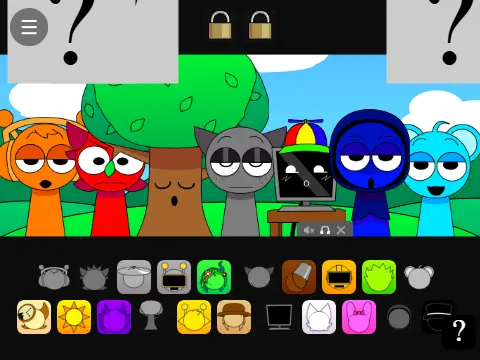
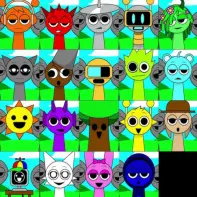
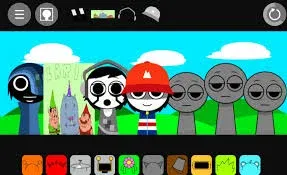
The core interaction system employs intuitive mouse controls for precise icon manipulation. Players initiate selection through rapid double-clicking: the first click identifies the target icon, while maintaining pressure on the second click enables direct dragging to any screen location. To activate character singing, simply position icons above Polo characters and release the mouse button, triggering immediate auditory response and animated feedback.
Horror Mode Activation Protocol
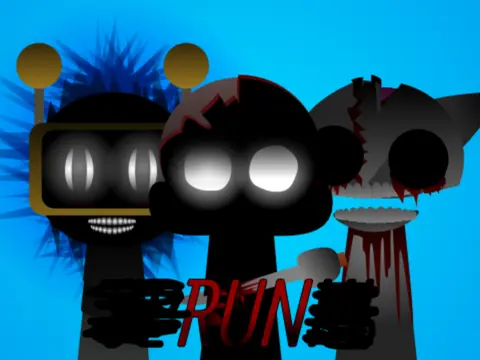
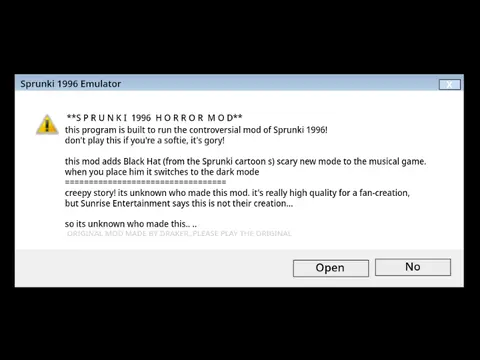
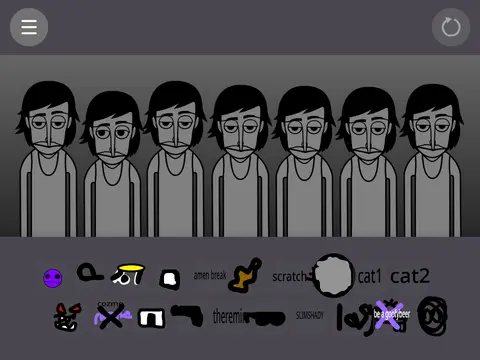
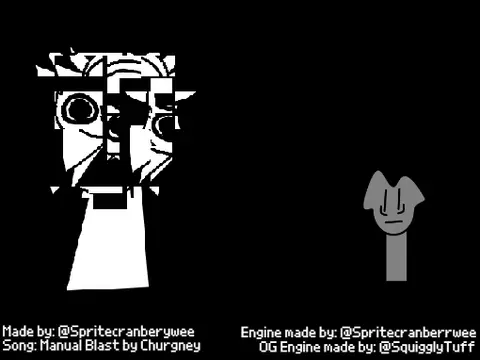
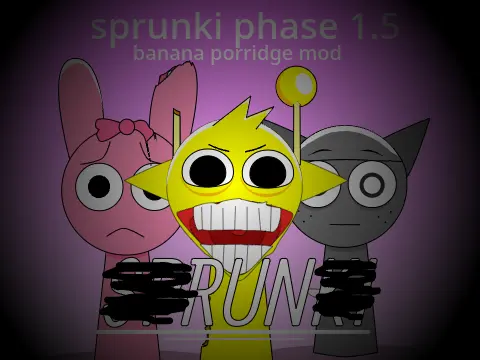
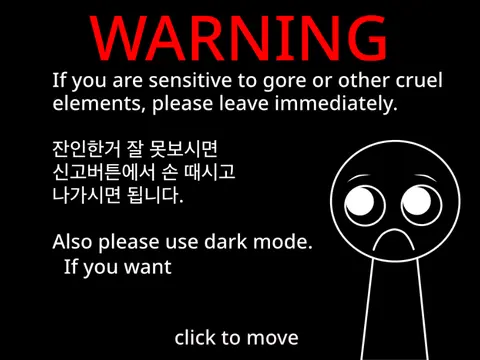
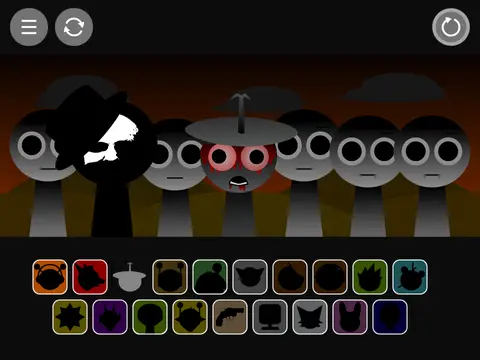
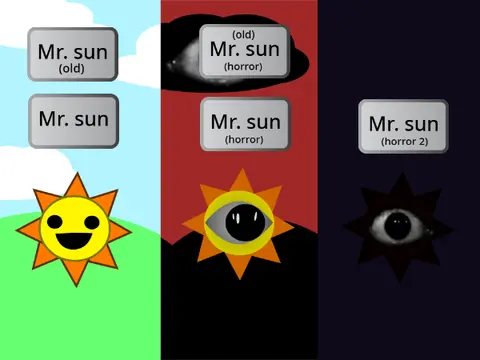
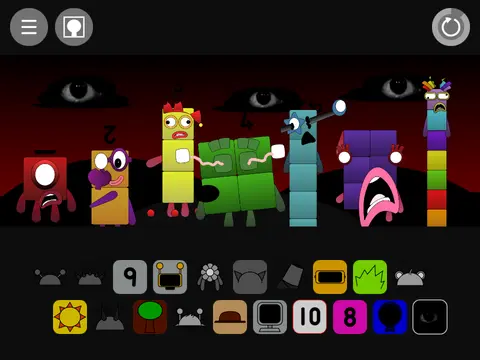
A distinctive gameplay feature involves horror mode transformation, activated through specific character interaction. Players must locate and drag Black's designated icon onto any available Polo character position. Successful placement triggers an immediate visual and auditory transition into horror mode, altering both musical elements and interface aesthetics while maintaining core gameplay functionality.
Interface Navigation and Gallery Access
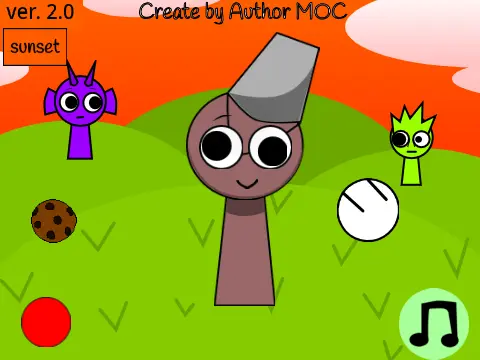
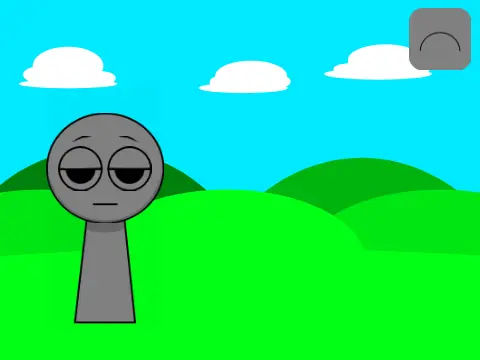
The user interface incorporates strategically positioned control elements for seamless navigation. The top-left corner houses dual-function buttons: the left button accesses comprehensive game settings and configuration options, while the right button activates the integrated gallery feature. This gallery presents additional visual content and reference materials related to game development and character design.
Comprehensive Reset Systems
Multiple reset methodologies accommodate various gameplay scenarios. The primary reset mechanism utilizes the prominently positioned top-right button, instantly restoring all characters to default silent states. For targeted control, double-clicking individual characters performs isolated resets without affecting surrounding elements. Advanced techniques enable simultaneous multi-character resets through precise timing: executing reset commands during the final second of musical sequences achieves coordinated restoration across all active characters.
Technical Support and Community Interaction
This version emphasizes user support through accessible communication channels. The developer actively encourages players to submit gameplay questions, technical inquiries, or control clarification requests directly through the integrated comments section. This approach fosters collaborative problem-solving and continuous gameplay improvement based on user feedback and shared experiences within the Sprunki community.
For players seeking detailed control documentation, comprehensive reset options, and integrated horror mode functionality within a Scratch-based Incredibox environment, this edition provides exceptional technical transparency and user support infrastructure.