sprunki.msi or.exe treatment
Sprunki MSI or EXE Treatment: Advanced Control Edition
Some Sprunki mods focus on new characters or stories. This one focuses on control. If you've ever wanted finer management over your musical creations, this unofficial port delivers exactly that - with a content warning attached.
Important Content Notice
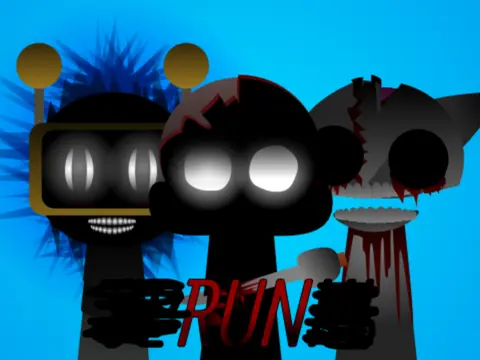
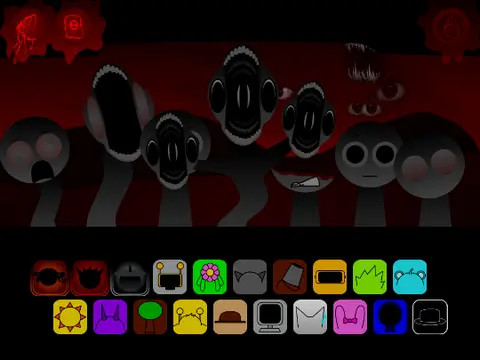
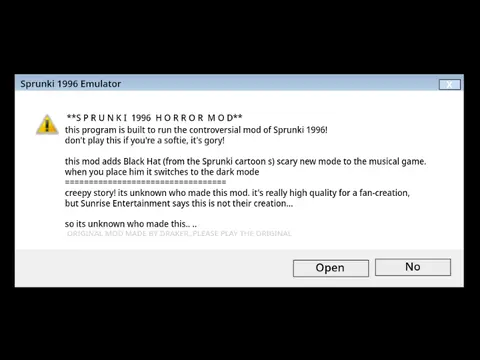
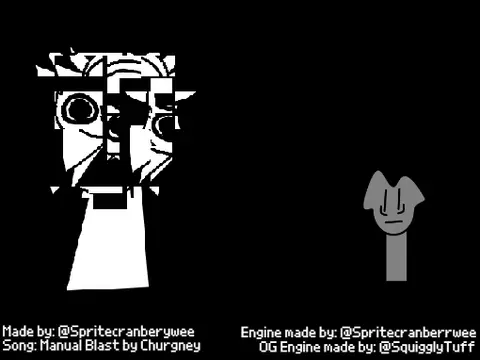
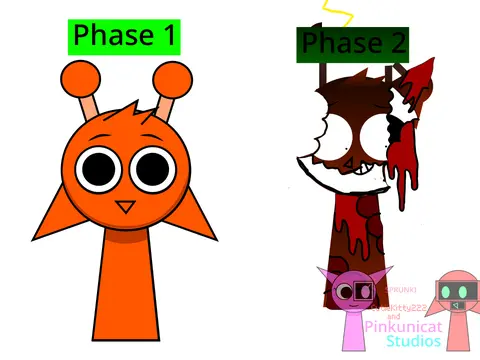
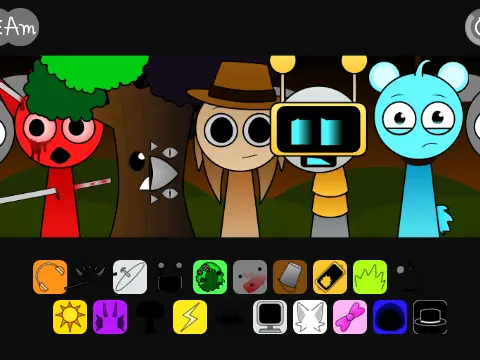
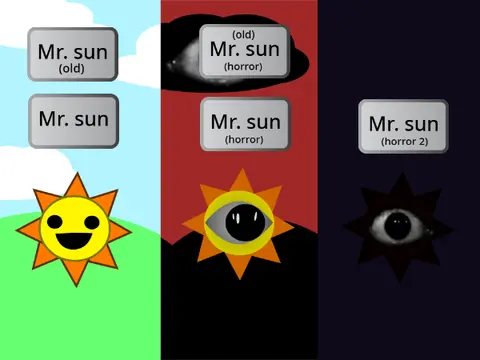
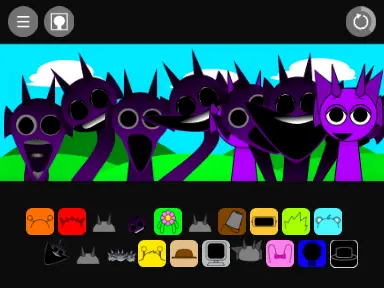
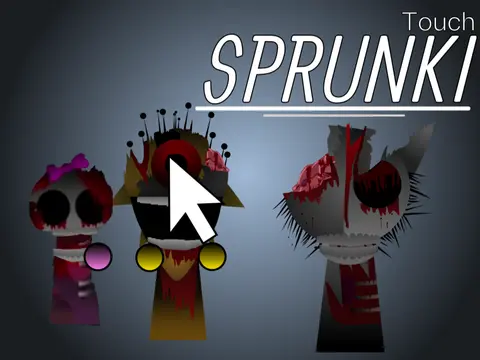
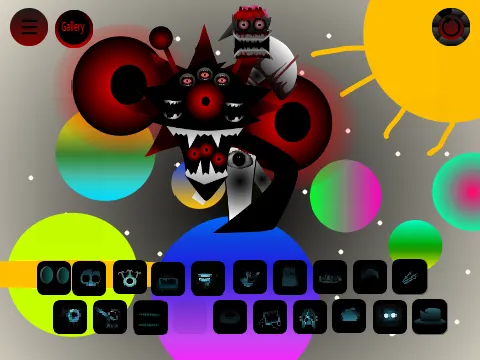
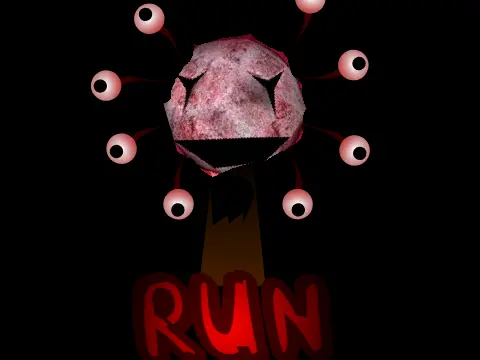
Let's address the elephant in the room first: this mod contains blood elements. The warning is upfront and clear. If you're sensitive to such content, this might not be your ideal version. Plenty of other Sprunki games on our site offer similar gameplay without the graphic elements.
That said, if you're comfortable with the warning, you'll discover one of the most control-rich Sprunki experiences available.
Core Gameplay (Simplified)
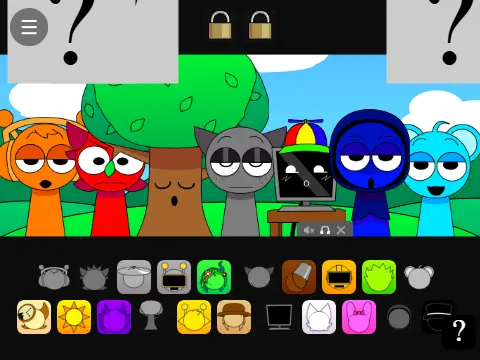
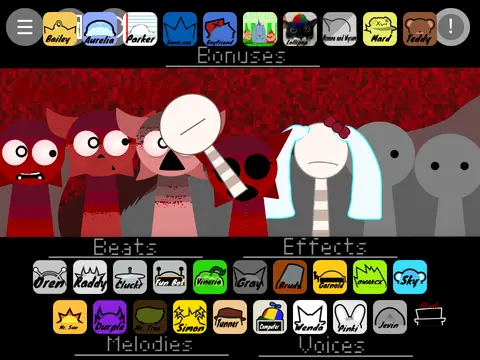
The basic mechanics follow the standard Incredibox formula:
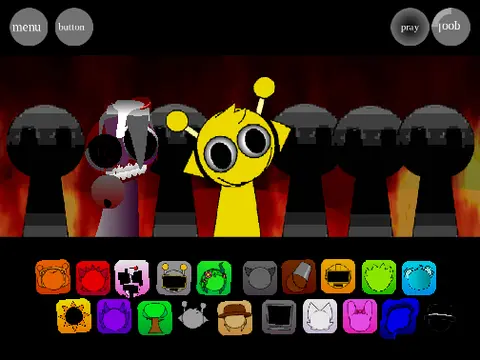
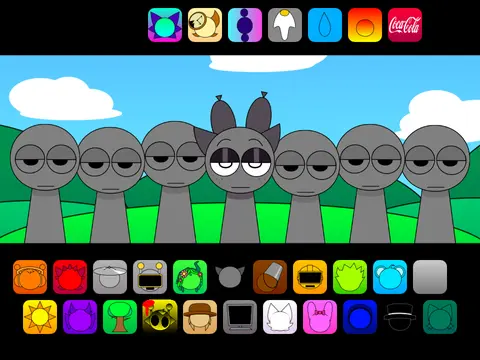
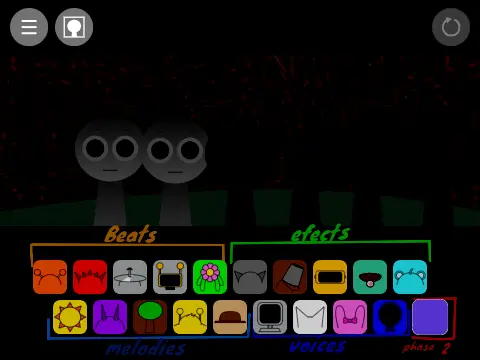
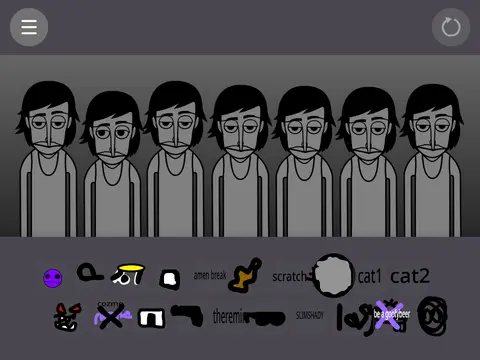
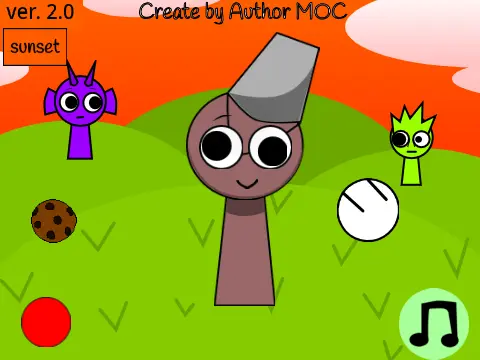
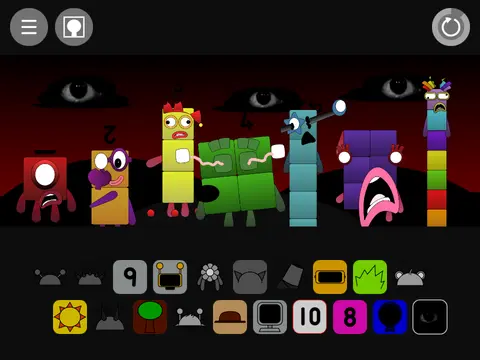
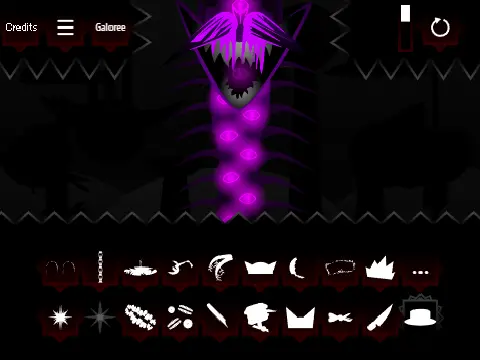
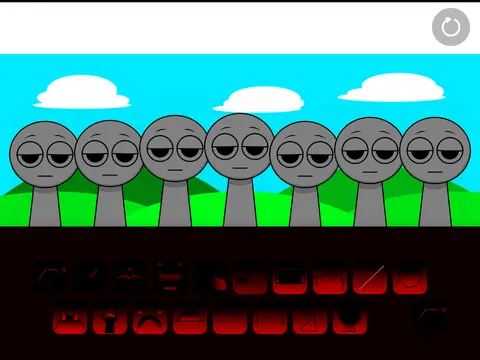
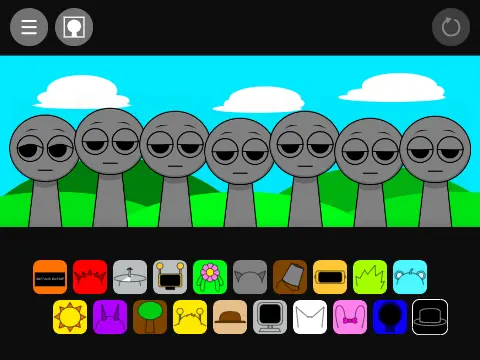
- Grab character icons from the bottom panel
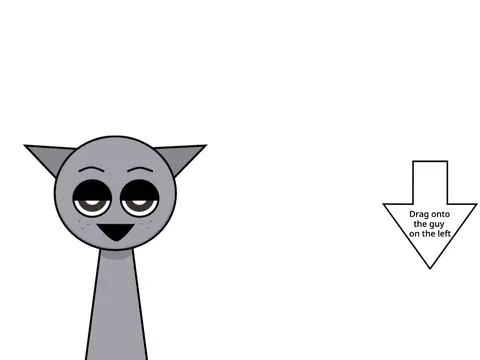
- Drag them to vacant polos (those blank character slots)
- Watch as they start generating musical patterns
Simple enough, right? But here's where this version diverges...
Advanced Character Controls
Hover your mouse over any active character, and you'll see a control bar appear at the bottom with three distinct options:
- Left button (Mute) - Silences that specific character while others continue
- Middle button (Solo) - Mutes ALL other characters except this one
- Right button (Remove) - Takes the character off the polo entirely
The description humorously notes: "or you could just click the character like a normal human being" - referring to the standard removal method. But these extra controls offer precision that serious music mixers will appreciate.
Why Advanced Controls Matter
For casual players, basic drag-and-drop might be enough. But if you're:
- Creating specific musical compositions
- Experimenting with layer-by-layer sound building
- Trying to isolate particular character sounds
- Teaching others about sound mixing principles
...these controls become invaluable. The solo function alone lets you analyze each character's contribution to the overall mix.
A Quick Usage Tip
Start by building a full set of characters. Then, use the solo button on each one sequentially to understand their individual sound profiles. Once you know what each contributes, you can create more intentional mixes by muting specific elements that don't fit your vision.
Remember: this is an unofficial port, meaning it wasn't created by the original Sprunki developers. But sometimes unofficial versions bring interesting innovations - like these control features - that official releases might overlook.
Whether you're a serious music mixer or just curious about Sprunki with more technical control, this version offers unique functionality. Just mind the content warnings before diving in.