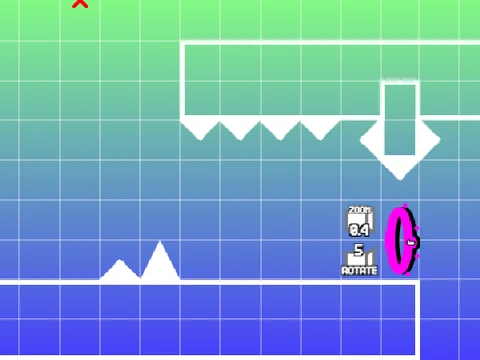
compacted geometry dash editor ii
Compacted Geometry Dash Editor II: Create Your Own Levels
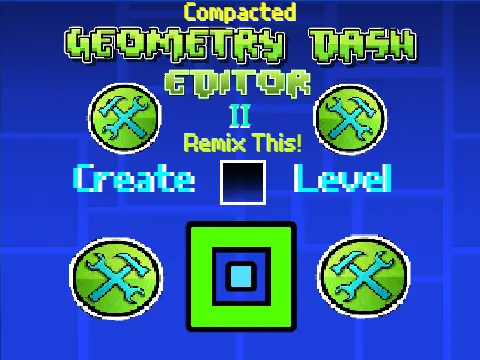
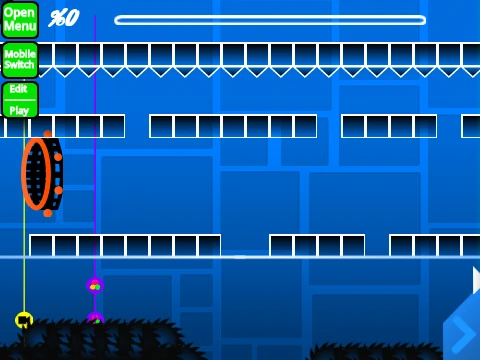
Unleash your creativity with Compacted Geometry Dash Editor II, the advanced, remastered version of the popular Scratch-based level creation tool. This platform provides a comprehensive suite for designing, testing, and sharing custom Geometry Dash experiences, putting the power of the official editor into a browser-accessible format.
Remastered Visuals & Enhanced Interface
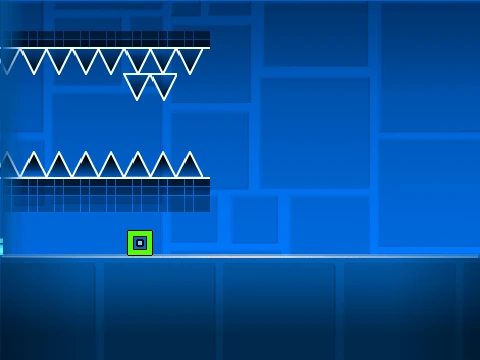
Version 2.97 boasts a complete visual upgrade for a more authentic and user-friendly experience. Key improvements include redesigned portals (Wave, Ball, UFO), a larger and clearer 4x Speed icon, enhanced visibility for directional arrows and X signs, a revamped Stop Block, and updated graphics for most Orbs. The Invisible Block is now logically located within the Speed category for easier access.
Intuitive Gameplay & Powerful Editor Controls
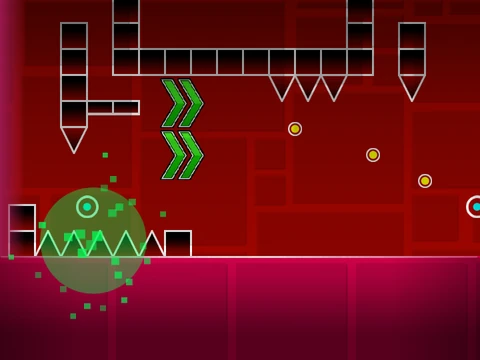
Test your creations with standard Geometry Dash controls: JUMP with UP, W, SPACE, or a mouse click (even on yellow rings). Navigate Ship mode by holding to fly up. Utilize yellow jump pads for extra height and collect coins for bonus points. Toggle effects with the L key.
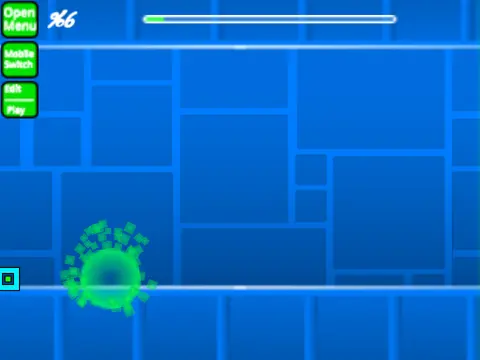
The heart of the experience is the editor, opened with Z and M. Quickly select from nine object categories using the number keys 1-9, spanning blocks, spikes, portals, slopes, monsters, and special items. Enable Noclip mode (N key) for effortless level testing. For advanced scripting, you can implement teleporters by setting Player Y variables, add custom background triggers, and define the level\'s endpoint by modifying coordinates—all within the "define check progress" logic blocks.