geometry dash wave challange
Master Geometry Dash Level Creation with Wave Challange Editor
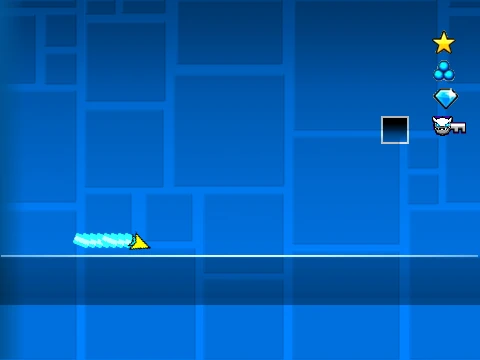
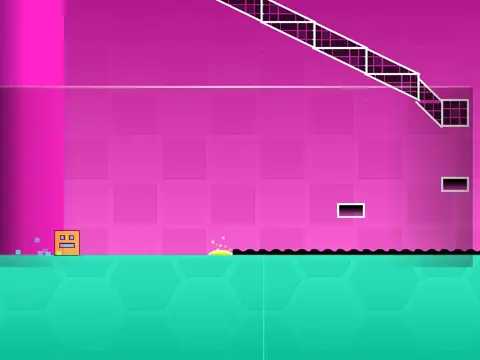
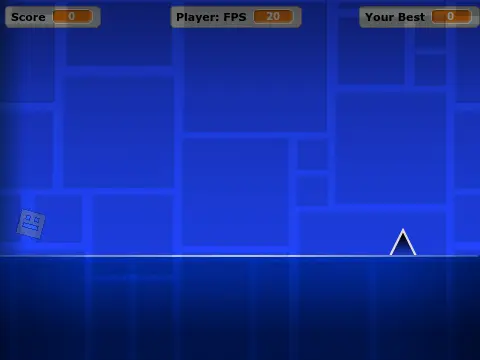
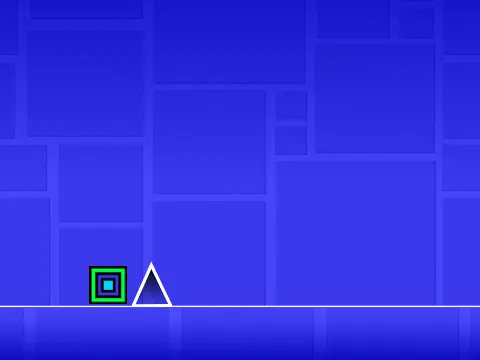
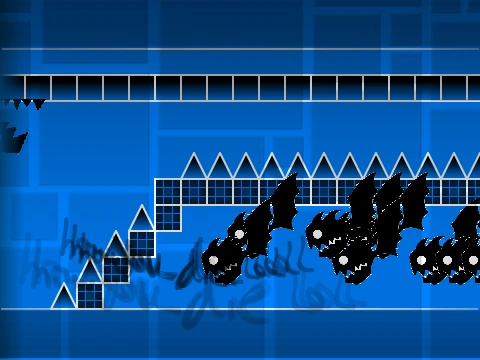
Unleash your creativity with Geometry Dash Wave Challange, a powerful and feature-rich level editor built on Scratch. Designed for both newcomers and seasoned creators, this tool lets you design, test, and share custom Geometry Dash experiences. For the best performance and to minimize lag, we strongly advise playing the editor through the optimized TurboWarp link. Additional tips and community guides are available on the official Scratch project page.
Getting Started: Setup & Workflow
Begin your creative journey by personalizing your level's atmosphere. You can easily add your own music by editing the backdrop. Remember the golden rule for saving your work: always start by using the "Remix" function on the original project. Thereafter, simply save your Scratch project regularly to preserve all your progress and intricate designs.
Comprehensive Control Scheme
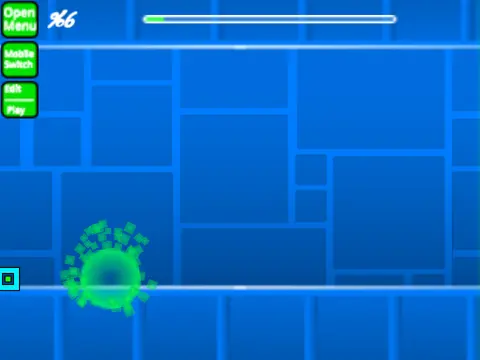
Efficiently switch between building and testing using the Z and M keys. In Play Mode, standard click controls apply, with added functions like no-clip (I, O), end-screen voting (0-9), and practice checkpoint placement (Z). The heart of the experience is the Editor Mode. Its extensive shortcut system allows rapid creation:
- Block Management: Cycle menus (1, 3), select blocks (4, 5), erase (2), pick block (Z).
- Object Manipulation: Place with a click, rotate (R, T), adjust rotation/nudge (E), reset (R+O).
- Advanced Editing: Access triggers (F), detectors (B), settings (I, O), and debug (O, P).
- Save/Load: Use keys 9 and 0 to save and load your layouts effortlessly.
Evolution & Feature-Rich History
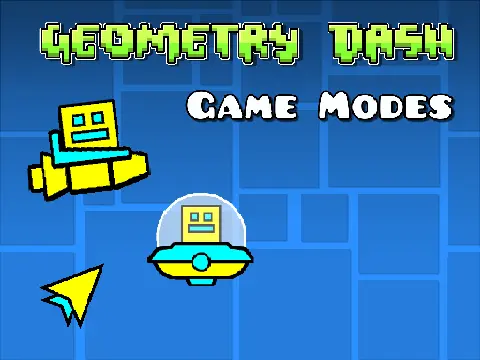
The editor has grown significantly through updates. Version 2.1 enhanced performance and introduced breakable blocks. The landmark Version 2.0 expanded possibilities with save codes, move/alpha/instant count triggers, collectibles (keys, coins), visual enhancements (colored/glowing blocks, teleport portals), new objects (3D, thorns), the swing copter game mode, additional monsters, and fade effects. Foundational versions established the core: all iconic player icons (cube, ship, ball, UFO, wave, robot, spider), a full suite of portals and orbs, color triggers, slopes, and a vast library of blocks and decorative elements.
This editor is your all-in-one toolkit for bringing challenging and creative Geometry Dash wave levels and beyond to life.