death corridor wave geometry dash revamped
Create and Play Custom Geometry Dash Levels
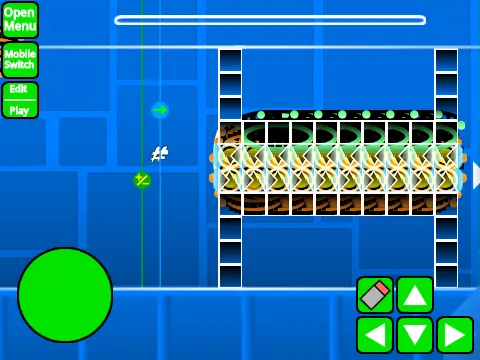
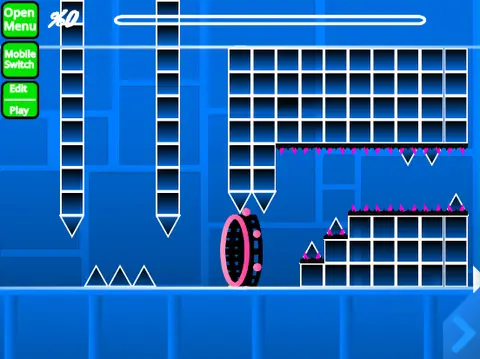
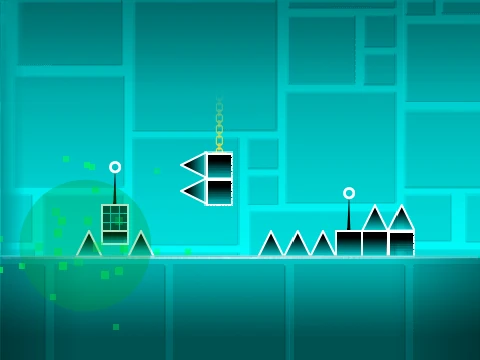
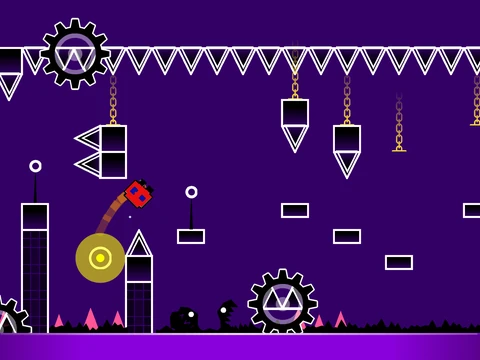
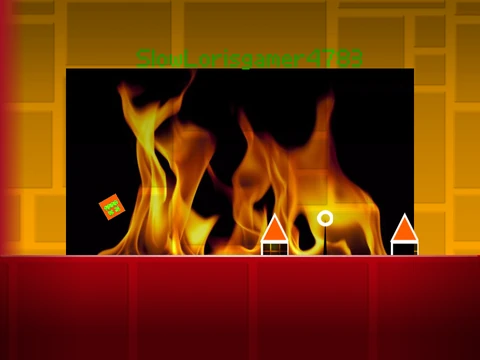
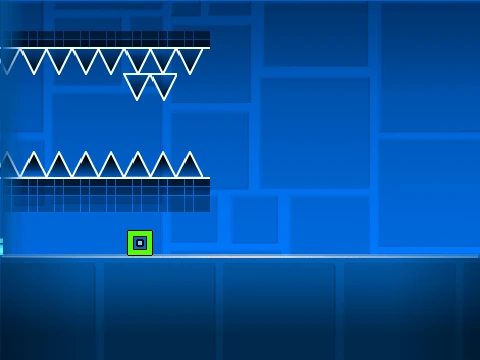
Death Corridor Wave Geometry Dash Revamped transforms the traditional Geometry Dash experience into a fully-featured level editor and player. Inspired by the challenging ILL Death Corridor, this project represents CaptainFlufBall's final major Geometry Dash release while opening endless creative possibilities for the community.
Comprehensive Gameplay Controls
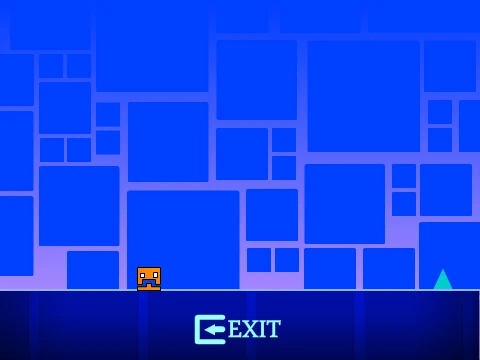
Navigate through custom levels with intuitive controls designed for both playing and creating. During gameplay, use Click, W, Up Arrow, or SPACE to execute jumps. Platformer mode introduces directional movement with Left Arrow/A for moving left and Right Arrow/D for moving right. Practice mode enhances learning with X to place checkpoints and C to remove them, while P opens the pause menu for quick adjustments.
Advanced Level Editing System
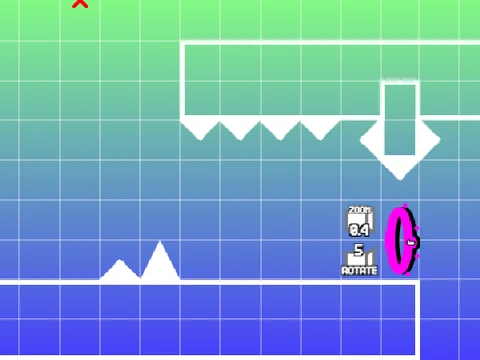
The integrated editor provides professional-grade tools for level creation. Camera manipulation utilizes WASD controls for smooth navigation, while object editing features include R for rotation, X for deletion, and C for copy/paste operations. Arrow keys offer precise object positioning, creating a workflow familiar to experienced level designers.
Level Management and Sharing
Save your creations by remixing the project and clicking the "save now" button within the project editor. For compatibility between TurboWarp and Scratch platforms, utilize the level code system accessible through the pause screen. This cross-platform functionality ensures your designs remain accessible regardless of your chosen execution environment.
Technical Considerations and Optimization
For optimal performance, TurboWarp is highly recommended as the preferred runtime environment. If you encounter grey question marks within the interface, simply reloading the page typically resolves these display issues. The project supports level featuring through the official studio at https://scratch.mit.edu/studios/33636423, where creators can submit their work for community recognition.
Advanced Trigger System
The editor includes a sophisticated trigger implementation using the wire tool. Connect light green detection boxes to various trigger types to create complex interactive sequences. This system enables advanced gameplay mechanics beyond standard Geometry Dash capabilities, allowing for custom events, conditional actions, and interactive level elements that respond to player actions.
Community and Legacy
As CaptainFlufBall's final major Geometry Dash project, this editor represents both an ending and a beginning—closing one chapter while empowering the community to create infinite new experiences. The comprehensive toolset bridges the gap between playing and creating, offering both immediate enjoyment through playing existing levels and long-term engagement through level design. Whether you're looking to challenge yourself with community creations or express your creativity through level design, this project provides the tools and framework for endless Geometry Dash innovation.