geometry dash
Enhanced Geometry Dash Port with Expanded Features
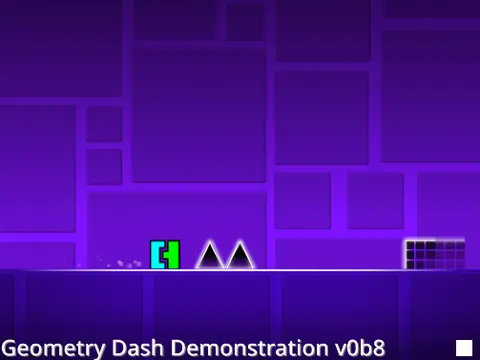
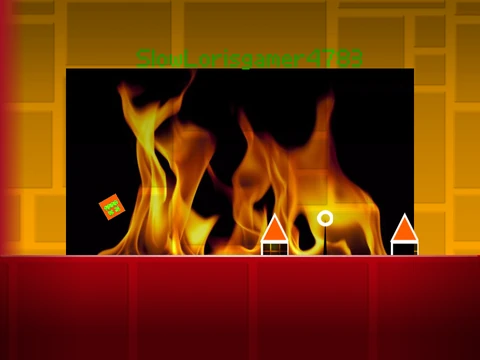
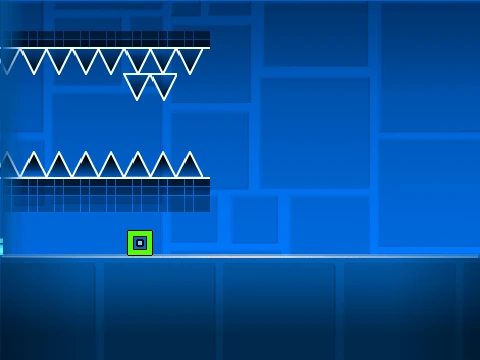
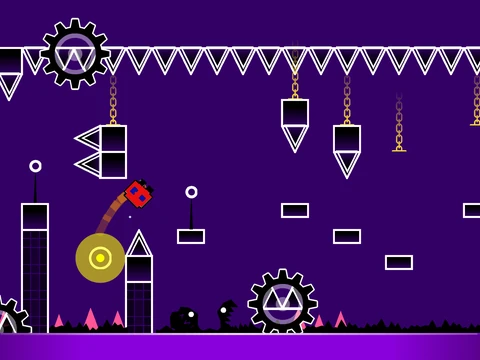
This comprehensive Geometry Dash port faithfully recreates the RobTop Games experience while adding enhanced features and performance improvements. The recommended way to play is through the official website at https://gdashport.netlify.app, though developers note that the latest update available on GitHub may be less stable.
New Content and Levels
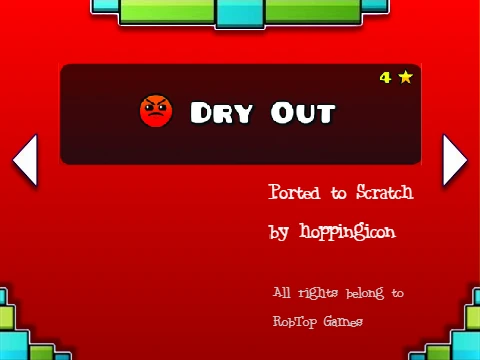
This port includes significant content additions with 2-3 new levels: 'Jumper' and 'Time Machine', expanding the gameplay experience beyond the original. Recent updates have added three additional levels: 'Dry Out', 'Base After Base', and 'Can't Let Go', providing fresh challenges for both new and experienced players.
Technical Enhancements and Performance
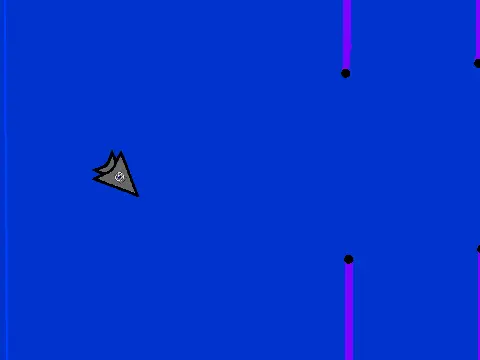
Technical enhancements make this version particularly appealing to serious players. The port supports widescreen resolution (640x360) for modded clients and includes crucial bug fixes that address long-standing issues like FPS lag during gameplay and the ship mode camera bug.
For optimal performance, players are strongly encouraged to use TurboWarp at https://turbowarp.org/568212171, which provides better frame rates, unlimited clones, and overall smoother gameplay compared to standard Scratch environments.
Major Feature Updates
The December 2022 update represented a major overhaul with new features including settings and options pages, character selection improvements, platformer mode implementation, and gravity portals. The editor has received significant upgrades with zooming capabilities (though limited for building), move and shake triggers, and enhanced object selection tools.
Visual and Gameplay Improvements
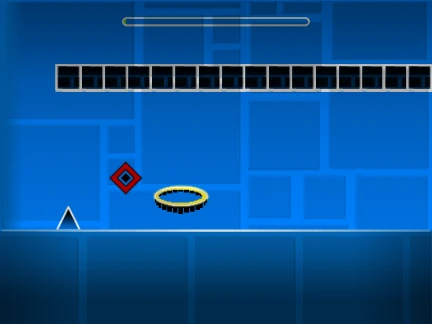
Visual improvements include object glow effects on certain tiles and increased particle density, creating a more immersive experience. All levels have been extended to the maximum level width for expanded gameplay space and more challenging level design possibilities.
Control Schemes
Control schemes are comprehensive but require modded Scratch clients like TurboWarp or Penguinmod for full functionality. Basic controls include:
- Click/tap/space/up for jumping
- Esc for pausing
- Q to toggle practice mode
- / to display FPS
- - to reset level progress
Editor controls feature Delete/Backspace for object deletion and E/Q for rotation functions, providing robust level creation tools for aspiring designers looking to create their own Geometry Dash experiences.