geometry dash arrow v2
Geometry Dash Arrow V2: Ultimate Scratch Level Editor
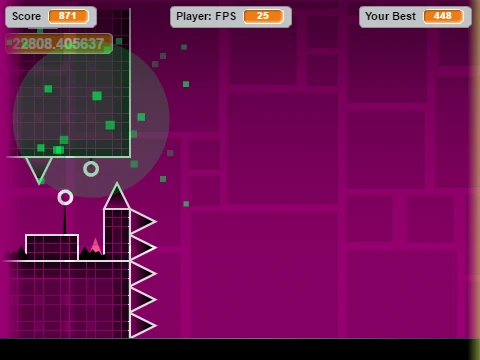
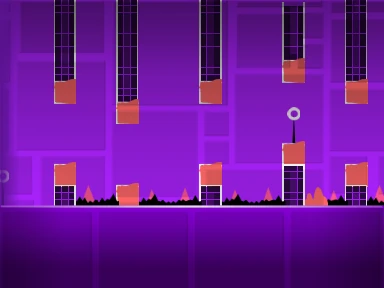
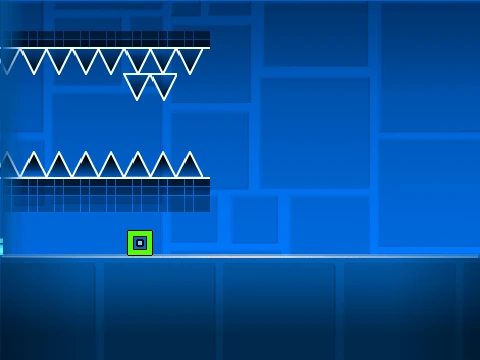
Step into the role of both player and creator with Geometry Dash Arrow V2, a highly advanced and feature-rich level editor built on Scratch. This powerful tool allows you to craft, test, and share your own Geometry Dash-style levels with an impressive array of gameplay mechanics and visual options. Important Performance Note: Due to its complexity, performance may lag in standard Scratch. For the optimal, smooth experience, it is highly recommended to use the provided TurboWarp link or enable Turbo Mode within Scratch.
Project Setup & Audio Customization
This editor is a comprehensive creation suite. You have full control over the audio landscape: enter the backdrop editor to delete the default music and import your own custom tracks to set the perfect rhythm for your level. To safeguard your work, remember to remix the project when starting a new level and use the save function frequently to preserve your progress.
Mastering the Controls: Play, Edit, Create
Mastering the extensive control scheme is key to using this editor effectively.
General & Player Controls
- Toggle between Edit Mode and Play Mode using the
Z and M keys.
- In Play Mode, click to execute all primary actions (jump, fly, switch gravity, use orbs).
- Press
I and O to activate the no-clip (god mode) option.
- At the end screen, rate the level by pressing keys
0 through 9.
- In Practice Mode, press
Z to place a checkpoint.
Advanced Editor Controls
- Cycle between block menus with
1 or 3.
- Cycle through blocks within a menu using
4 and 5. Press 2 for the eraser.
- Click to place a block.
- Rotate blocks with
R (standard) or T (45-degree increments).
- Press
E for the rotation/nudge menu. Reset defaults with R and O.
- Open the trigger menu (
F), detect menu (B), or pick up a block (Z).
- Access settings (
I and O) and the debug menu (O and P).
- Save your layout with
9 and load with 0.
Comprehensive Feature Set & Version History
Geometry Dash Arrow V2 boasts a significant list of features developed across its updates, making it a robust creation tool.
- Version 2.0: A major expansion adding save codes, move triggers, alpha (transparency) triggers, instant count triggers, keys, coins, counters, colored blocks, glow effects, teleport portals, 3D objects, thorns, the swing copter gamemode, more monsters, and fade effects.
- Version 1.2: Added numeric display to the percentage progress bar.
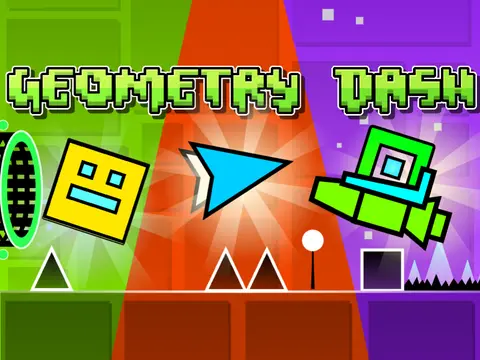
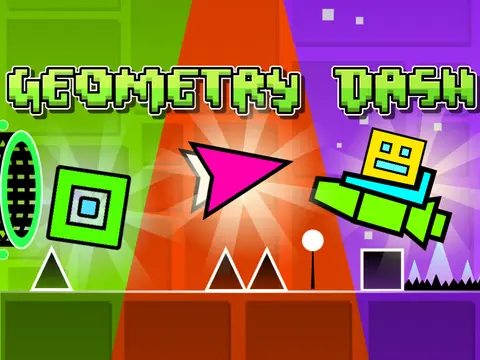
- Version 1.0: Established the core foundation: all standard Geometry Dash game modes (Cube, Ship, Ball, UFO, Wave, Robot, Spider), a vast library of blocks, platforms, and decorations, gravity portals, pads, orbs, color triggers, dangers, slopes, dash orbs, cross blocks, black blocks, layout blocks, mini/mirror/dual portals, saws, gears, and speed changers.
This editor is the ultimate playground for aspiring level designers looking to replicate the depth and creativity of the official Geometry Dash editor within the accessible Scratch ecosystem. Start building your impossible level today!