geometry dash badland full version geometry dash subzero
Geometry Dash Badland: Play and Create
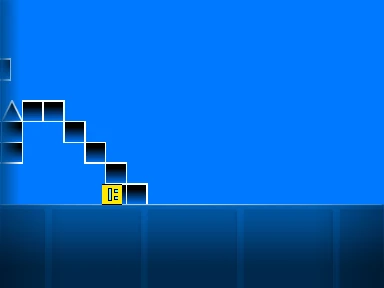
Geometry Dash Badland Full Version is more than just a game; it's a creative suite. This package includes the complete Geometry Dash Subzero experience plus a fully-featured, in-browser level editor. Master the official levels first, then unleash your imagination by building and testing your own custom Geometry Dash challenges.
Complete Subzero Gameplay
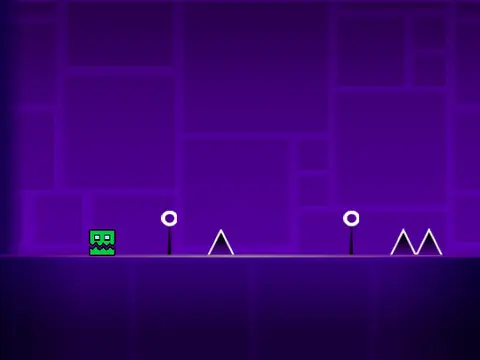
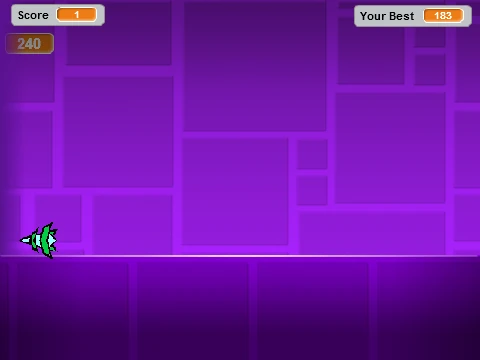
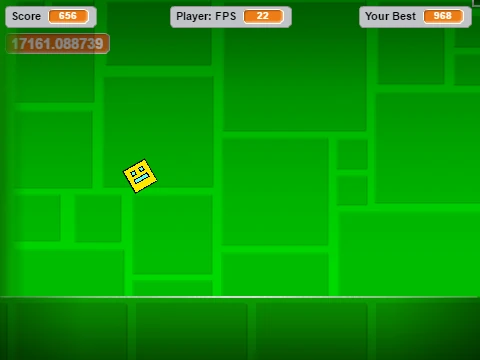
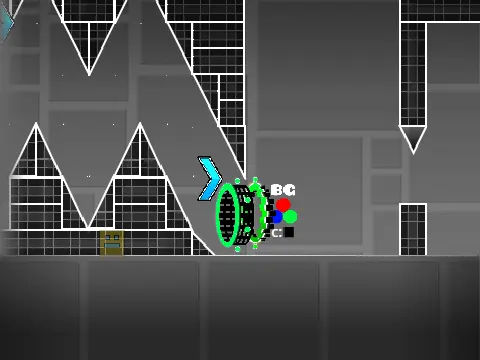
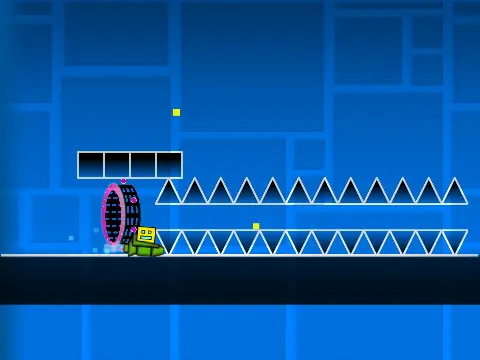
Start by playing the classic Geometry Dash Subzero game. Control the Cube by jumping with Up arrow, W, Spacebar, or a mouse click. Avoid spikes and navigate through various game modes: hold to ascend in Ship/Wave mode, click rhythmically in Ball/Spider mode, and use jump pulses for the UFO and Robot. Collect coins for bonus points and use L to toggle effects for performance.
Powerful Built-in Level Editor
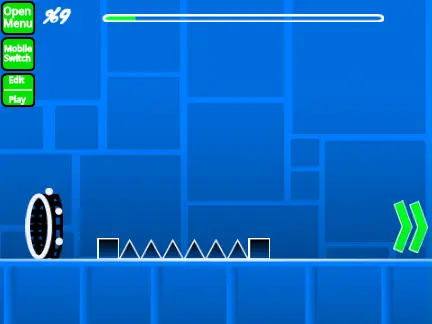
The standout feature is the accessible editor. Press Z + M simultaneously to open the creation toolkit. Use the number keys 1-9 to place different objects:
- 1: Normal Solid Blocks/Platforms
- 2: Non-Solid Platforms (decorative)
- 3: Spikes & Dragons (hazards)
- 4: Long Platform segments
- 5: Portals, Jump Pads, & Orbs (gameplay changers)
- 6: Speed Portals (slow, normal, fast, faster)
- 7: Slopes for smooth terrain
- 8: New Pits (challenge elements)
- 9: Spiked Slopes & other advanced hazards
Advanced Customization & Triggers
For truly dynamic levels, you can modify background triggers. This requires diving into the sprite code (specifically the Player Code variables) to set the backdrop to a specific ID. To change the background art style, locate the Background sprite code, find the "switch to costume" block, and change its value to the desired background ID. You can also adjust the ghost effect (set to 70 by default) in the background sprite for visual layers.
This editor empowers you to recreate classic GD styles or invent completely new obstacle courses, making Geometry Dash Badland a endlessly replayable creative tool.