geometry dash editor
Geometry Dash Editor V3: Your Gateway to Level Design
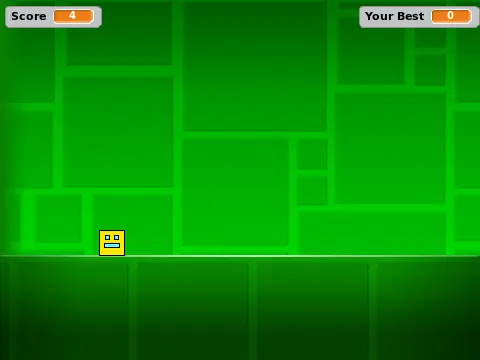
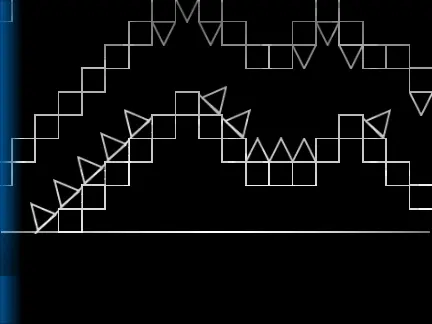
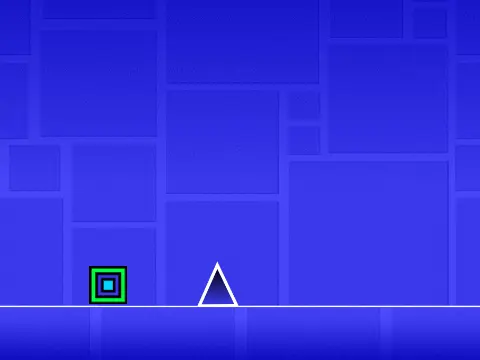
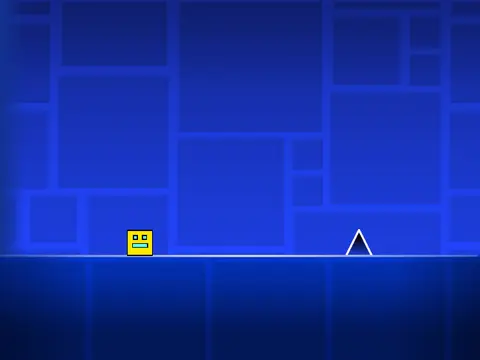
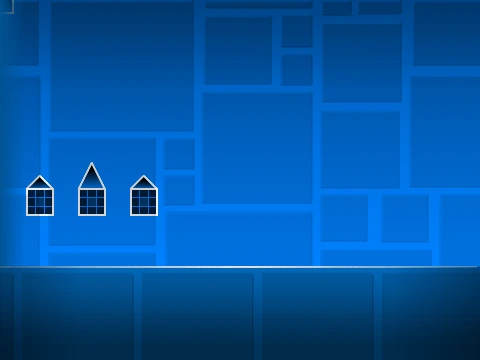
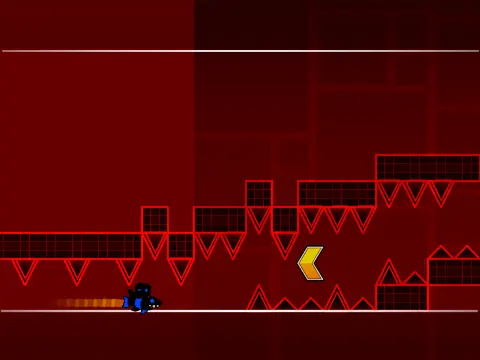
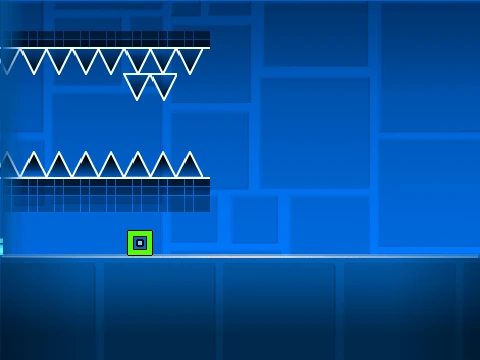
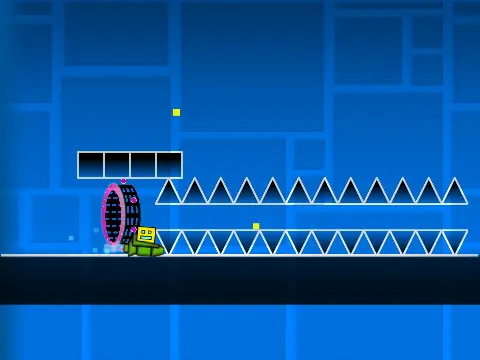
Step into the role of a game designer with Geometry Dash Editor V3, a comprehensive level creation studio built on Scratch. This tool empowers you to build, test, and share your own custom Geometry Dash challenges, inspired by the mechanics popularized by Griffpatch.
Accessing the Editor Workspace
To start creating, you must first activate edit mode. The primary method is to open the project "See inside", run it, choose a level, die, and then press 'E' while the game is paused during the death animation. A quicker, but limited, alternative is to press 'E' directly from the project page—however, this prevents saving your work.
Intuitive Building Controls
The editor features a logical control scheme:
- Object Selection: Press keys 1 through 5 to switch between different object types. Pressing the same key multiple times cycles through items within that category.
- Place & Edit: Click to place an object. Click while hovering over an existing object to replace it. Click on an object identical to your current selection to delete it.
- Navigation: Use the WASD keys to pan around your level canvas.
From Creation to Publication
Once your level layout is complete, you can customize the experience by changing the background music and editing the level's introductory text/graphics. The magic happens when you click the "Remix" button. This generates a brand new, standalone Scratch project containing your custom level, ready to be played by anyone.
Gameplay Controls
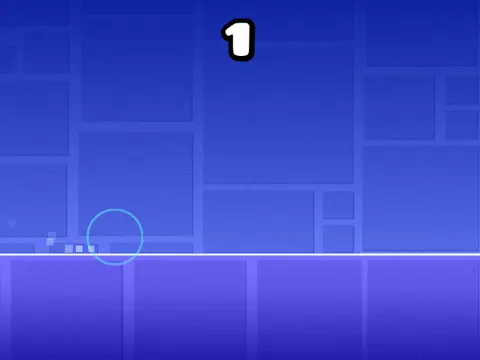
When playing levels, use the arrow keys to navigate menus, the spacebar to jump/fly, L to toggle special effects, and P to pause. Geometry Dash Editor V3 is more than a game; it's a creative platform that simplifies game development, making it perfect for beginners eager to explore level design and for fans to create their own unique dash challenges.