geometry dash evw challenge
Geometry Dash EVW Challenge & Advanced Level Editor 2.0
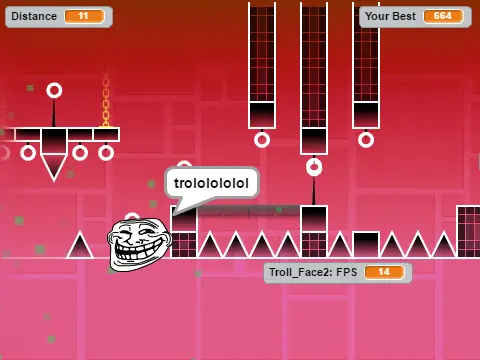
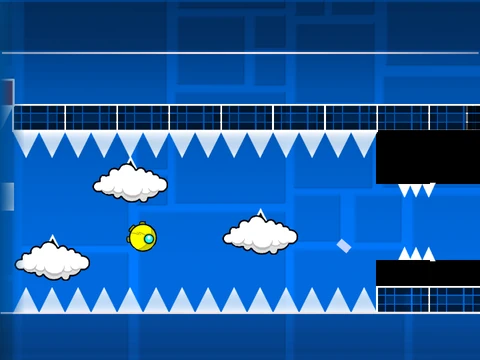
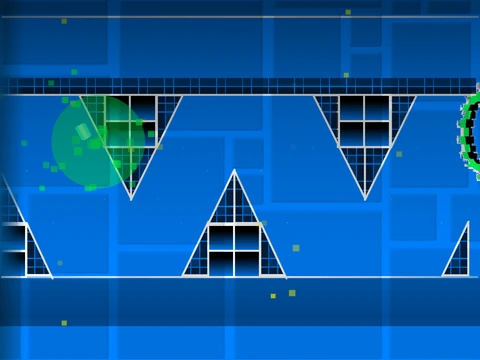
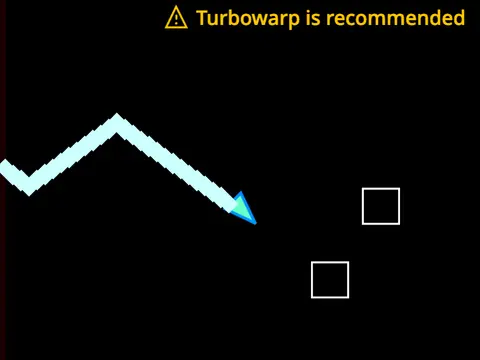
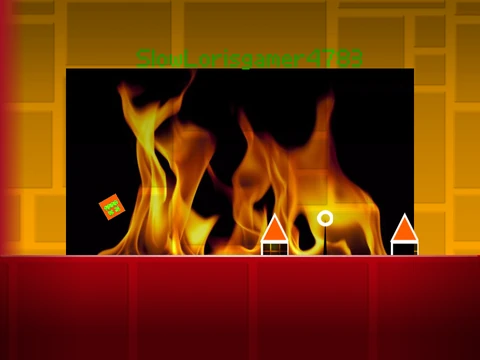
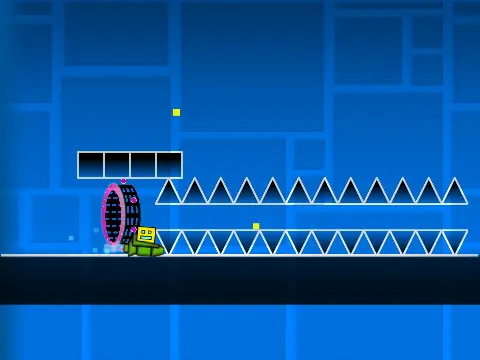
The EVW Challenge presents a unique and demanding custom Geometry Dash experience built on the advanced “Geometry Dash Level Editor-2.0.” This project serves a dual purpose: offering a tough pre-made level for players and a deep, professional-grade editing suite for creators. Performance Note: This project can be resource-heavy. For optimal gameplay without lag, it is strongly recommended to use Turbowarp (https://turbowarp.org/548600489). The standard Turbo Mode is less effective.
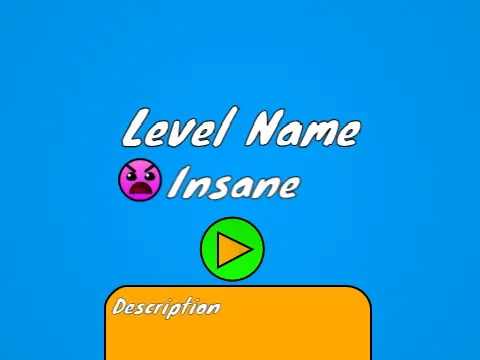
Tackle the EVW Challenge
As a player, your goal is to conquer this custom challenge. Seamlessly switch between Play Mode and Edit Mode by pressing Z and M. Control your icon by clicking to jump, fly, or activate orbs. Advanced tools are at your disposal: press I and O to enable a ‘no-clip’ mode for easier navigation or practice. While in practice mode, set your own checkpoints by pressing Z. After completing the level, you can rate it by pressing a number key from 0 to 9 on the end screen.
Master the Advanced Editor
For creators, this editor, built from projects by @CaptainFlufBall and @wallyt12, is incredibly powerful. Here’s a breakdown of essential controls:
- Navigation: Cycle block categories with 1 or 3. Scroll through blocks in a category with 4 and 5.
- Tools: Press 2 for the eraser. Press I and O for settings, and O and P for the debug menu.
- Building: Click to place a block. Use R to rotate. Press E for detailed rotation/nudge options (reset with R+O).
- Advanced Features: Open the trigger menu (F) and detection menu (B). Use Z to pick up a block. Save (9) and Load (0) your level data.
- Custom Music: Add your own soundtrack by editing the backdrop and replacing the music.
- Saving Your Work: Always start by remixing the project. Use Scratch’s save function to preserve your level.
Editor Features & Version History
The 2.0 update massively expanded capabilities, adding:
- Save codes and advanced triggers (Move, Alpha, Instant Count).
- New collectibles: Keys and Coins.
- Visual enhancements: Colored blocks, glow, and fade effects.
- New objects: Teleport portals, 3D objects, thorns, and more monsters.
- The Swing Copter game mode.
The foundation includes all 1.0/1.2 features: basic blocks, all portals and orbs, every game mode (cube, ship, ball, UFO, wave, robot, spider), and decorations. Whether you’re here to beat the challenge or build the next iconic level, this tool provides the depth and flexibility for serious Geometry Dash creation.