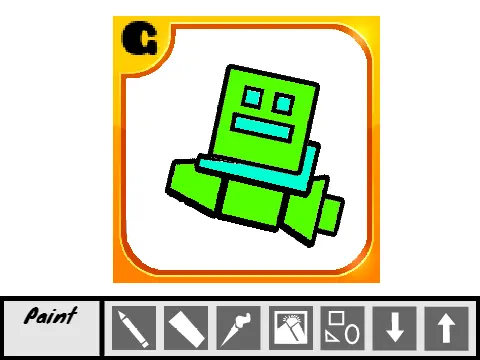
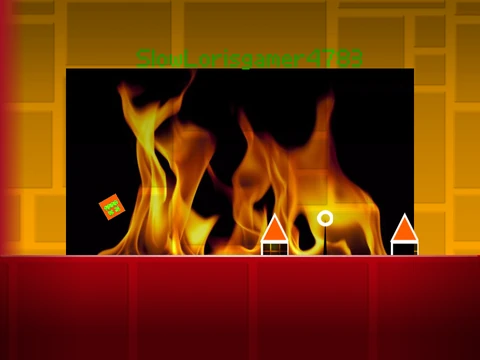
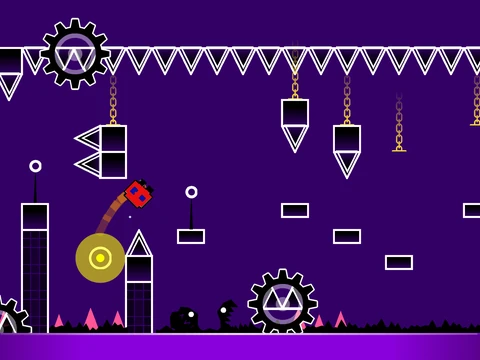
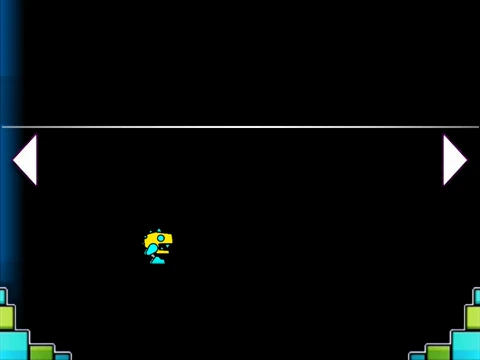
geometry dash extreme demon layout
Geometry Dash Extreme Demon Layout: Advanced Level Editor
Design and create challenging extreme demon layouts with this comprehensive Geometry Dash level editor. Note that performance optimization is recommended through Turbowarp (available at https://turbowarp.org/534067928) or Turbo Mode, though the latter offers reduced effectiveness for handling complex level designs.
Dual-Mode Editing System
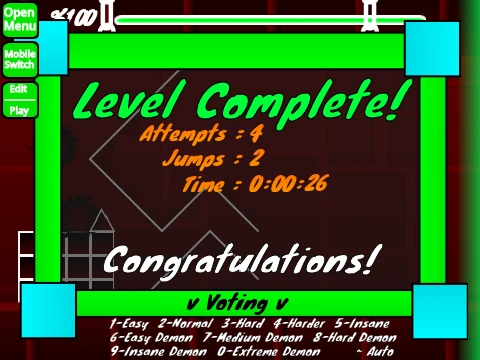
Switch seamlessly between editing and playtesting environments using Z and M keys. Player controls utilize intuitive clicking mechanics for jumping, flying, gravity manipulation, and orb activation, with I and O keys providing no-clip debugging options. The end screen incorporates a 0-9 key voting system for level evaluation and feedback.
Comprehensive Editor Controls
Access extensive editing functionality with dedicated keyboard shortcuts: 1 and 3 cycle through block menus, 4 and 5 navigate within selected menus, while 2 activates the eraser tool. Settings and debug menus are accessible via I/O and O/P key combinations respectively. Placement mechanics involve simple clicking, with R handling rotation functions and F accessing trigger menus.
Advanced Editing Features
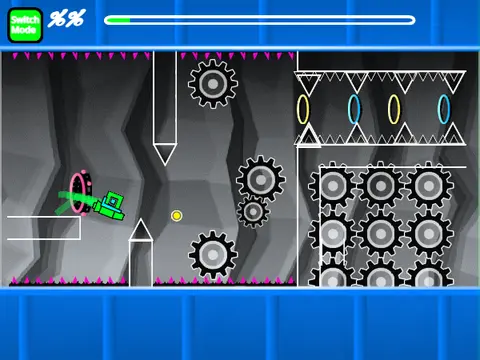
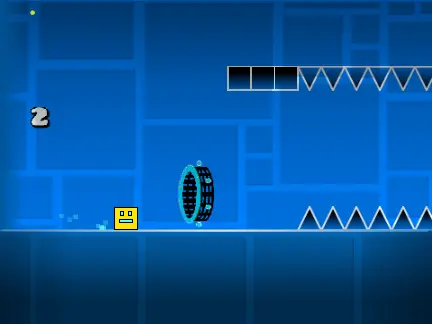
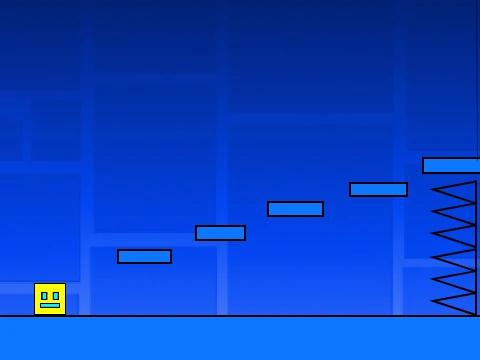
Utilize R and E keys for detailed rotation and nudge adjustments, with R and O resetting to default configurations. The editor supports blocks, platforms, grid blocks, pulsing and chain decorations, gravity portals, all character forms (cube, ship, ball, UFO, wave, robot, spider), pads, orbs, color triggers, hazards, slopes, dash orbs, cross blocks, black blocks, layout blocks, portal variations (mini, mirror, dual), saws, gears, and speed changers.
Version Development History
Experience continuous improvements from versions 1.0 through 1.4, addressing portal bugs, implementing mobile editing controls, adding progress bars with numerical indicators, and expanding available elements. This evolution demonstrates commitment to creating a robust tool for extreme demon layout creation within the Geometry Dash community.