geometry dash levels 1-9
Geometry Dash Levels 1-9: The Definitive Starter Pack
Embark on your rhythmic platforming journey with Geometry Dash Levels 1-9. This comprehensive package bundles the game's iconic introductory stages into one seamless, feature-rich online experience. It's the perfect way to learn the mechanics, challenge yourself, and customize your play.
Navigate & Switch Between Levels
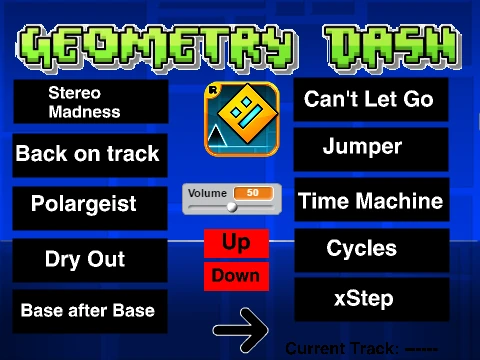
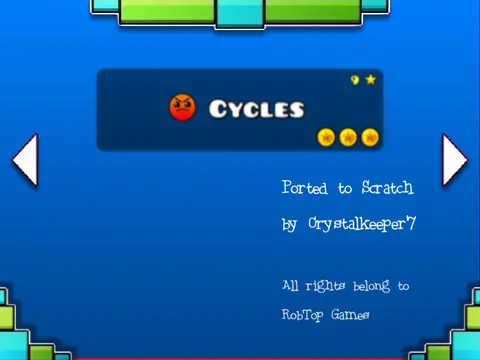
Easily move between the nine included levels. Use the small arrow buttons on the screen or the more precise LEFT and RIGHT arrow keys on your keyboard to select your challenge.
Core Controls & Basic Rules
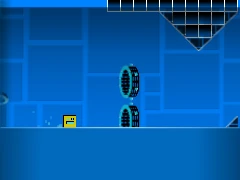
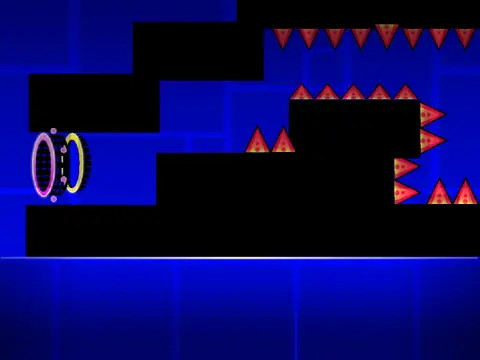
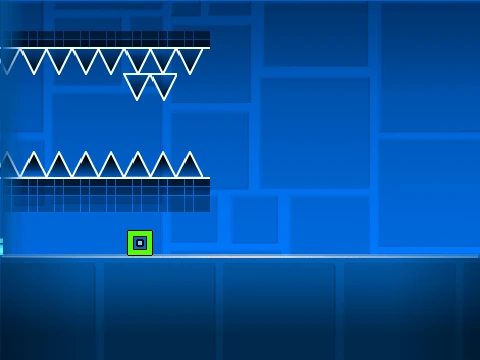
Make your character jump by pressing the UP arrow, SPACE, W key, or with a mouse click. The core danger is contact: touching any wall, block, or spike results in failure. A visual cue, a constant rainbow trail behind your icon, indicates you have gained the ability to fly.
Master the Game Modes
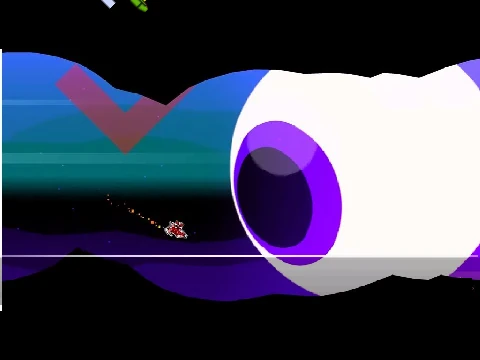
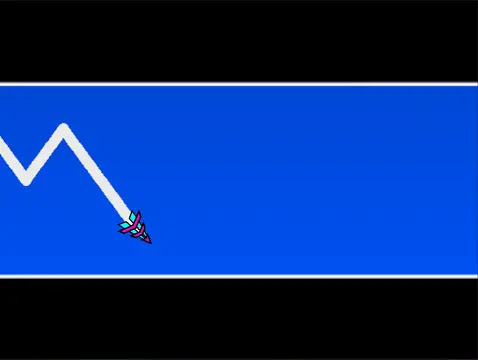
- Ship Mode: When in this mode, hold the jump key to fly upwards and release it to descend.
- Ball Mode: This mode focuses on switching gravity with each jump.
- Cube (Regular) Mode: Interact with the environment:
- Pink Pads/Orbs: Trigger a low jump.
- Yellow Pads/Orbs: Provide a medium-height jump.
- Blue Pads/Orbs: Reverse your gravity.
Remember to collect coins for 25 bonus points each and reach the yellow finish line to complete a level.
Extensive Utility & Function Keys
This version is packed with quality-of-life features controlled by keyboard shortcuts:
- P: Pause the game.
- L: Toggle special effects on/off to reduce lag.
- F: Activate/deactivate Ghost Mode.
- B: Switch between different backgrounds.
- R: Instantly restart the current level.
- V: Mute or unmute all game sound.
Explore Related Content
The creator notes that for newer (and unofficial) versions of the "Jumper" and "Time Machine" levels, you can visit their other project: https://scratch.mit.edu/projects/791590250. More of their games can be found in their studio: https://scratch.mit.edu/studios/32633110.