geometry dash revamped the toss
Geometry Dash Revamped The Toss: Enhanced Level Creation Experience
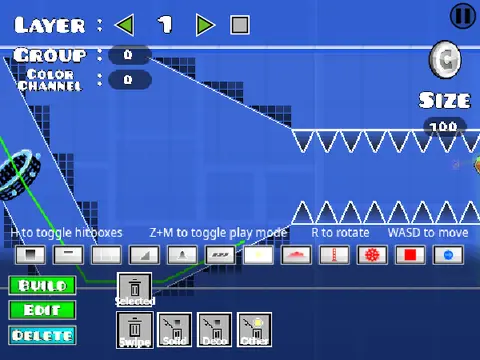
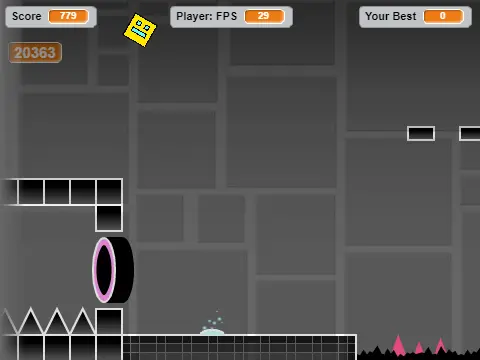
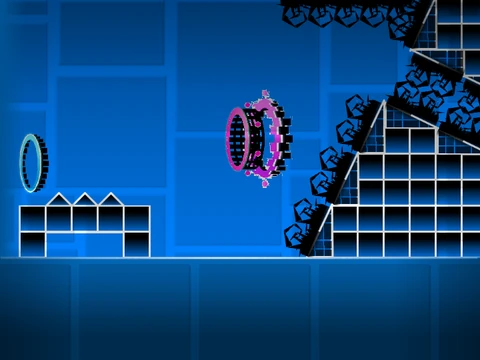
Experience Geometry Dash like never before with "Revamped the Toss," a comprehensive reimagined level editor built directly in Scratch. This enhanced version addresses common display issues - if you encounter puzzling question marks, simply reload the page until they fully disappear. For optimal performance and question mark elimination, we highly recommend running through Turbowarp at turbowarp.org/971409464?hqpen&fps=60.
Community Level Showcase
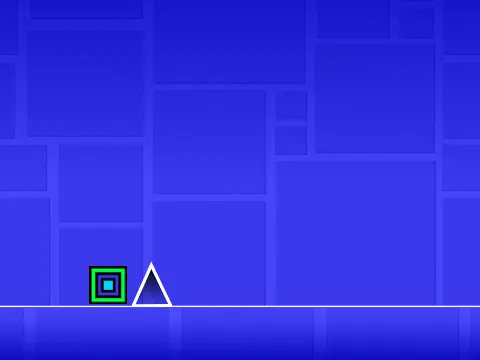
Showcase your creative levels by submitting them to the dedicated community studio at https://scratch.mit.edu/studios/33636423 for potential featuring. The gameplay maintains classic Geometry Dash mechanics with multiple jump options: click, W, up arrow, or spacebar. Platformer mode introduces lateral movement using left arrow/A for left and right arrow/D for right movement.
Advanced Practice and Editor Tools
Practice mode offers checkpoint management with X to place and C to delete checkpoints, while P accesses the pause menu. The robust editor provides professional-level controls: WASD camera movement, R for object rotation, X to delete selections, C for copy/paste operations, and arrow keys for precise object positioning.
Level Management and Advanced Features
Save your custom levels by remixing the project and clicking "save now" in the project editor. Transfer levels between Turbowarp and Scratch by saving the level code from the pause screen and loading it into Scratch. Advanced trigger implementation uses the wire tool to connect light green detection boxes to other triggers, enabling complex interactive mechanics perfect for creating challenging Geometry Dash experiences, editor updates, and revamped gameplay sequences.