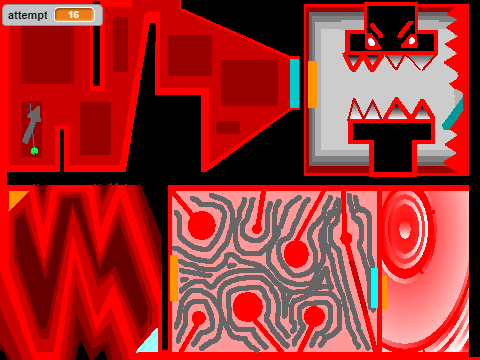
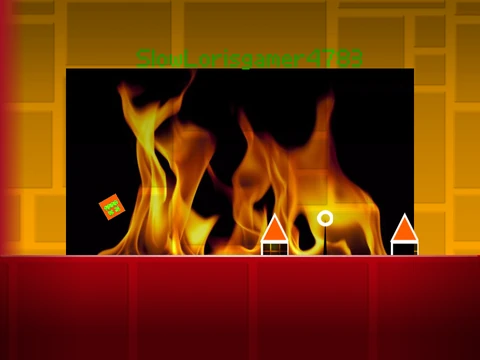
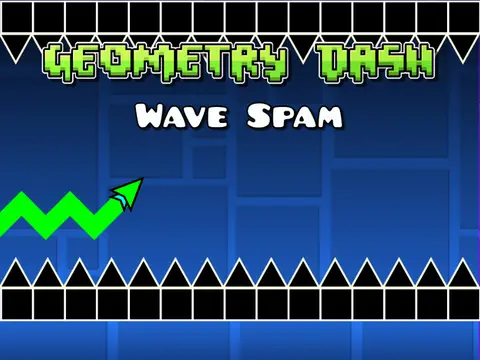
geometry dash ship challenge
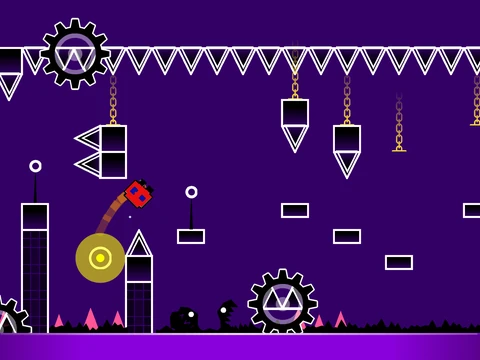
Geometry Dash Ship Challenge v5: Advanced Level Editor with Save States
Step into the next generation of Scratch-based Geometry Dash creation with version 5 of the Ship Challenge editor. This enhanced tool offers profound new capabilities for designing complex levels but demands a robust setup to run smoothly.
⚠️ Essential Setup for Best Performance: Due to its advanced features, significant lag is expected in standard Scratch. The definitive solution is to use Turbowarp with the infinite clones parameter enabled. Scratch's Turbo Mode is a less effective alternative.
Core Creation Workflow
Start by remixing the project. Your level is saved automatically when you save the Scratch project file. To set the mood, you can replace the default soundtrack by importing your own music file into the backdrop.
Enhanced Dual-Mode Controls
Toggle between creating and testing by pressing Z or M.
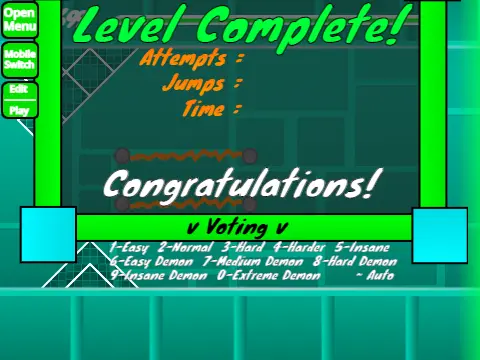
- Play Mode: Control your character with mouse clicks. Use I/O for no-clip, vote on levels with 0-9, and crucially, in Practice Mode, press Z to place a checkpoint—a vital tool for testing difficult sections.
- Editor Mode (V5 Upgrades): This is where v5 shines.
- Object Management: Place blocks by clicking. Use R to rotate freely and T for precise 45-degree rotations. Pick up an existing block with Z.
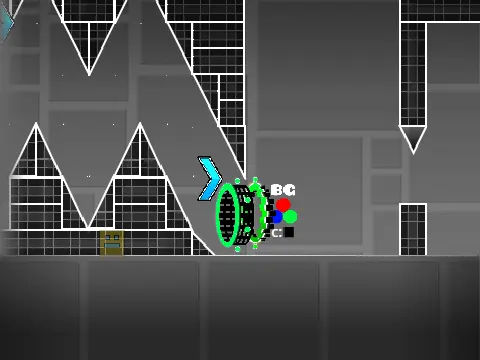
- Menu & Tools: Cycle block menus (1/3) and items (4/5). Use the eraser (2). Access new dedicated menus for detection (B), triggers (F), and settings (I/O).
- Save/Load System: A groundbreaking addition: press 9 to generate a save code for your layout and 0 to load a previously saved one.
- Fine Adjustment: Open the rotation/nudge menu with E and reset values with R+O.
What's New in Version 2.0+
This marks a massive leap from the 1.0 foundation. The 2.0 update packed in professional-grade features: save/load codes, move/alpha/instant count triggers, keys, user coins, colored and glowing blocks, teleport portals, 3D objects, thorns, the swing copter gamemode, more monster designs, and fade effects. Version 2.1 focused on optimization to reduce lag and introduced breakable blocks. For beginners, the developer recommends consulting a separate tips guide for mastering the editor.