geometry dash spam wave
Geometry Dash Spam Wave V6: Build and Play Custom Geometry Dash Levels Online
Important Performance Note: This game may experience lag. For the best experience, it is recommended to play using Turbowarp or enable Turbo Mode within Scratch, though Turbo Mode is less effective.
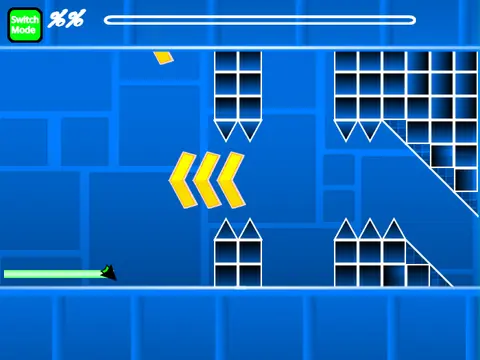
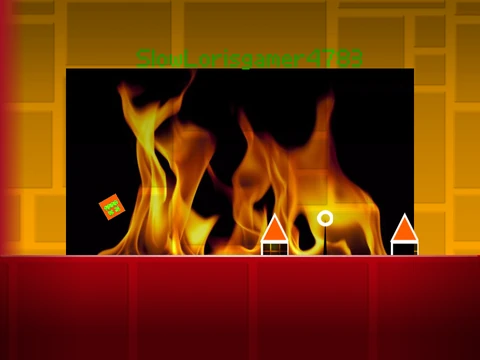
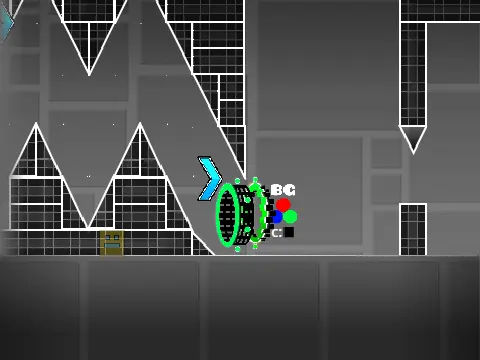
Geometry Dash Spam Wave V6 is a comprehensive and creative Geometry Dash level editor and gameplay simulator built on the Scratch platform. It empowers you to design, build, and play your own custom Geometry Dash levels with a surprisingly deep set of tools and mechanics.
Powerful Level Creation Toolkit
The editor provides a full suite of creation tools. Switch between Editor Mode and Play Mode by pressing "Z" and "M". In the editor, you can access multiple block menus (cycle with "1" or "3"), select specific blocks within a menu ("4" and "5"), choose the eraser ("2"), and open settings ("I" and "O") or a debug menu ("O" and "P").
Place objects by clicking, rotate them with "R", and fine-tune placement with a dedicated rotation and nudge menu (accessed with "R" and "E"). A separate trigger menu is opened by pressing "F", allowing for advanced interactive elements.
Rich Gameplay Elements and Customization
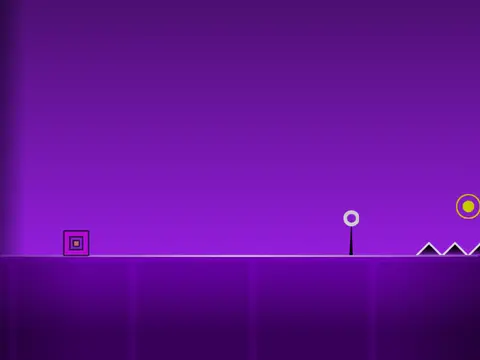
Your created levels can include all the core Geometry Dash gameplay elements. Implement seven different player forms: Cube, Ship, Ball, UFO, Wave, Robot, and Spider. Control them in play mode with a simple click or spacebar to jump, fly, or switch gravity.
Enhance your levels with a variety of objects: gravity portals, speed portals, mini, mirror, and dual portals, pads, orbs (including dash orbs), slopes, saws, gears, and various decorative blocks like pulsing chains, grid blocks, cross blocks, and layout blocks. Use color triggers and other effects to bring your creations to life.
Custom Audio and Project Management
Fully personalize your level's atmosphere by adding your own music. Simply go into the backdrop editor, remove the default tracks, and upload your preferred audio file. To save your progress, remix the main project when you start and use Scratch's native save function periodically.
Advanced Features and Controls
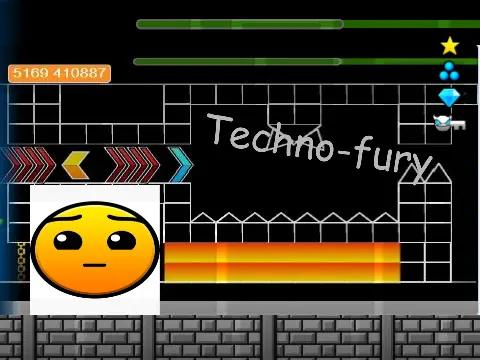
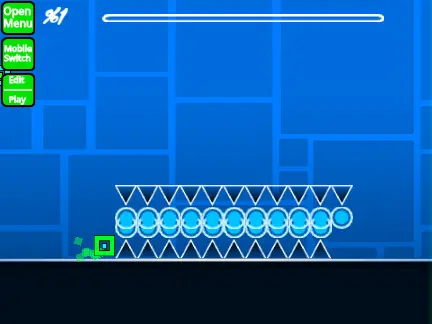
For testing and exploration, activate a 'no-clip' option during gameplay by pressing "I" and "O". The game also includes a voting system on the end screen (using keys 0-9) and a progress bar with numerical indicators to track your advancement through a level.
Recent updates have improved the experience, including bug fixes for portals, the addition of mobile editing controls, and visual enhancements like the progress bar and its numeric labels.
Whether you're a seasoned Geometry Dash creator or a newcomer wanting to experiment, Geometry Dash Spam Wave V6 offers a robust, free, and accessible platform to unleash your creativity directly in your browser.