geometry dash spider challenge
Advanced Level Editing in Geometry Dash Spider Challenge V4
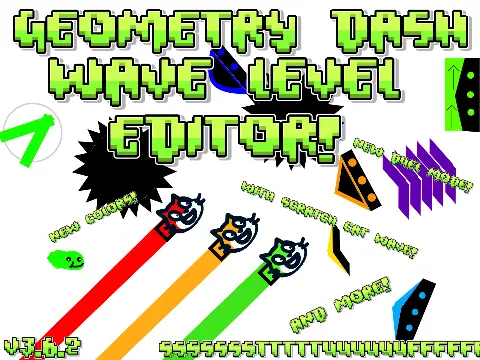
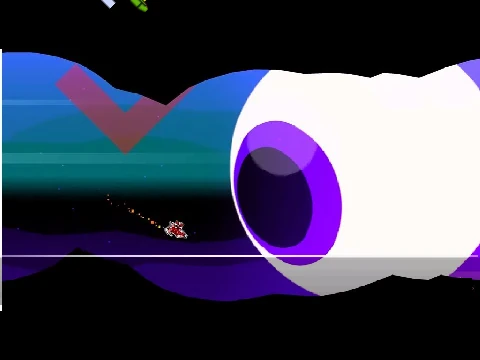
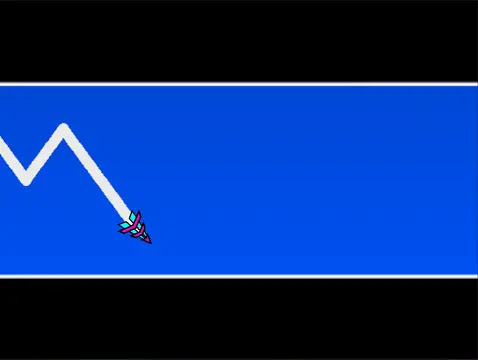
Geometry Dash Spider Challenge V4 represents a significant leap forward for Scratch-based Geometry Dash editors. Packed with professional-grade features from its major 2.0 update, it empowers you to build incredibly detailed and interactive levels. Be advised: this is a resource-intensive project. To ensure smooth editing, always use the provided Turbowarp link, as standard Turbo Mode is insufficient.
Major New Features for Creators
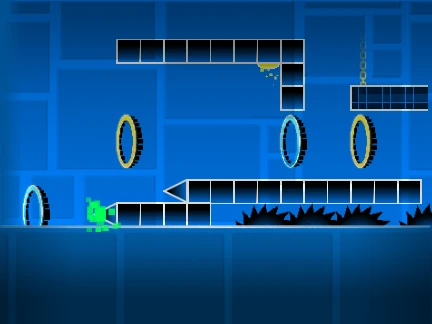
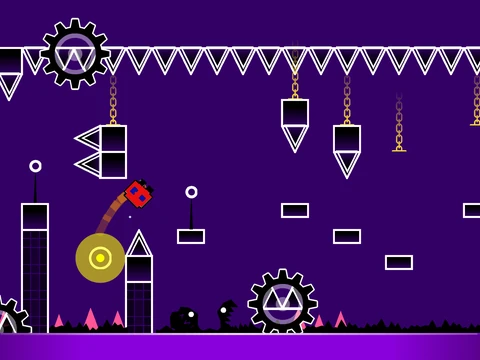
V4 introduces game-changers for level design. Implement complex mechanics with new triggers (Move, Alpha, Instant Count). Enhance visuals with colored glow blocks, 3D objects, and teleport portals. Design intricate challenges using keys, user coins, and the Swing Copter mode. Most importantly, you can now generate save codes, allowing you to share your custom Geometry Dash levels with others easily.
Refined Controls & Workflow
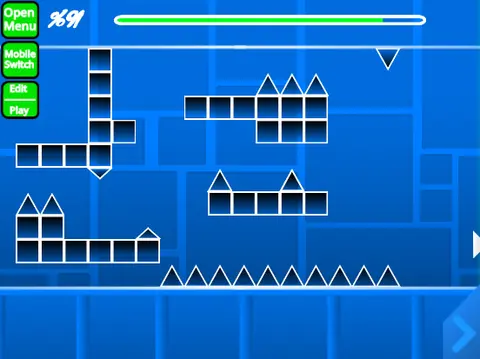
The editor controls are more precise. Quickly pick up existing blocks (Z), rotate them in 45-degree increments (T), and use dedicated keys for instant saving (9) and loading (0) of your layout. When testing, utilize the practice mode checkpoint system (Z). All the standard tools—from placing blocks and triggers to switching between the seven core game modes—are present and optimized from the previous versions.
This is the ultimate tool for ambitious Geometry Dash fans who want to move beyond simple layouts. With its expanded trigger system, visual options, and save functionality, Spider Challenge V4 lets you create levels that feel closer to the official editor's output. What masterpiece will you code?