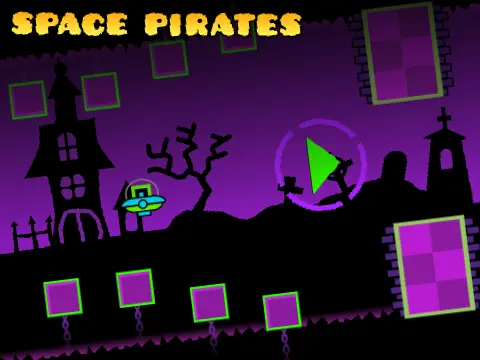
geometry dash wave challenge
Geometry Dash Level Editor - Creation Toolkit
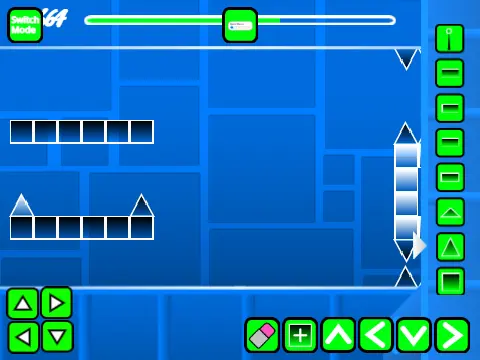
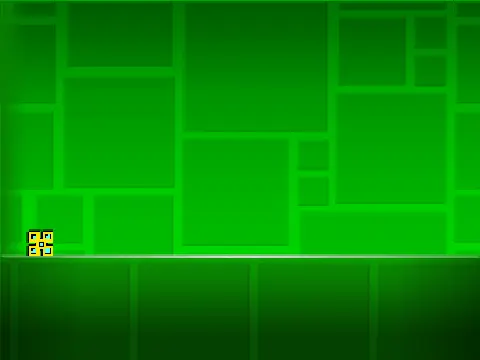
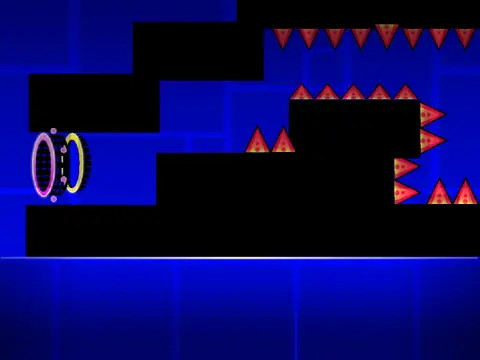
This comprehensive level editor provides complete tools for creating custom Geometry Dash experiences directly in your browser. Designed for both novice creators and experienced level designers, the editor replicates core Geometry Dash creation features while adding unique quality-of-life improvements.
Dual Mode Operation
Switch seamlessly between editing and testing using the Z and M keys. Editor mode offers full creation tools, while play mode lets you test gameplay instantly. This rapid iteration cycle accelerates the design process and ensures level quality.
Complete Editing Toolkit
The editor includes multiple block menus (cycle with 1/3 keys), detailed block selection (4/5 keys), and an eraser tool (2 key). Advanced features include object rotation (R key), nudge adjustments (R+E), rotation reset (R+O), and a comprehensive trigger system (F key). Place blocks, platforms, decorations, portals, orbs, danger objects, slopes, and specialized items like dash orbs and cross blocks.
Customization & Audio
Import your own music by replacing backdrop audio files. The editor supports custom sound integration for complete audio control. Save levels by remixing the project, ensuring your creations remain accessible for future editing.
Player & Debug Features
During testing, use I/O keys to activate no-clip mode for navigation. The end screen includes a voting system (0-9 keys) for difficulty assessment. Debug tools (O+P keys) provide technical insights, while settings (I+O keys) offer customization options. Version 1.3 added mobile editing controls, making creation possible on touch devices.
Interface Enhancements
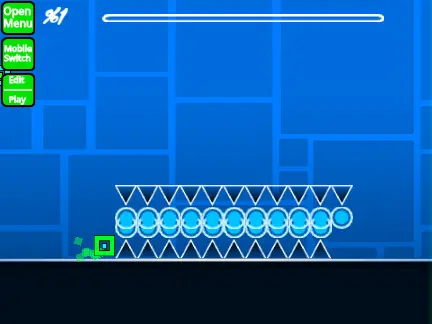
The editor includes visual improvements like numbered progress bars (v1.2) and basic progress indicators (v1.1). These features help creators track level length and player progression during testing sessions.
Performance Considerations
For optimal performance with complex levels, use TurboWarp or enable Turbo Mode to reduce lag. The editor handles various object types including gravity portals, all player forms (cube, ship, ball, UFO, wave, robot, spider), pads, color triggers, saws, gears, and speed changers.