geometry dash wave challenge
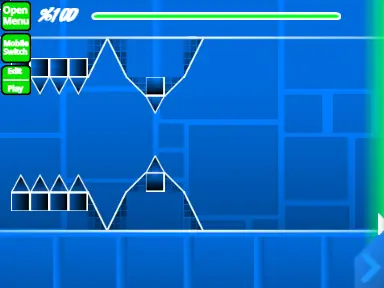
Geometry Dash Wave Challenge 83913: Comprehensive Wave Level Editor
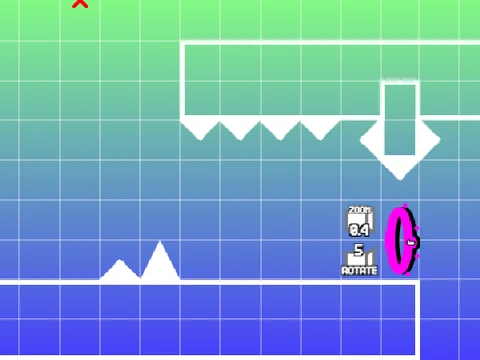
Unleash your creativity with Geometry Dash Wave Challenge 83913, a sophisticated wave-based level editor that provides extensive tools for designing challenging wave courses. This editor comes with important performance considerations - potential lag may occur, making Turbowarp the recommended platform for optimal experience, with Turbo Mode serving as a viable alternative for smoother operation.
Getting Started and Resources
The editing system presents considerable complexity, making thorough review of all instructions essential before beginning your creation journey. Additional guidance and tips are available at https://scratch.mit.edu/projects/543078285/, providing valuable insights for mastering this powerful editor. Community standards permit advertising only when directly related to this specific editing tool.
Audio Customization and Project Management
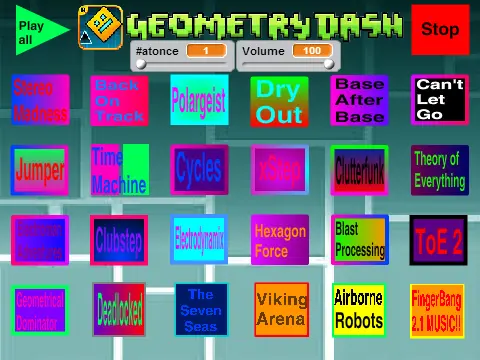
Customize your wave levels with personalized audio by navigating to the backdrop section, removing existing music, and importing your preferred tracks. The saving methodology leverages Scratch's remix functionality - initiate your project as a remix, then regularly save your project file to preserve all level editing progress and configurations.
Dual-Mode Interface and Player Controls
Seamlessly transition between editing and gameplay modes using the "Z" and "M" keys. Player controls incorporate standard Geometry Dash mechanics with clicking for jumping/flying actions, while "I" and "O" activate no-clip functionality for testing purposes. The practice mode includes checkpoint creation with "Z", and completed levels feature a voting system (0-9) for community feedback and rating.
Advanced Editor Controls and Features
The editor boasts comprehensive control schemes: "1" and "3" cycle through available block menus, "4" and "5" navigate blocks within selected menus, "2" selects the eraser tool for removal operations. "I" and "O" access general settings, while "O" and "P" open advanced debug menus. Standard editing actions include clicking to place blocks, "R" for rotation adjustments, "E" to display rotation and nudge options, "R" and "O" to reset default configurations.
Specialized functions include "F" for trigger menu access, "B" for detection settings, "Z" for block selection, "9" for saving progress, and "0" for loading previous work. These controls provide precise manipulation of wave level elements for intricate course designs.
Version Evolution and Feature Development
Version 2.0 introduced substantial enhancements including save code systems, move/alpha/instant count triggers, key and coin mechanics, colored blocks with glow effects, teleport portals, 3D objects, thorn hazards, swing copter gameplay, additional monster types, and fade visual effects.
Version 1.2 improved user interface with numerical indicators added to the percentage bar for clearer progress tracking.
Version 1.0 established the foundation with comprehensive elements: diverse block types, platform structures, decorative components, all standard game modes (cube, ship, ball, UFO, wave, robot, spider), activation pads, interactive orbs, color trigger systems, environmental hazards, slope physics, dash orbs, specialized cross and black blocks, layout elements, portal variations (mini/mirror/dual), saw and gear obstacles, and speed modification mechanics.
This Geometry Dash wave editor represents a powerful tool for creators seeking to design challenging wave-based courses with extensive customization options and professional-level editing capabilities.