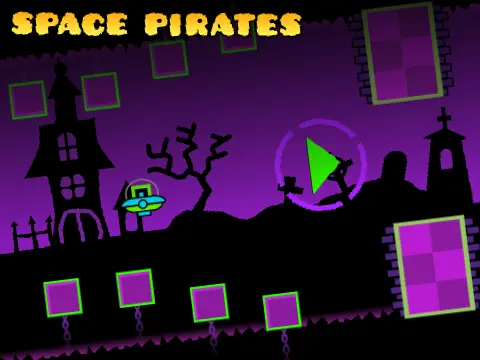
geometry dash wave challenge x
Geometry Dash Wave Challenge X: Ultimate Wave Editor & Engine
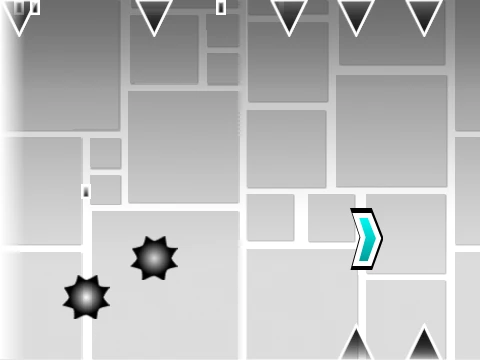
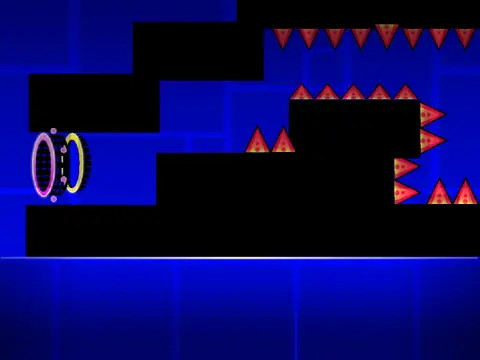
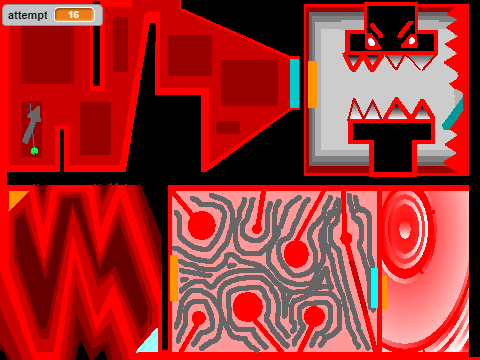
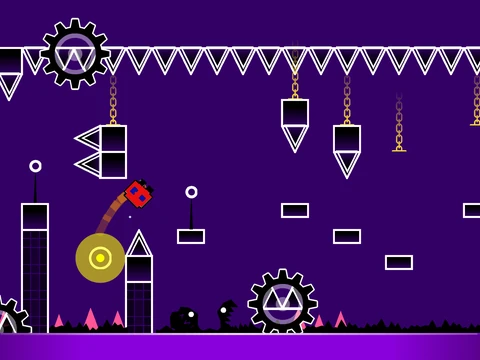
Welcome to Geometry Dash Wave Challenge X, a comprehensive, professional-grade wave level editor and gameplay engine constructed within Scratch. This ambitious project serves a dual purpose: offering a intensely challenging pre-built wave level to conquer (creator's best: 100% in 125 attempts) and providing a powerful, modular system to build your own custom Geometry Dash levels, specifically focused on the wave game mode.
Performance Note: This is a complex engine. To ensure a smooth experience free of lag, it is highly recommended to play and edit using Turbowarp. You can access the optimized project here: Geometry Dash Wave Challenge X on Turbowarp. The standard Scratch player's Turbo Mode is a less effective alternative.
A Deep & Powerful Editor
This is not a simple game—it's a sophisticated creation tool. New users should start by reading all instructions on the project page and are encouraged to review the external tips and guide project for deeper understanding. The editor's capability is vast, evidenced by its detailed development log:
- Version 1.0 Foundation: Introduced all core Geometry Dash elements: blocks, platforms, decorations, gravity portals, all seven game modes (Cube, Ship, Ball, UFO, Wave, Robot, Spider), pads, orbs, color triggers, dangers, slopes, dash orbs, and speed-changing mechanics.
- Version 2.0 Expansion Added advanced features like save codes, move/alpha/instant count triggers, keys & coins, colored & glowing blocks, teleport portals, 3D objects, the Swing Copter, and visual effects like fade.
Comprehensive Control Scheme
The interface uses a multi-layered control system:
- General: Press
Z and M to switch between Editor Mode and Play Mode.
- Player Controls: Click to jump/fly/use orbs. Press
I/O for 'no-clip' options, vote 0-9 on levels, and press Z to set checkpoints in Practice Mode.
- Editor Controls: An extensive set including block menu selection (
1,3), block cycling (4,5), eraser (2), settings/debug menus (I,O,P), placing (click), rotating (R, E for menu), and dedicated keys for trigger (F), detection (B), pick block (Z), save (9), and load (0).
Project Management
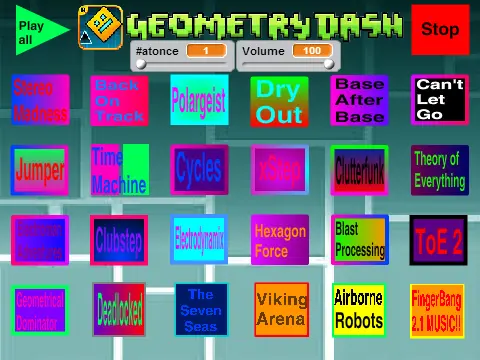
To customize, add your music by editing the sounds in the backdrop costume. To save your level progress, you must remix the main Scratch project. This engine represents a pinnacle of Scratch-based Geometry Dash creation, offering unparalleled depth for dedicated creators ready to design the next great wave challenge.