geometry dash wave practice
Master Wave Mechanics with Geometry Dash Wave Practice v3
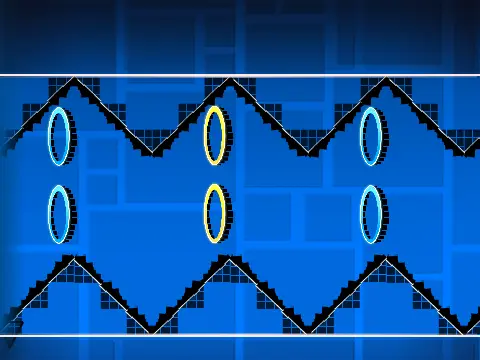
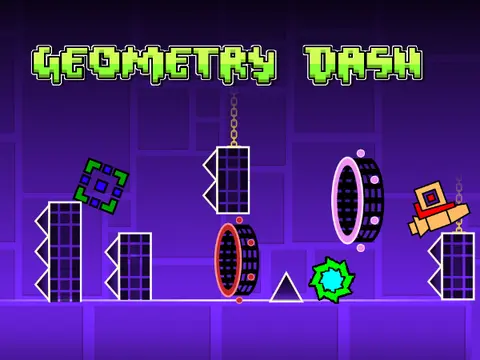
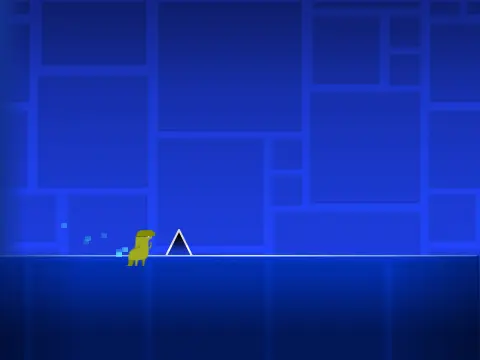
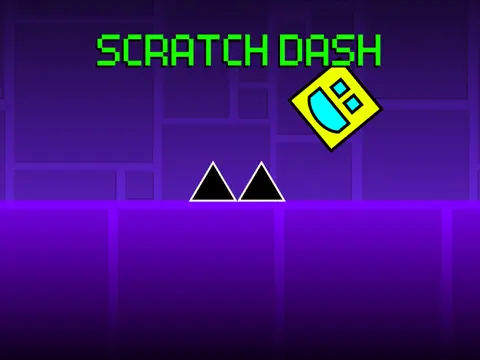
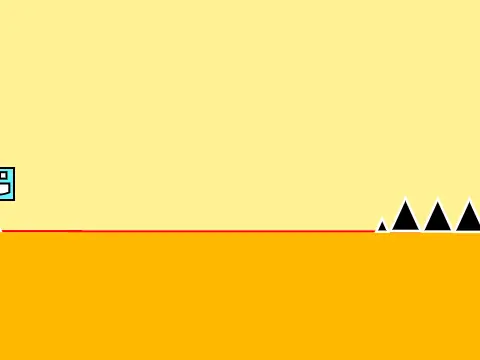
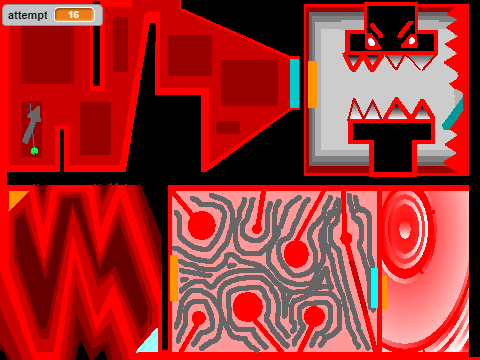
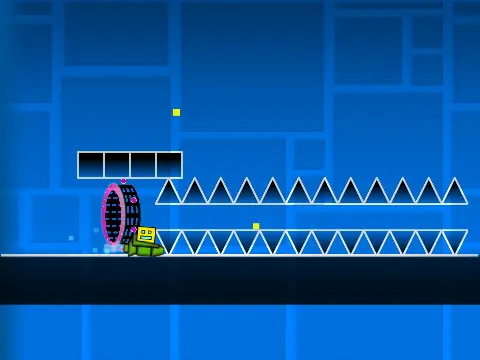
Geometry Dash Wave Practice v3 delivers a comprehensive wave-focused training environment for players seeking to master Geometry Dash's challenging wave game mode. This specialized practice simulator provides precise control customization across all character forms, including cube, ship, wave, ball, spider, UFO, and robot modes.
Precision Controls for Every Game Mode
Each character mode features distinct control schemes optimized for skill development. Cube mode utilizes standard jump inputs (up arrow, W, space, or click), while ship and wave modes employ intuitive hold-to-ascend mechanics. Ball and spider modes incorporate toggle controls for vertical movement, UFO requires precisely timed clicks for controlled jump motions, and robot mode offers extended jump height through sustained input pressure.
Integrated Level Editor and Customization Tools
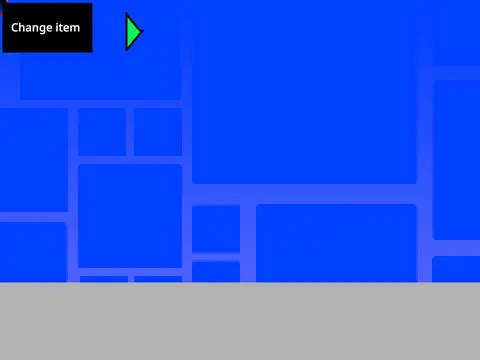
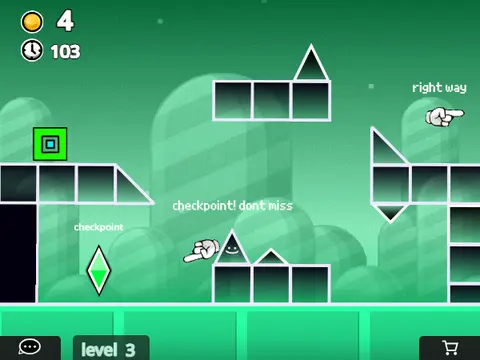
The standout feature is the fully integrated level editor, accessible via Z+M keyboard shortcuts. This comprehensive toolkit offers nine distinct block categories for custom course creation:
- Normal blocks and platforms for basic structure
- Non-solid platforms for advanced navigation challenges
- Spikes and dragon hazards for difficulty customization
- Extended platform options for varied level design
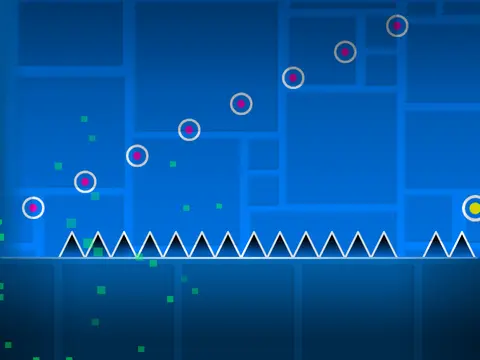
- Portals, jump pads, and orb mechanics for dynamic gameplay
- Speed portals for pacing variation
- Slope elements for smooth transitions
- Pit configurations for precision challenges
- Spiked slopes and specialized hazards
Performance Optimization and Visual Customization
Beyond gameplay mechanics, the simulator includes practical utilities like the L-key lag reduction toggle for smoother performance on various systems. The coin collection system adds skill-based scoring incentives, while advanced background customization allows creators to modify visual aesthetics through variable adjustments and effect modifications. Background manipulation involves specific ID assignments and ghost effect adjustments (changing to 70) for personalized visual experiences.
This community-driven practice tool represents a responsive development approach, implementing features specifically requested by Geometry Dash enthusiasts seeking to refine their wave navigation skills through targeted, customizable training environments.