geometry dash auto clicker
Geometry Dash Auto Clicker: Wave Mode Automation Tool
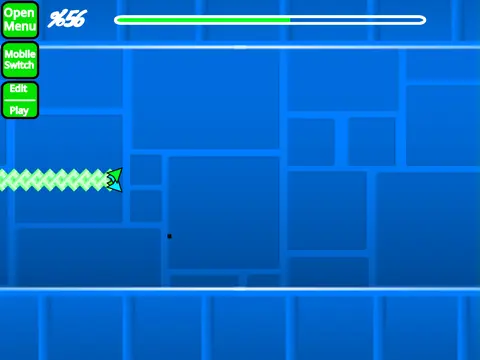
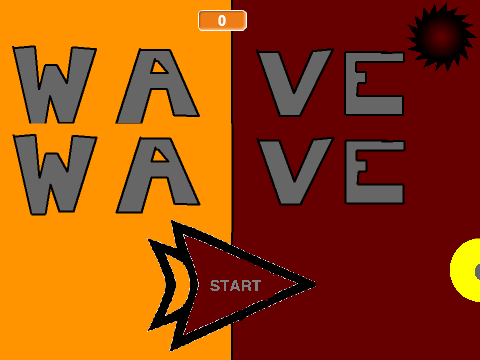
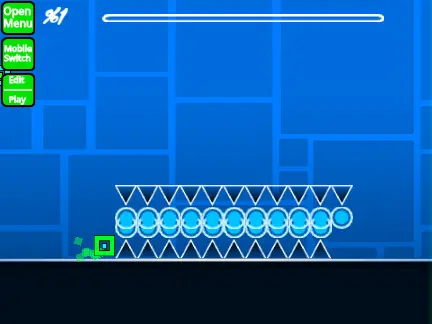
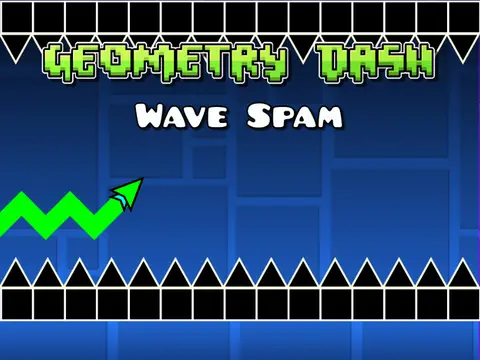
Geometry Dash Auto Clicker is a specialized automation utility designed specifically for the wave game mode within Geometry Dash-style gameplay. Built using the @captainflufball engine and now integrated into the main editing system, this tool provides adjustable clicking automation with precision controls for challenging rhythm-based sections.
Automation Controls & Features
- Adjustable Settings: Customize clicking speed and duration using intuitive sliders
- Simple Activation: Press A key to start automation, E key to stop
- Wave Mode Exclusive: Specifically designed for wave gameplay mechanics
- Performance Optimized: Works best with Turbowarp or Turbo Mode enabled
Comprehensive Editor System
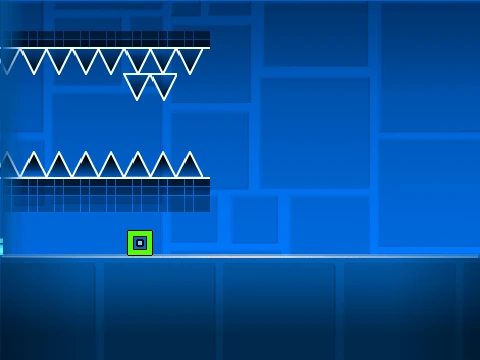
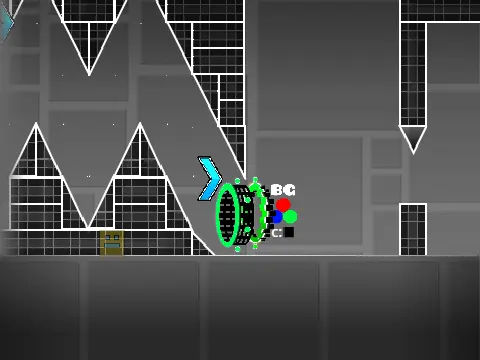
The tool operates within a full-featured Geometry Dash editor with dual-mode functionality:
- Mode Switching: Use Z and M keys to toggle between editor and play modes
- Player Controls: Click to jump, I/O keys for no-clip options, practice checkpoints with Z key
- Editor Tools: Multiple block menus (1/3 keys), block cycling (4/5 keys), eraser (2 key)
- Object Manipulation: Rotation (R key), 45-degree rotation (T key), micro-adjustments (E key)
- Specialized Menus: Triggers (F key), detection (B key), settings (I/O keys), debugging (O/P keys)
- Save System: Save with 9 key, load with 0 key, music customization through backdrop editing
Performance Recommendations
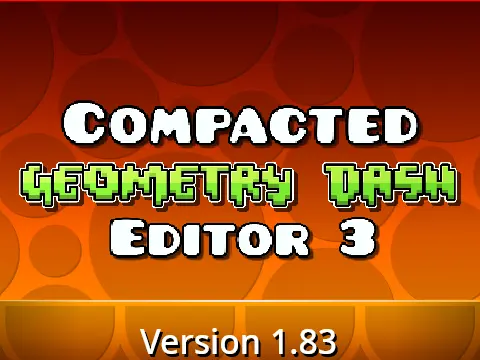
For optimal performance with this resource-intensive tool, use Turbowarp (available at https://turbowarp.org/617482003?clones=Infinity) or enable Turbo Mode. The editor supports extensive version updates including wave optimization, physics improvements, spider mechanics, color triggers, camera controls, size triggers, lasers, breakable blocks, and comprehensive save functionality.
This automation tool is specifically designed for Geometry Dash creators focusing on wave mode levels, providing automated assistance for challenging rhythm-based sequences while maintaining full compatibility with the standard editing workflow and object library.