geometry dash editor beta
Geometry Dash Editor Beta: Experiment with Level Creation
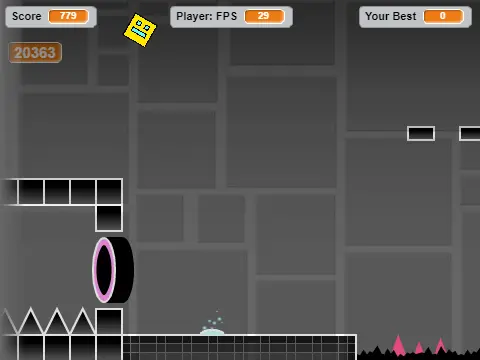
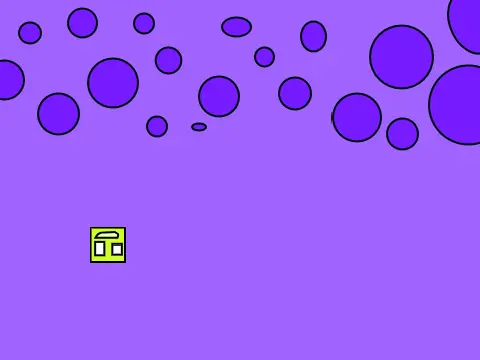
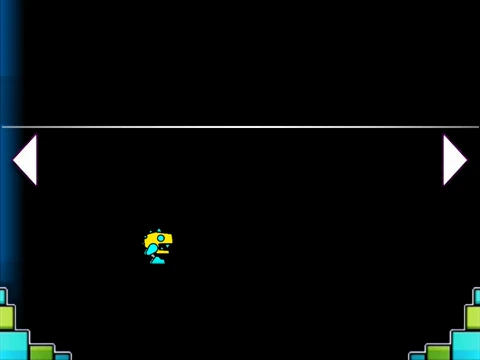
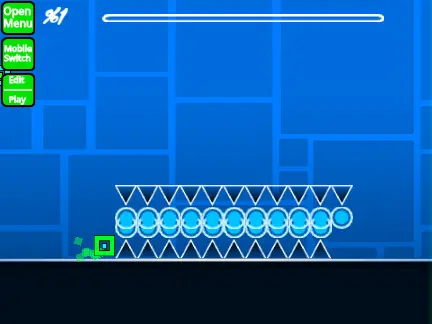
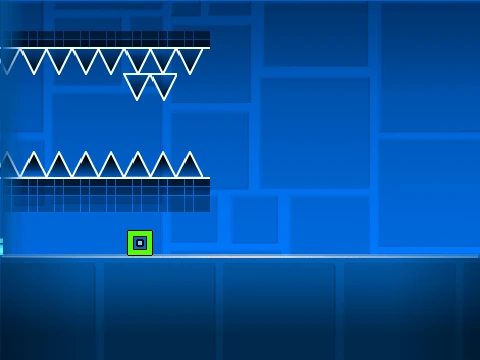
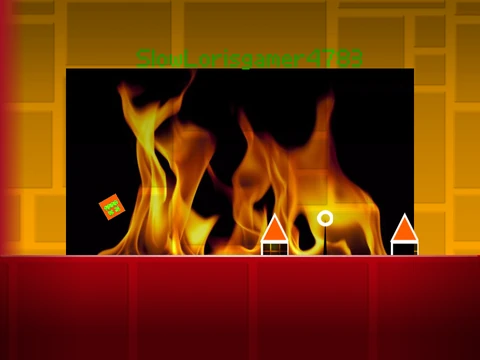
Step into the role of a level creator with Geometry Dash Editor Beta, an experimental online tool that brings the core building mechanics of the popular rhythm platformer to your browser. Jump into the test arena using the spacebar and experience the foundational gameplay firsthand.
Build and Edit with Core Tools
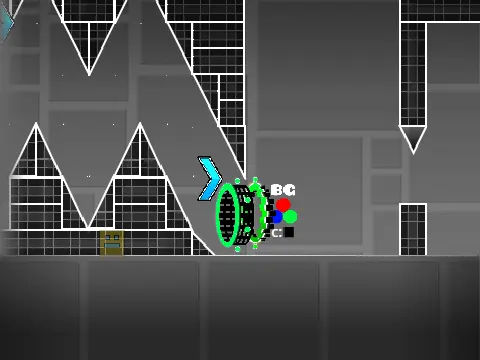
The heart of this beta lies in its integrated editor. Press the P key to toggle the editor on and off. Inside, you can place a variety of objects by clicking with your mouse. Navigate through available elements including:
- Standard Spikes and Blocks
- Jump Pads and Platforms
- Short Spikes and Slopes
- Various Orbs
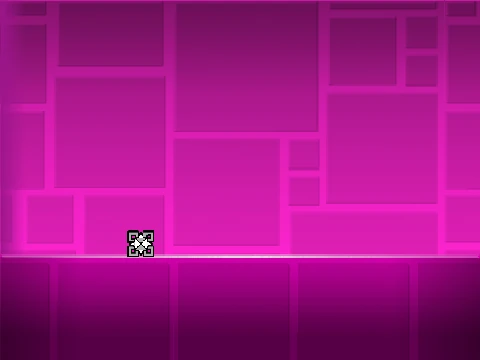
Switch between items using the up and down arrow keys, and rotate your selections with the left and right arrows. Deleting is intuitive: select the distinctive red 'X' costume and swipe to remove unwanted blocks. For precision, toggle snapping (N key), swipe mode (S key), and a visual grid (G key).
Beta Limitations & Purpose
This is a work-in-progress prototype with acknowledged limitations. The slope mechanics may not function perfectly, object rotation is currently absent, and performance may lag with many placed objects. Most importantly, this build is for experimentation within a sandbox; it does not support exporting or playing full custom levels.
Future Features & Exploration
Despite its beta status, the editor reveals a roadmap of planned features like more blocks, line-based platforms, additional triggers, and new orb types. It's a hands-on way to understand Geometry Dash's level design. For a different take, try the randomized version on Scratch. Dive in to experiment with the fundamental building blocks of one of gaming's most creative communities.