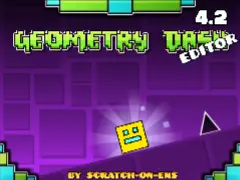
geometry dash editor v4.2
Geometry Dash Editor v4.2: Create Your Own Levels Online
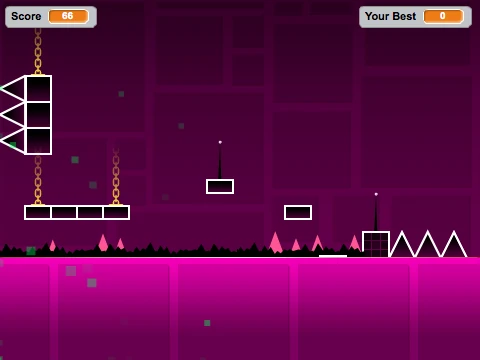
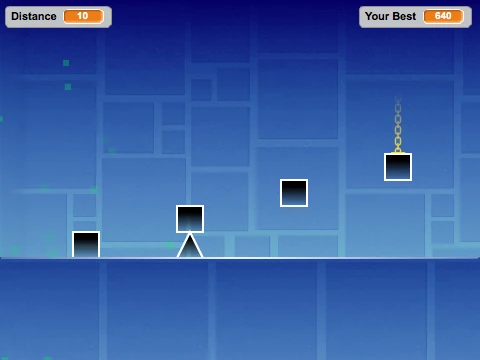
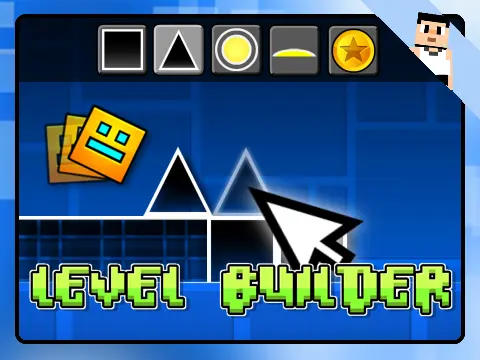
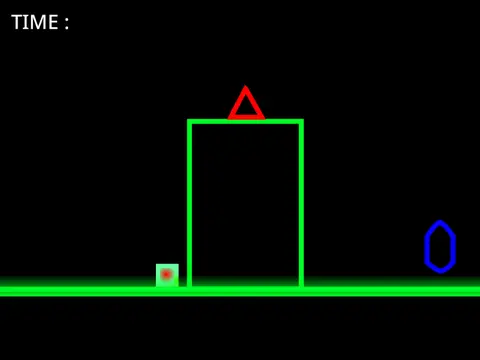
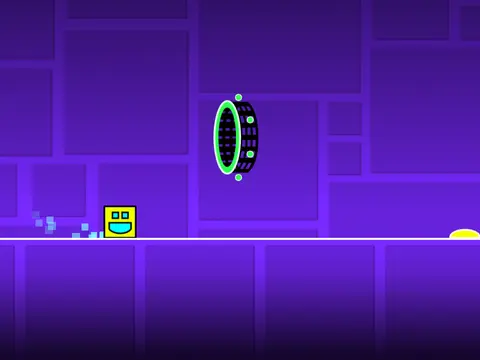
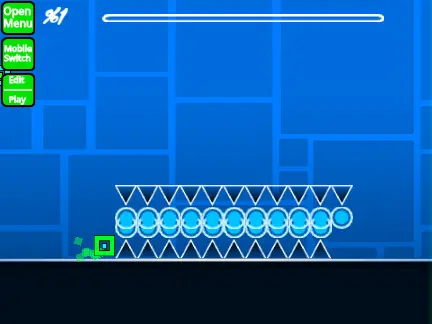
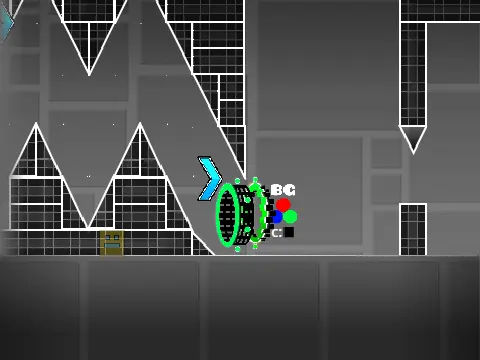
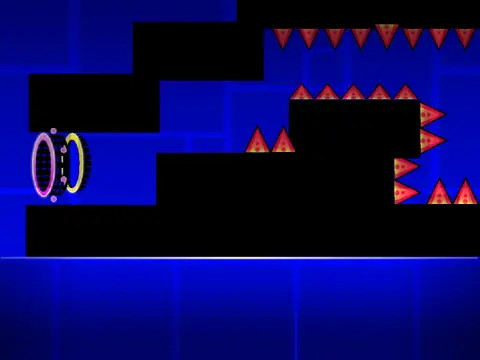
Geometry Dash Editor v4.2 brings the powerful level creation tools of Geometry Dash directly to your browser, allowing you to design and build your own challenging stages. This fan-made editor, hosted on Scratch, features exciting new content including a brand new portal type, blocks imported from the anticipated Geometry Dash 2.2 update, fresh music tracks, and completely new levels to inspire your creations.
Intuitive Controls for Seamless Creation
Take control of your design process with intuitive editor controls:
- Press [E] to toggle the editor interface on and off.
- Use number keys 1 through 5 to select different tile brushes for precise block placement.
- Hit [O] to save your completed level and generate a shareable code.
- Use [P] to load any previously saved level by entering its unique code.
Share your creations with the global community through the dedicated
level codes discussion topic.
Community Collaboration & Credits
This project stands as a testament to community collaboration. Special thanks go to:
- @chipm0nk for providing costumes, animations, and the core game engine.
- @griffpatch for additional costume assets and invaluable tutorials.
- @ZombieDragon09 for the custom player skins.
- The various composers for the engaging background music.
- RobTop Games for the original and inspiring Geometry Dash concept.
Access the editor here:
Geometry Dash Editor v4.2 on Scratch. Also, check out the creator's other project:
My new game.
Whether you're a seasoned level creator or new to game design, this editor provides a fantastic, free platform to experiment with game mechanics, create custom obstacles like spikes and orbs, and share your vision with other Geometry Dash enthusiasts. Start building your ultimate challenge today and see what incredible levels you can bring to life.