geometry dash level editor 2.98
Geometry Dash Level Editor 2.98: Your Creation Studio
Geometry Dash Level Editor 2.98 stands as a mature and well-maintained level creation tool within the Scratch ecosystem. This version encapsulates a series of targeted updates focused on bug fixes, visual polish, and gameplay refinement, making it an excellent choice for both playing challenging levels and designing your own from scratch.
Precise Platforming Gameplay
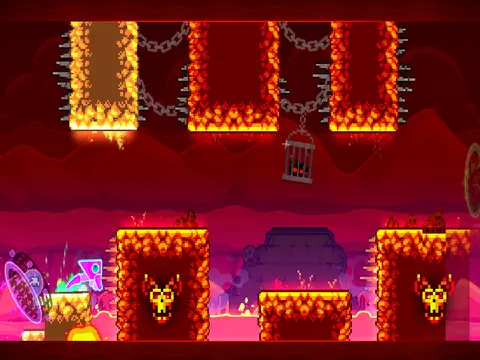
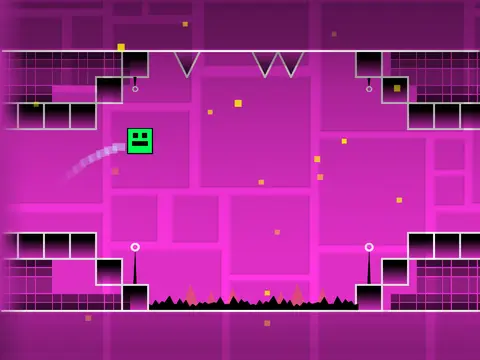
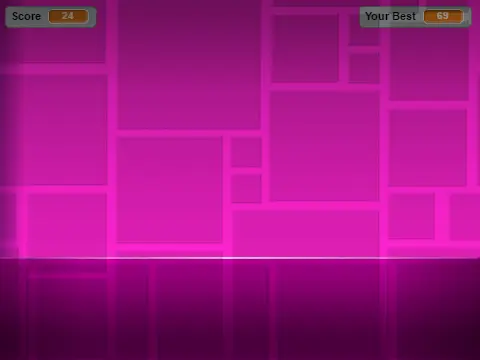
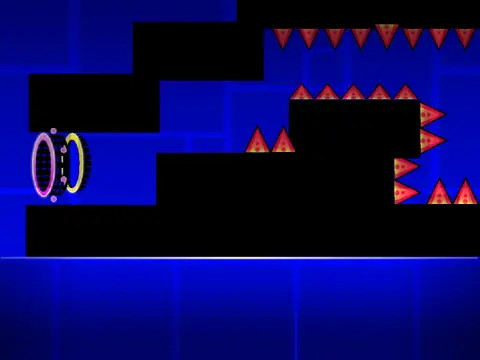
Experience classic Geometry Dash action. Control your character using the Up arrow, W key, Spacebar, or simple mouse clicks to jump over gaps and onto yellow rings. Deadly spikes demand perfect timing to avoid. When you switch to the ship game mode, the controls change: hold the jump button to fly upward and releaseL key to toggle special effects on or off.
Comprehensive Editor with 9 Menus
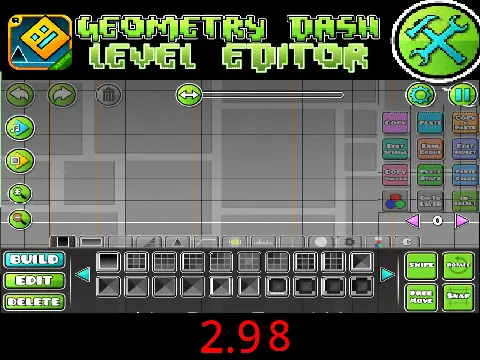
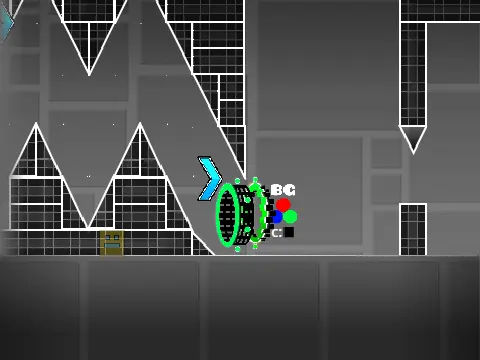
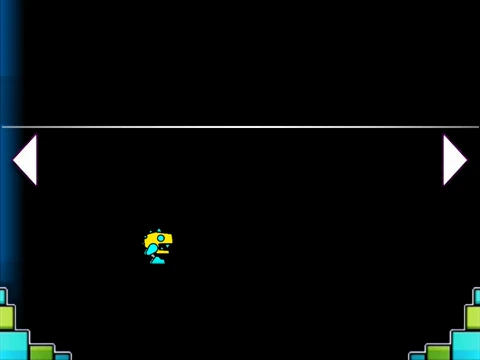
Press Z and M to enter the powerful Editor Mode. The entire toolset is organized into nine easily accessible categories using the number keys:
- Key 1: Standard building blocks and platforms.
- Key 2: Interior geometry pieces for detailed design.
- Key 3: A variety of spike hazards and sharp objects.
- Key 4: Long, 4-unit blocks for quick structure creation.
- Key 5: Special objects and interactive elements.
- Key 6: Speed portals and other gameplay-modifying items.
- Key 7: Slopes and angled terrain pieces.
- Key 8: New pits, traps, and environmental challenges.
- Key 9: Monster-like decorations and animated objects.
Once your level is built, press the
N key to activate
Noclip Mode. This invaluable testing tool lets you fly freely through your creation, ignoring all collisions, to quickly inspect layout and object placement.
Refined Through Updates
The journey to version 2.98 has been marked by consistent improvement. Recent updates have:
- Introduced an attempt message counter and made jump/dash orbs glow (v2.93).
- Fixed critical bugs affecting the mirror robot and spider gameplay, tweaked physics, and officially added the noclip function (v2.94).
- Addressed issues with slope physics and improved various textures (v2.95).
- Resolved multiple graphical glitches for a cleaner look (v2.97, v2.98).
This update history demonstrates an active dedication to creating a stable, user-friendly, and powerful editor for the Geometry Dash community on Scratch.