geometry dash wave level
Geometry Dash Wave Level: Play and Create Your Challenges
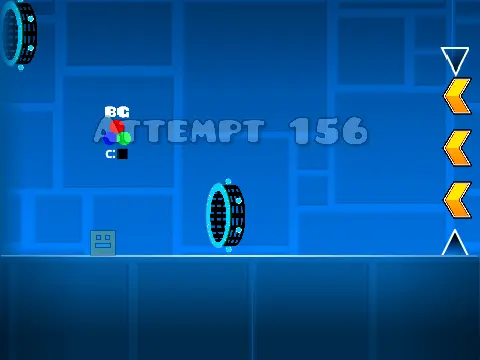
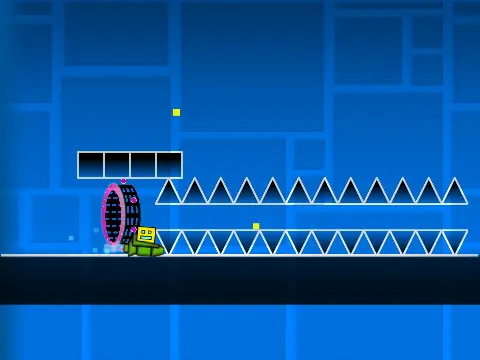
This fan-made project offers a dual experience: tackle challenging wave-based levels and design your own with a surprisingly deep built-in editor. It captures the precise, reaction-based gameplay that defines the Geometry Dash wave mode, while empowering you to become a creator.
Core Gameplay & Controls
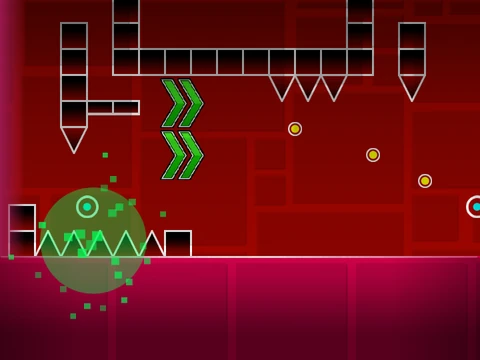
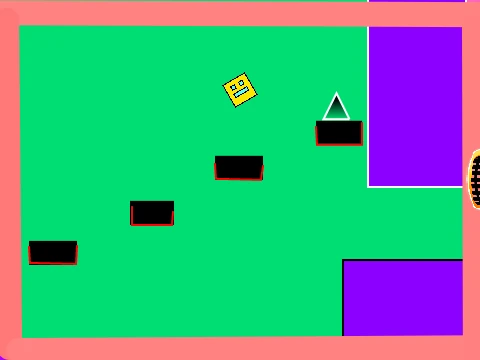
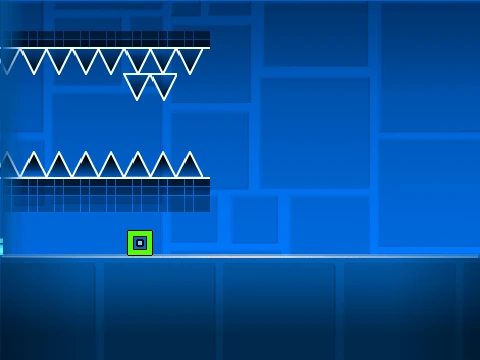
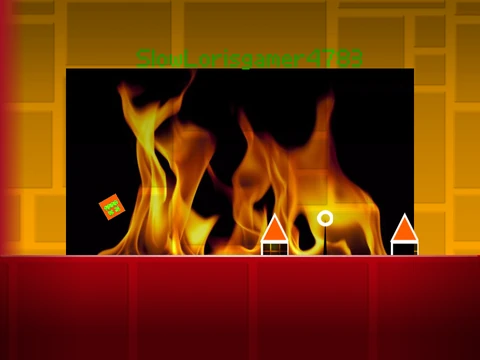
Navigate through perilous levels filled with spikes. Control is simple but demanding:
- Jump: Press the UP arrow key, Spacebar, or click your mouse.
- Pause: Hit the [P] key to pause anytime.
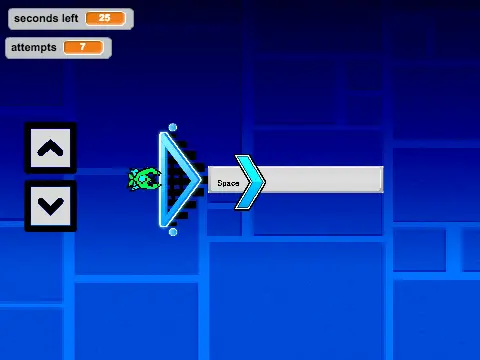
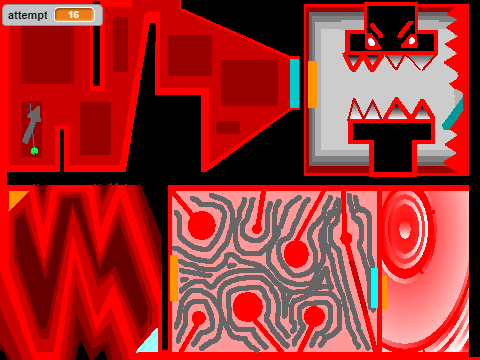
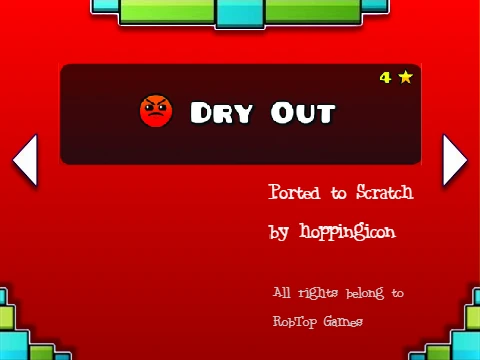
- Select Level: On the title screen, use the arrow keys to choose a level and press Space to start.
The rule is strict: touching any spike means restarting the level from the beginning, testing your memory and timing.
Interactive Elements: Jump Rings/Orbs
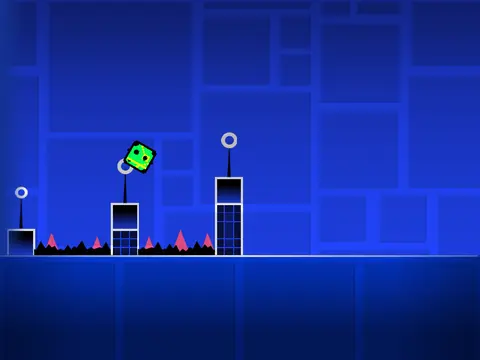
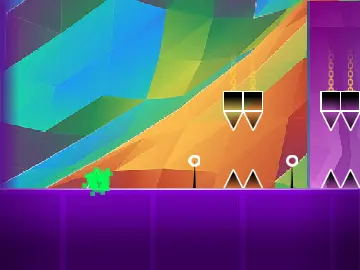
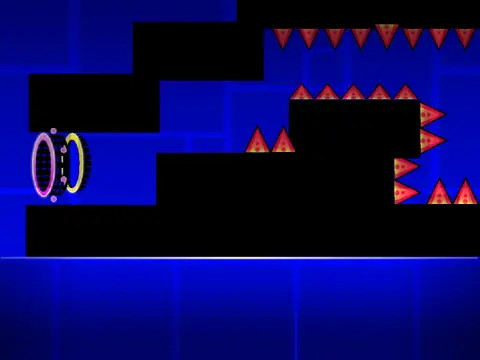
Scattered throughout the levels are colored jump rings or orbs. Each color triggers a different effect or boost when you jump through them, requiring you to learn and adapt to their properties to progress efficiently.
Built-In Level Editor: Unleash Creativity
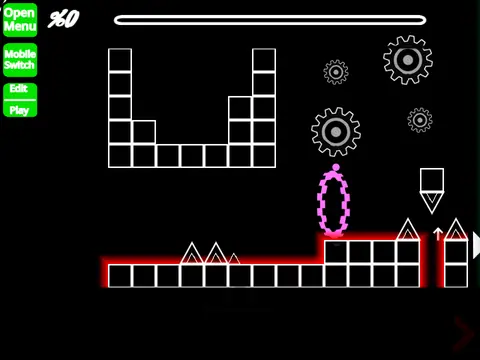
The standout feature is the integrated level editor, accessible at any time during gameplay:
- Activate: Press [Z] and [M] together.
- Navigate: Move the camera around your creation using the W, A, S, D keys.
- Build: Use the number keys 1 through 9 to select different categories of blocks, objects, and obstacles.
- Cycle Blocks: Repeatedly press a category's number key to scroll through all available items in that group.
- Undo Selection: Press [R] + the category number to step back through your block choices.
- Exit: Press [Z]+[M] again to leave the editor and return to playing.
This toolkit allows for extensive customization, making it a perfect sandbox for designing and sharing unique wave challenges.
Whether you're here to test your skills against pre-made obstacle courses or to craft and conquer your own devilish designs, Geometry Dash Wave Level provides a comprehensive and engaging fan-game experience.