geometry dash wave spam dash
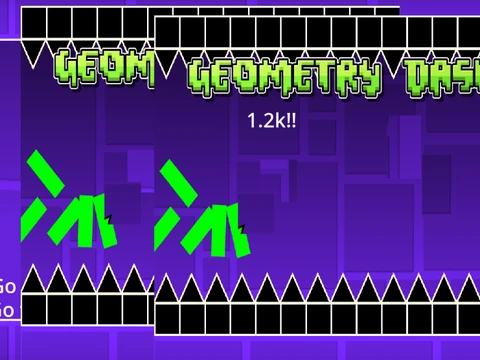
Geometry Dash Wave Spam Dash - Complete Level Editor & Simulator
Create, edit, and play custom Geometry Dash levels with this comprehensive Scratch-based editor. Developed with contributions from CaptainFluffball, this tool provides complete Geometry Dash creation capabilities with performance optimization recommendations for smooth gameplay.
Performance Optimization & Community Links
For optimal performance, use Turbowarp or enable Turbo Mode (with reduced effectiveness). The project connects to Geometry Dash Revamped available at https://scratch.mit.edu/projects/872504947/ with community support through dedicated studio comments.
Dual-Mode Gameplay & Editing System
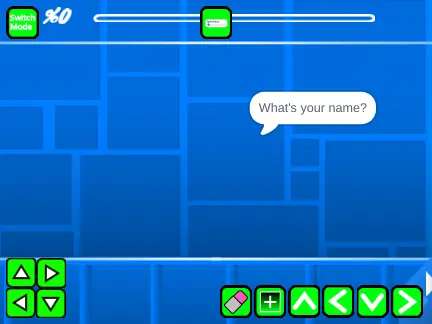
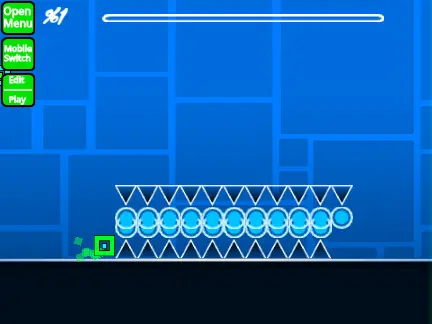
- Mode Switching: Press Z and M to toggle between gameplay and editing modes
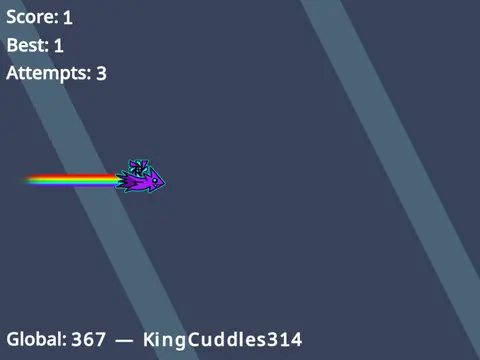
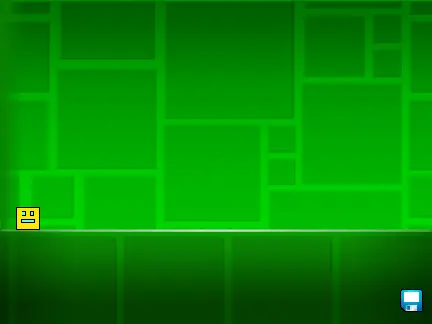
- Gameplay Controls: Click for actions (jump/fly/gravity/orbs), I/O for no-clip options, 0-9 for end-screen voting
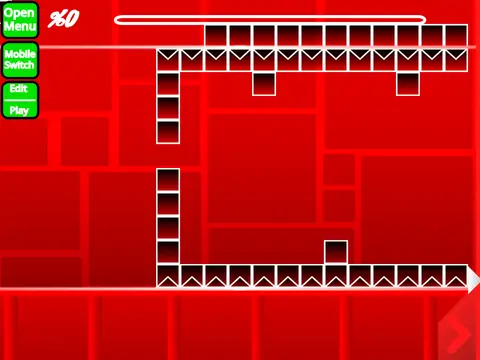
- Editor Tools: 1/3 for menu navigation, 4/5 for block cycling, 2 for eraser, I/O for settings, O/P for debug mode
- Block Management: Click placement, R rotation, R+E for rotation/nudge menus, R+O reset, F for triggers
Content Customization & Saving
Fully customize your Geometry Dash experience by replacing backdrop music with your own audio tracks. The save system leverages Scratch's remix functionality - create initial remixes for new projects and save progress through standard project saving.
Version History & Feature Development
The editor has evolved through multiple updates: version 1.4 fixed portal bugs, 1.3 introduced mobile editing controls, 1.2 added progress bar numbering, 1.1 implemented the progress bar, while 1.0 established foundational features including all character forms (cube, ship, ball, UFO, wave, robot, spider), various blocks, platforms, decorations, pads, orbs, color triggers, dangers, slopes, dash orbs, portals (mini, mirror, dual), environmental hazards, and speed modifications.
Complete Geometry Dash Creation Suite
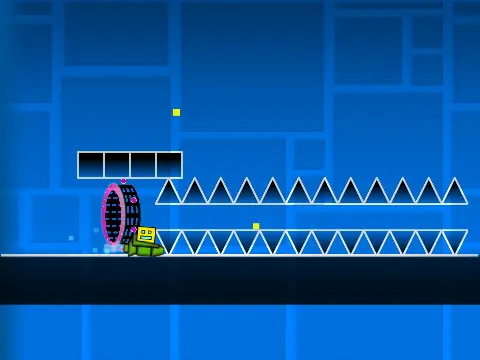
This Geometry Dash editor provides everything needed for level creation - from basic block placement to advanced trigger systems. Whether designing simple platforming sections or complex wave challenges, the tool supports full customization while maintaining authentic Geometry Dash physics and mechanics. The dual-mode system allows immediate testing of created levels, making iterative design efficient and accessible for Geometry Dash enthusiasts at all skill levels.