geometry dash spam test series
Geometry Dash Spam Test Series V6: Your Ultimate Scratch Level Editor
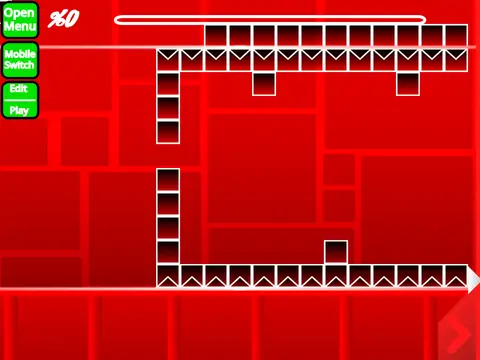
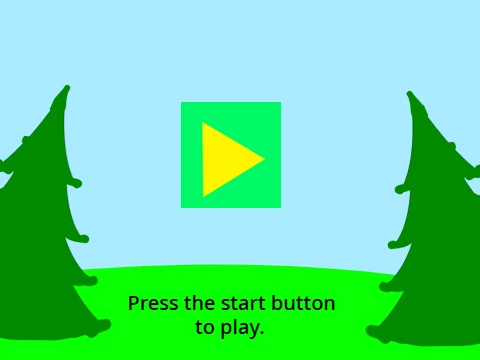
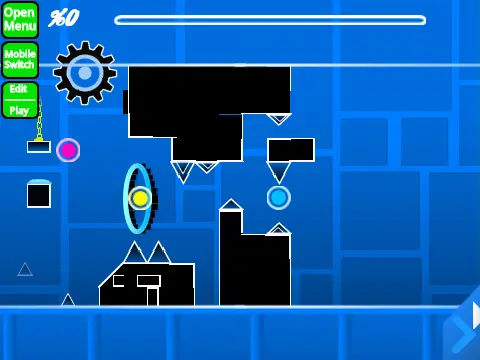
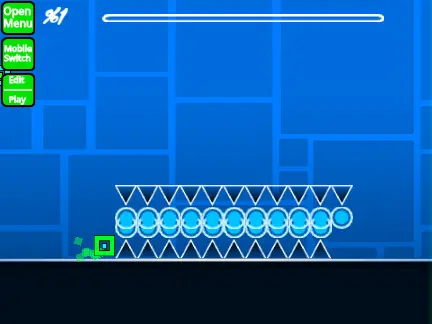
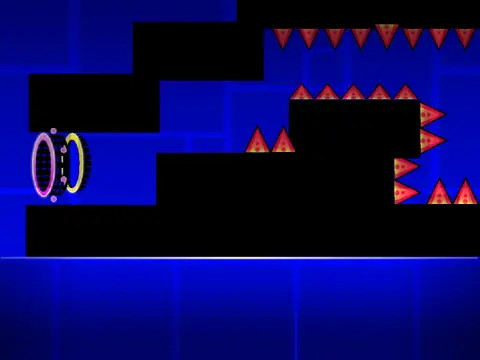
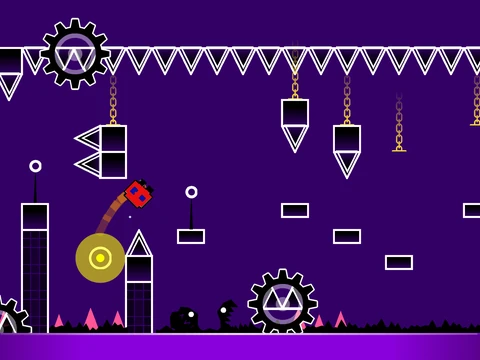
Dive into a comprehensive and feature-rich Geometry Dash level editor built on Scratch. This powerful tool, known as the Geometry Dash Spam Test Series V6, empowers creators to design intricate and challenging levels. A heads-up for creators: performance can be demanding. For the best experience, it's highly recommended to run the project on Turbowarp, as its Turbo Mode is more effective at mitigating lag compared to Scratch's native turbo mode. Given the editor's complexity, taking time to read through all instructions and consulting the provided tips guide is advised before starting.
Workflow & Core Controls
The workflow is streamlined for Scratch's environment. To add your own custom soundtrack, simply navigate to the backdrop, remove the default music, and import your audio file. Saving your level is as intuitive as saving the Scratch project itself; it's recommended to remix the project first to create your personal copy.
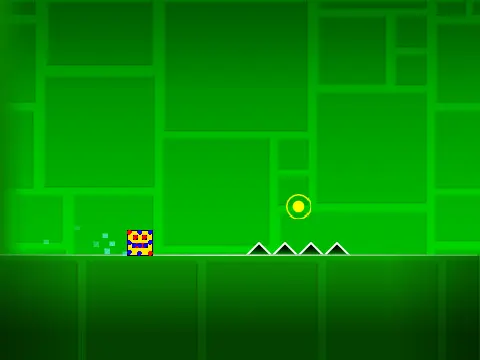
Mastering the controls is key. Toggle between the robust editor and playtest modes instantly with the Z and M keys. In play mode, click to control your icon—jump, fly, switch gravity, or activate orbs. Advanced options include toggling a ‘no-clip’ mode with I and O, voting on finished levels with number keys, and placing checkpoints with Z in practice mode.
Advanced Editor Features & Shortcuts
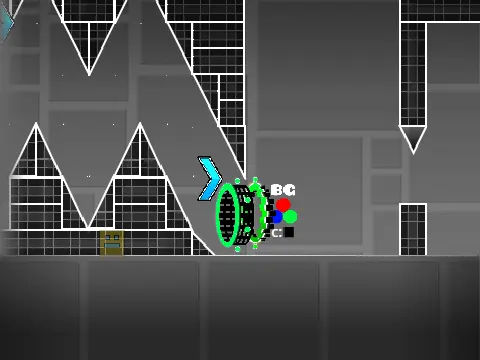
The editor suite is extensive. Cycle through block menus with 1 and 3, browse blocks with 4 and 5, and select the eraser with 2. Access settings (I/O) and a debug menu (O/P). Place blocks with a click, rotate them with R (or T for precise 45-degree increments), and fine-tune placement with the rotation/nudge menu (E). Key shortcuts provide quick access to the trigger menu (F), detect menu (B), block picker (Z), and save/load functions (9 and 0).
Evolution of a Powerful Creation Tool
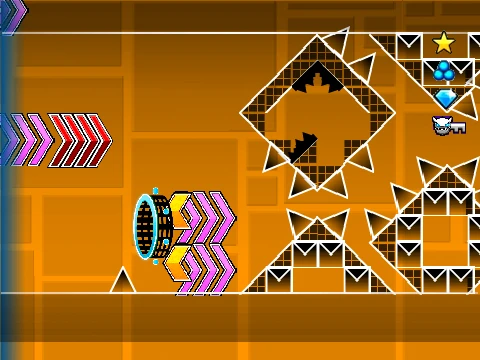
This editor boasts a significant evolution from its initial release. Version 1.0 established the core: a full suite of blocks, decorations, all player gamemodes (Cube, Ship, Ball, UFO, Wave, Robot, Spider), gravity portals, pads, orbs (including Dash Orbs), color triggers, slopes, and speed portals. Update 1.2 added numeric percentages. The major 2.0 update dramatically expanded possibilities with save codes, advanced triggers (Move, Alpha, Instant Count), collectibles (keys, coins), colored and glowing blocks, teleport portals, 3D objects, new hazards like thorns, the Swing Copter gamemode, and visual effects like fade. This makes it a capable platform for creating levels that approach the complexity of the official Geometry Dash game, perfect for aspiring level designers.