geometry dash arrow spam
Geometry Dash Arrow Spam: A Community Level Editor (Note on Current State)
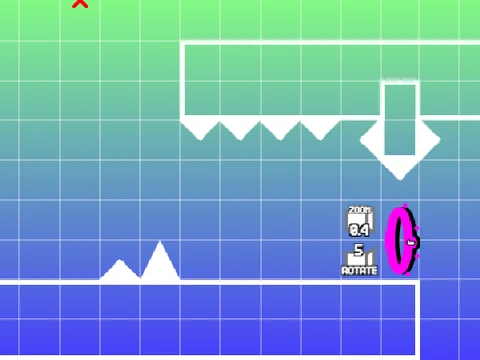
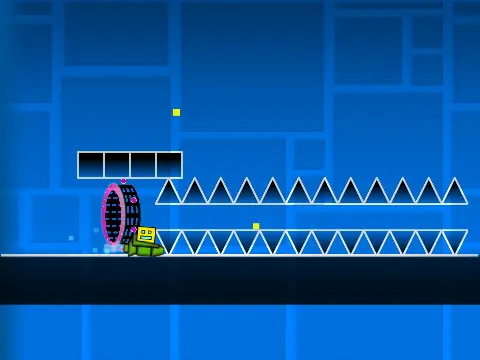
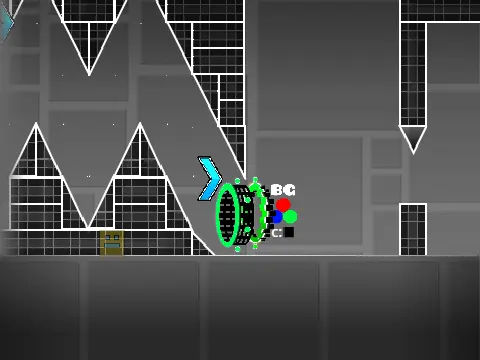
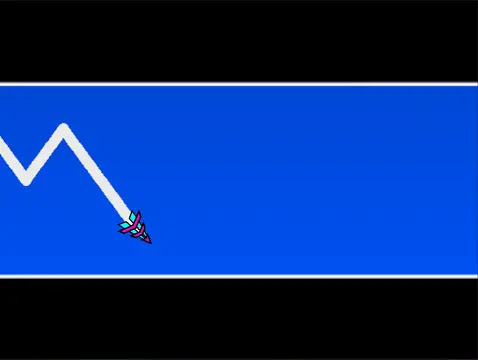
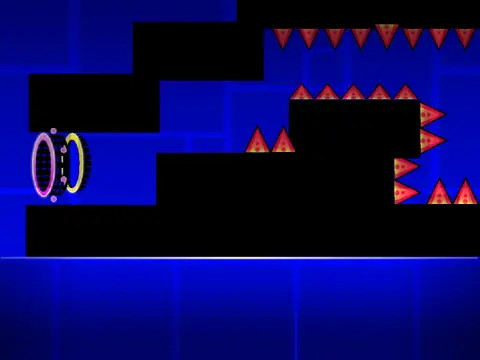
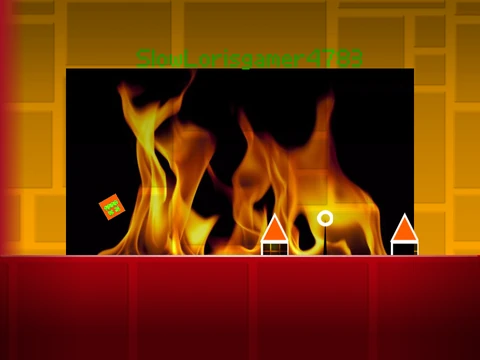
Geometry Dash Arrow Spam offers a glimpse into a creative, community-driven level editing project on Scratch. It's important for players to understand the current context of this game. Originally a collaborative effort, the project saw updates driven by community feedback and playcount milestones. However, the creator has indicated that the specific "Arrow Spam" level may now have technical issues or behave unexpectedly. They recommend seeking out an updated "Arrow Spam Remaster" version or exploring their other, more stable projects like Geometry Dash Revamped and Geometry Dash 2.1.
Powerful Editor Foundation with Performance Advice
Despite potential issues with the specific level, the project is built upon a sophisticated and powerful level editor. A critical performance note: this editor is complex and can cause significant lag in standard Scratch. For the intended, smooth experience, it is highly recommended to use the provided TurboWarp link or enable Scratch's Turbo Mode.
The editor grants full creative control. You can customize your level's audio by importing your own music into the backdrop. To ensure your work is saved, remember to remix the project at the start and save it regularly within Scratch.
Comprehensive Control Scheme
Mastering the controls is essential for both playing and creating.
Switching Modes & Basic Play
- Toggle between Edit Mode and Play Mode with the
Z and M keys.
- In Play Mode, click for all character actions (jump, fly, activate orbs).
- Press
I and O for no-clip mode.
- Rate levels (0-9) on the end screen.
- Set Practice Mode checkpoints with the
Z key.
Advanced Editing Tools
- Cycle block menus (
1/3) and block types (4/5). Use 2 for the eraser.
- Place blocks with a click. Rotate them with
R or T (45°).
- Open the rotation/nudge (
E), trigger (F), and detection (B) menus.
- Pick up blocks (
Z), save (9), and load (0) your work.
- Access settings (
I/O) and debug panels (O/P).
Feature-Rich Development History
The editor behind Arrow Spam has been refined through multiple updates, packing in features that rival simpler official tools:
- Updates 2.0.1 to 2.0.4: Fixed the Ball mode and added crucial features like the size trigger, lasers, and breakable blocks.
- Major Version 2.0: Revolutionized the editor with save codes, move/alpha/instant count triggers, keys, coins, colored & glowing blocks, teleport portals, 3D objects, thorns, the swing copter, new monsters, and fade effects.
- Foundation (1.0 & 1.2): Established all core Geometry Dash gameplay modes, a vast library of blocks and decorations, portals, orbs, triggers, and hazards.
While the specific "Arrow Spam" challenge may be unstable, the underlying editor it showcases represents the impressive depth of game creation possible on Scratch for dedicated Geometry Dash fans.