geometry dash demon step
Geometry Dash Demon Step: Customizable Controls with Performance Options
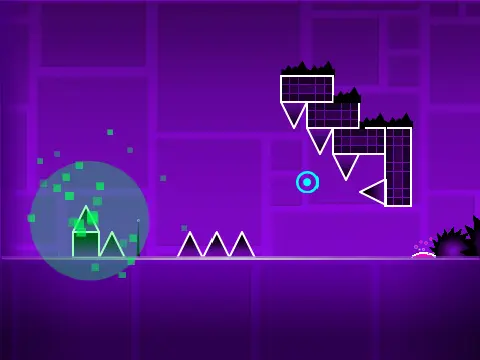
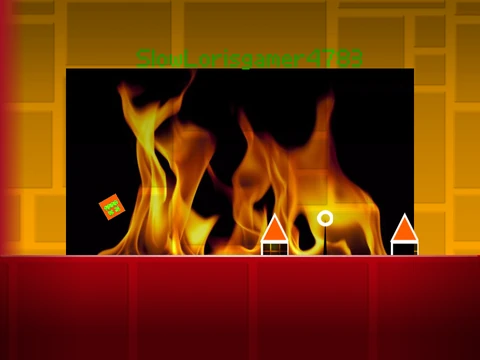
Geometry Dash Demon Step provides exceptional control flexibility with multiple input methods including keyboard keys (up, W, spacebar, Ctrl, Caps Lock, F1-F12) or mouse clicks for jumping and navigating yellow ring obstacles throughout this demon-difficulty platforming challenge.
Advanced Control Configuration
This level supports one of Geometry Dash's most comprehensive control schemes, allowing players to use function keys F1 through F12 alongside traditional inputs for maximum customization according to individual playstyle preferences and hardware setups.
Dual Gameplay Modes and Mechanics
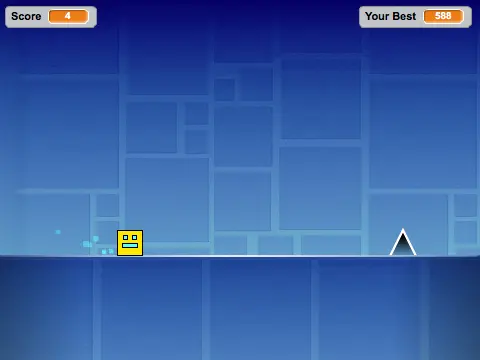
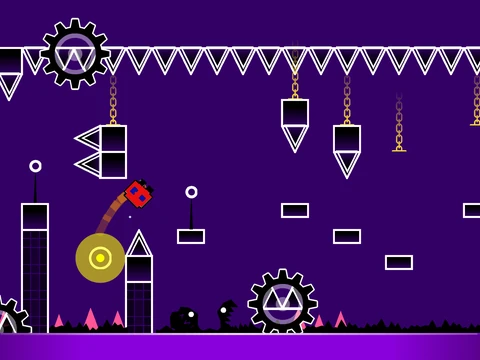
- Standard Platforming: Precise spike avoidance with customizable jump controls
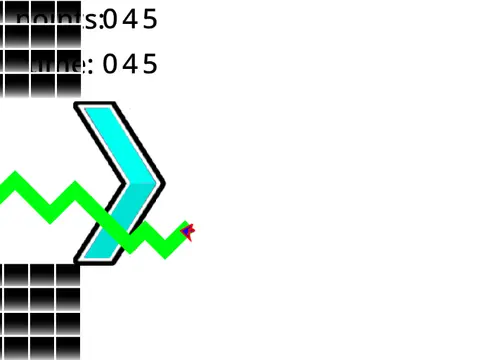
- Ship Mode: Vertical flight controlled by holding to ascend and releasing to descend
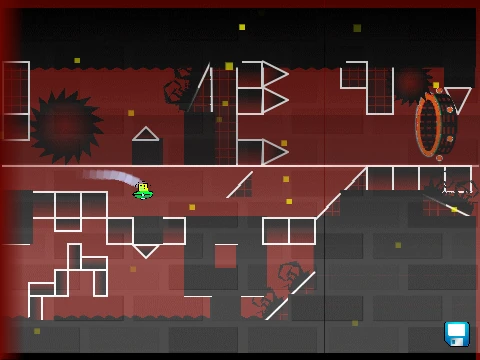
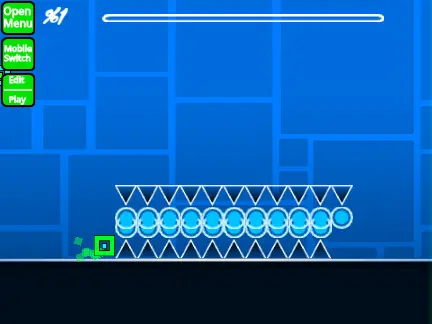
- Bounce Pad System: Yellow pads provide high jumps, blue pads offer even greater elevation without gravity portals
- Collectible Coins: Scattered throughout for bonus points and completion rewards
Performance Optimization Features
Two distinct performance toggles enhance gameplay accessibility:
- L Key: Toggles visual effects on/off to reduce graphical processing load
- B Key: Switches backgrounds to minimize rendering demands
Both options significantly reduce lag, ensuring smoother performance across various system specifications. Note that cloud functionality remains inactive in this version.
Gameplay Experience
Geometry Dash Demon Step combines challenging demon-difficulty platforming with unparalleled control customization and performance adaptability. The extensive input options cater to diverse player preferences while performance toggles ensure accessible gameplay across different hardware capabilities, creating a balanced challenge suitable for experienced players seeking customizable demon-level experiences with optimization features.