geometry dash level editor 3.1
Geometry Dash Level Editor 3.1: Expanded Tools for Detailed Creation
Geometry Dash Level Editor 3.1 represents a substantial update for virtual level designers, packing new content and quality-of-life features into a familiar, powerful framework. Whether you're sketching a simple layout or engineering a complex demon level, this version provides the enhanced assets and organization to bring your vision to life with greater detail and ease.
What's New in Version 3.1?
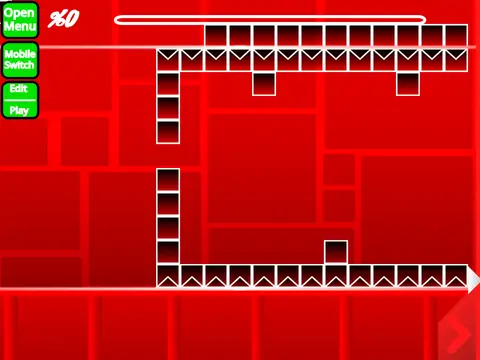
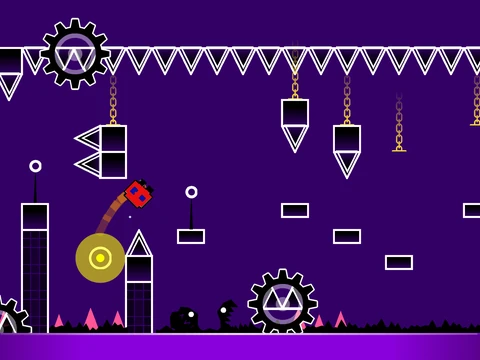
This update focuses on enriching your creative toolkit. Visually, you now have access to new Brick and Tile block types, allowing for more textured and varied environmental design. Customization extends to your icon with a selection of new player costumes. Gameplay clarity is improved through a redesigned dash orb with better animation and the helpful addition of a on-screen progress bar (courtesy of @KingCuddles314). For dedicated players, a personal best bar now appears during pauses, and the attempt counter has been expanded to log up to 9999 attempts, catering to even the most persistent creators.
Playing and Building: A Dual Experience
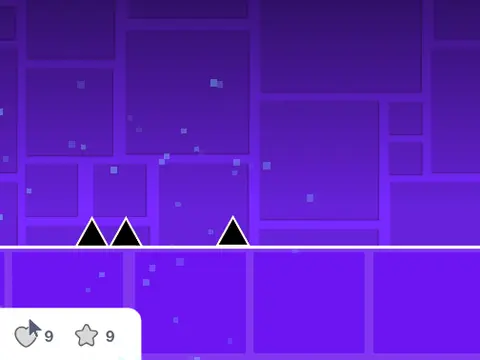
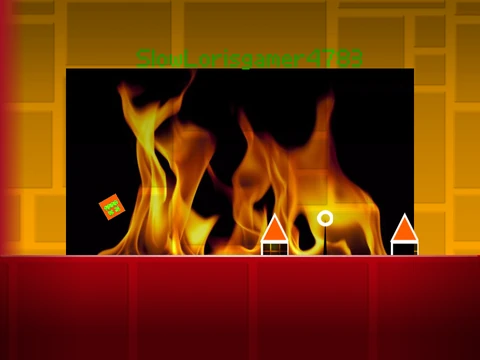
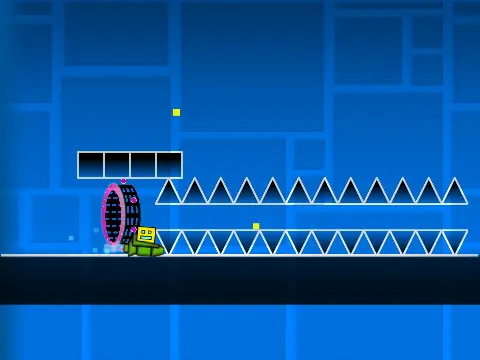
As a player, control your character using the Up arrow, W, Spacebar, or mouse click to jump and interact with yellow rings. The goal remains to navigate past spikes, utilize jump pads for height, and collect coins for bonus points. Ship sections require holding to ascend. You can press L to toggle visual effects for potential performance gains.
The core experience is creation. Enter Edit Mode by pressing Z and M simultaneously. This mode features a streamlined, number-driven interface:
- Key 1: Blocks menu (including the new bricks & tiles)
- Key 2: Interior geometry objects
- Key 3: Spikes and sharp dangers
- Key 4: Four-length blocks
- Key 5: Special objects
- Key 6: Speed Portals and related items
- Key 7: Slopes and angled geometry
- Key 8: New pit hazards and traps
- Key 9: Monster-themed elements
This logical categorization speeds up the building process significantly.