Osu
Osu (Browser Version): A Simplified Rhythm Game Experience
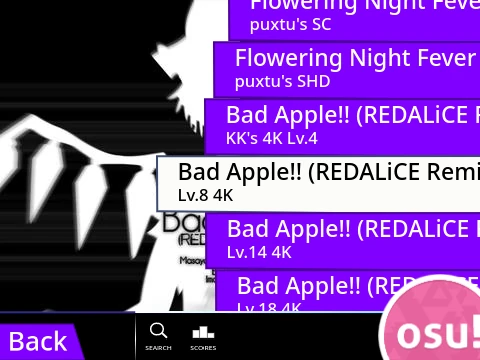
This streamlined browser version of ‘Osu’ (specifically the mania mode) offers a clean, focused rhythm gaming experience right in your web browser. A key modification in this iteration is the removal of the default ‘popping’ hit sounds, resulting in a quieter audio landscape. However, the project is open for remixing, allowing creative users to re-add or customize these sound effects to their liking.
Core Gameplay & Customization
The classic four-key osu!mania gameplay is at the heart of this version. Hit notes with precision using the default D, F, J, K keys as they align with the receptors. Hold notes require you to keep the key pressed for their duration. The P key serves as an instant map exit, and every control can be remapped in the settings to match your preferred layout.
Optimizing Your Play Session
- Play on the dedicated performance mirror for a smoother, 60fps experience with reduced input lag.
- Turn off the ‘Fancy Score’ display for an additional performance increase.
- Newcomers can learn the ropes on the easiest map: ‘Anemone’ (Beginner difficulty).
Beyond the Browser
While convenient, this browser game is a gateway. For the vast library of songs, competitive ranking, and full feature set, downloading the official Osu! client is the definitive way to play.
Create Your Own Challenge
This version supports custom content creation. You can import your own 4K osu!mania beatmaps by formatting the .osu file content (replacing newlines with ‘\n’) and importing it via the ‘Map Manager’ sprite. Don’t forget to add the corresponding song file and background image. It’s a fantastic way to practice specific songs or create personalized challenges.