Osu - Chart editor
Osu - Chart Editor: Create & Play Your Own Beatmaps
Unleash your inner rhythm game designer with this fully-functional, browser-based osu!-inspired Chart Editor. This unique tool bridges the gap between player and creator, offering a complete suite for building, testing, and sharing custom beatmaps directly online.
Dual-Purpose Gameplay: Play and Create
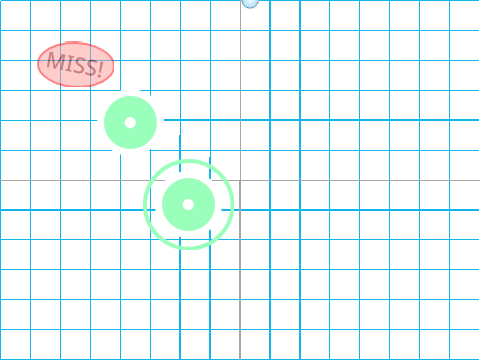
Start by clicking the green flag. You can immediately click circles (or use Z and X keys) to play. The real power, however, lies in the creation tools. Place notes on the timeline to construct your very own rhythm challenge.
Intuitive Mapping Modes
Switch between two creative workflows by pressing E:
- Normal Mode: Perfect for precise placement. Click once (or use Z/X) to add a single note/circle at the cursor position.
- Insane Mode: Ideal for crafting dense streams. Simply hold down the mouse button to generate a rapid, continuous sequence of notes along the timeline.
Use the
Up and Down Arrow keys to meticulously adjust the timing (BPM effect) between the notes you place, ensuring your map matches the desired rhythm perfectly.
Complete Project Save & Load System
Your creations are not ephemeral. The editor features a practical save/load system:
- While editing, press S to prepare your chart data for export.
- Right-click the "X" and "Y" data lists visible inside the project and select "export" to save them as
X.txt and Y.txt files on your computer.
- To load a previously saved chart, restart the editor, right-click the same "X" and "Y" lists, choose "import", and select your saved
.txt files.
- Finally, press Enter to load your custom chart and start playing or editing it again.
This system allows for easy sharing of beatmaps with friends and provides a way to backup your work.
Whether you're a seasoned osu! mapper experimenting with ideas or a newcomer curious about how rhythm games are made, this Chart Editor provides a valuable, hands-on introduction to the fundamentals of beatmap creation.