osu Full Remake benix edition
osu! Standard Full Remake Benix Edition | Free Online Game
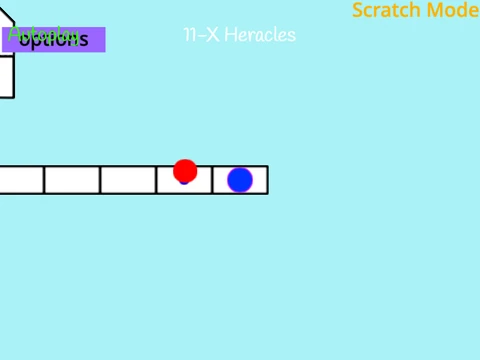
Dive into the rhythm with the osu! standard Full Remake benix edition, a faithful browser-based adaptation of the popular music game built on Scratch. This version delivers highly accurate gameplay where you click, slide, and spin to the beat. To unlock all its capabilities, including full import functionality, playing on TurboWarp.org is the recommended way.
Edition Features & Community Status
This edition builds upon the classic remake with core features that enhance replayability:
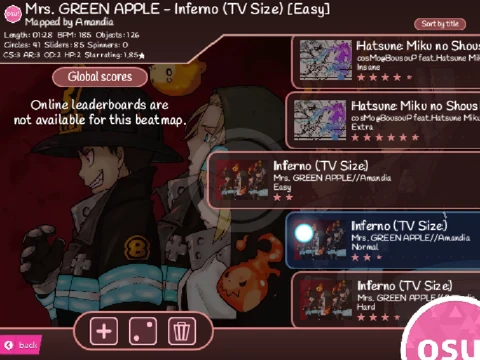
- Custom Beatmap Import: The defining feature is the ability to import your own .osu beatmap files from the official osu! game directory. Play your personal music library online (always credit the original mapper!).
- Gameplay Mods: Apply various mods to change the game's speed, visibility, and other parameters for a fresh challenge.
- Notable Recognition: Praised by @GarboMuffin, the creator of TurboWarp and Forkphorus.
- View Milestone: Achieved a symbolic 65,535 views, noted as the maximum value for an unsigned 16-bit integer.
Gameplay Mechanics & Control Scheme
Master the three primary note types:
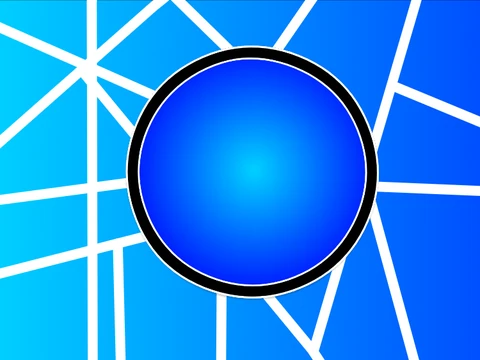
- Hit Circles: Click as the outer ring meets the inner circle.
- Sliders: Click to start, then hold the mouse button (or Z/X) and follow the moving ball.
- Spinners: Hold and spin your cursor around the screen's center.
Full Control Options: Interact using mouse click, Z key, or X key. Exit instantly with a double press of P. Use the scroll wheel for volume control and the -/= keys to adjust local offset (hold Shift for precise changes). For an immersive session, hit F11 to enable fullscreen mode on Windows.
How to Add Your Own Songs: Import Guide
Bring your osu! library to this online platform. A crucial first step: always credit the original beatmap creator when using imported content.
- Play the project on the TurboWarp platform for full functionality.
- Navigate to your osu! Songs folder (usually in AppData > Local > osu!) and find the .osu file for your song. Extract .osz archives first if necessary.
- Convert the .osu file to plain text (.txt) using a text editor like Notepad or by simply changing the file extension after making a copy.
- Click "See inside" the Scratch project. Upload your music file to the "Audio Files" sprite and a 4:3 cropped background image to the "Background" sprite, ensuring it fits the 480x360 stage.
- Run the project (Green Flag) and click the "Import" button.
- Right-click the import list, select "import", choose your .txt file, and enter the exact filenames (without .mp3/.png extensions) for your audio and image.
- Wait patiently for the import process to finish without clicking elsewhere.
Once imported, your custom songs are ready to play. Also, explore the companion osu! Mania v3 project for a different style of rhythm gaming.