osu mania
Master the Rhythm with osu!mania Online
Experience the thrill of osu!mania, a fast-paced online rhythm game directly in your web browser. This version, based on the original project by OliBomby, brings the core mechanics of the popular key-based mode to a convenient, free-to-play format. Challenge your timing and reaction speed as you hit notes to the beat of the music.
Gameplay & Controls
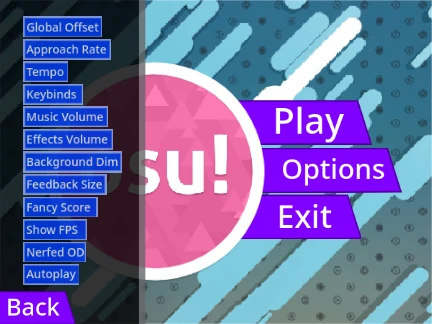
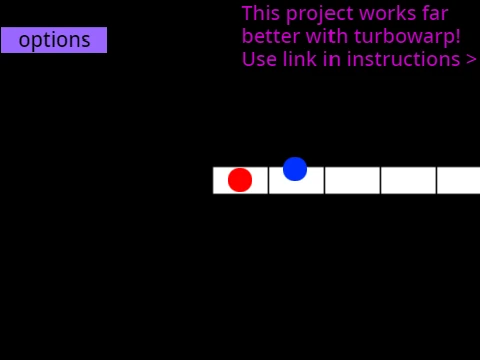
Notes fall from the top of the screen towards a stationary receptor line. Your goal is to press the correct key at the exact moment the note hits the line. The default key configuration, from left to right, is D, F, J, K. Look out for hold notes, indicated by a circle with a white extension line, which require you to hold the key down until the line ends. Need to restart quickly? Simply press the P key to instantly end the current map. All keybinds are fully customizable in the game's options menu to suit your preferred setup.
Performance Tips & Enhancements
For the smoothest experience, it is recommended to play on an external player mirror for reduced input lag and a stable 60 FPS frame rate. You can also disable the "Fancy Score" display option within the game for additional performance gains. New players should start with the song "Anemone" on the Beginner difficulty, which is designed to be the easiest map for learning the basics.
Expanding Your Library
One of the unique features of this browser version is the ability to add your own custom osu!mania beatmaps. Advanced users can import charts by pasting the formatted .osu file contents into the map manager and adding the corresponding song files and graphics.
While this browser game offers great practice and instant access, the developers encourage players to download the official osu! client to enjoy the full, feature-rich experience with an unlimited song library and online rankings.