Osu Mania V3 ASKL edit
Osu Mania V3 ASKL Edit: A Browser-Based Rhythm Challenge
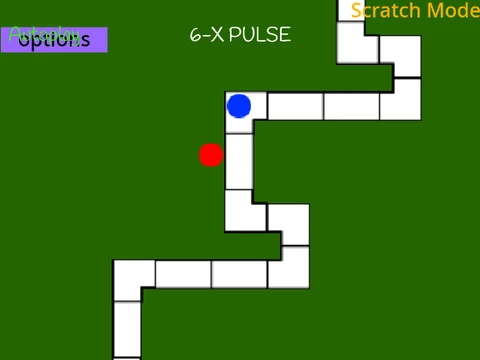
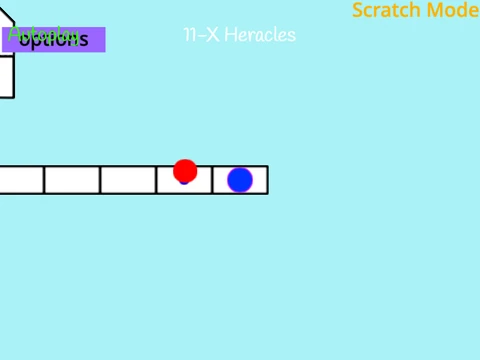
Osu Mania V3 ASKL edit delivers an instant, no-download rhythm game experience directly in your web browser, modeled after the beloved Osu!mania mode. This version is a specific reskin of the popular @OliBomby‘s Osu! Mania V3 project, distinguished primarily by its default keybindings set to A, S, K, and L.
Gameplay & Core Mechanics
Master the classic 4-key vertical scrolling gameplay. Notes descend down four columns, and you must press the corresponding key (A, S, K, L) at the exact moment they hit the receptor line. The game features standard notes and hold notes—identified by a white trailing line—which require you to hold the key down for the duration of the slide.
Performance Tips & Controls
For the smoothest experience, play this game on Phosphorus and disable the ‘Fancy Score’ visual option to minimize browser lag. New players should begin with the beginner-level ‘Anemone’ map to learn the basics. A handy P key shortcut allows you to instantly exit any map.
Note on Customization
The developer clarifies that this edit‘s main change is the pre-set key configuration. Since the original project already includes fully customizable keybindings in its settings, this version serves as a convenient preset rather than a necessary fork.
While this web version is perfect for a quick play session, for the complete, ever-expanding library of community-created beatmaps and all game modes, downloading the official, free Osu! client is the ultimate recommendation for Windows and macOS users.