Osu Mania V3 remix v3
Osu Mania V3 Remix V3: Play and Customize osu!mania Online
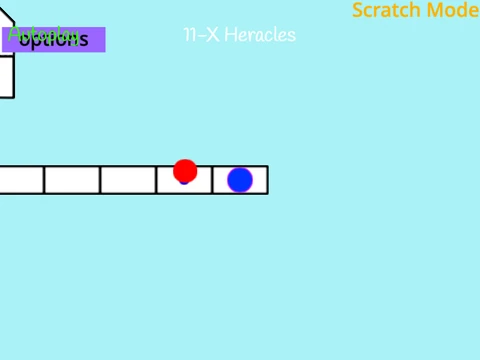
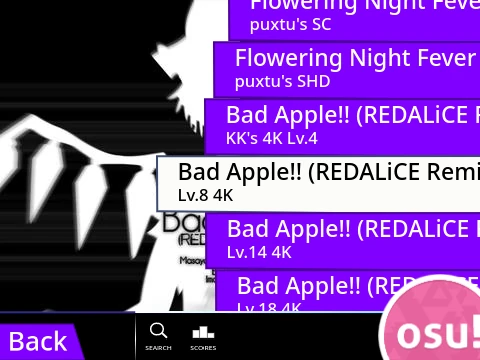
Play a fan-made version of the popular rhythm game osu!mania right in your browser with "Osu Mania V3 Remix V3". This Scratch-based project, originally created by OliBomby, faithfully recreates the fast-paced 4-key gameplay. For the best experience, note that the game starts with "Autoplay" enabled by default. You can easily turn this off in the "Options" menu to take full manual control.
Gameplay and Controls
Master the beatmaps using the default keys A, S, K, L for each of the four columns, and press B to instantly quit a mapβall of which are fully customizable. Hit notes precisely as they reach the receptors for the highest score, and remember to hold down the key for extended hold notes.
Customize Your Experience
A major highlight of this version is its high degree of customization. The instructions provide a complete, step-by-step guide for importing your own 4K osu!mania beatmaps into the project. This involves:
- Extracting the .osu file from the official osu! editor.
- Formatting it with "/n" line breaks using an online tool.
- Importing the data and matching audio files into the Scratch project.
Additionally, you can personalize the visual experience by editing the note sprites or even importing assets from official osu! skins to create your own custom skins. The game also offers a variety of visual styles with provided color codes like dark orange (25500), indigo purple (100149237), or lime (2232550).
Whether you're playing included charts or importing your favorites, this project offers a flexible and authentic osu!mania experience directly on the web.