Osu With Mecha
Osu With Mecha: A Custom 4K Rhythm Battle in Your Browser
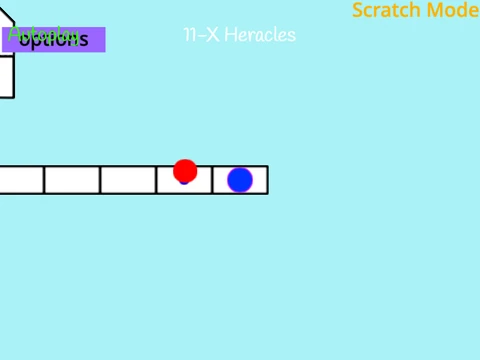
Take control of a rhythmic mecha in this engaging osu!mania simulator. Osu With Mecha delivers the authentic four-key vertical scrolling experience, challenging you to synchronize your key presses with a cascade of falling circles. Default controls use the D, F, J, and K keys for intuitive column mapping. Achieve high scores by hitting notes with perfect timing and managing hold notes effectively. The game is built for flexibility, offering deep customization options for both appearance and content.
Gameplay Mechanics & Controls
The gameplay is straightforward yet demanding. Circles descend down four columns, and you must press the key matching the column at the exact moment the circle meets the receptor line. Extended circles require you to hold the key down until their tail passes. If a song becomes too intense, press P to quit immediately. You can reconfigure every control in the settings to match your preferred playstyle, whether you use a keyboard, hitbox, or other controllers.
Visual Customization Options
Adjust the game's look to reduce eye strain or match your theme. A palette of 16 colors is available, defined by RGB codes. For example, use 24517665 for a rose pink background or 1296565 for an emerald green tint. For a complete visual overhaul, you can implement custom skins. This involves editing the note and receptor sprites. You can even import elements from existing osu! skins, ensuring receptor images are trimmed to 176 pixels from the bottom for correct positioning.
Import Your Personal Beatmap Collection
The standout feature is the ability to import any 4K osu!mania beatmap you own. Here’s how to expand your in-game library:
- Obtain the
.osu file from your official osu! beatmap folder.
- Process the file by adding
/n after every line to format it for this platform.
- Clean the file by removing non-essential sections like
[Editor].
- Import the text data into the "Map Master" sprite using the provided code blocks.
- Upload the corresponding
.mp3 audio and background image files.
- Finally, create a selection button by naming a new outfit "SongTitle//DifficultyName".
This capability transforms Osu With Mecha into a personalized rhythm game station, perfect for practice and enjoyment without launching the full client.